Contacts enhancement
HCL Verse 3.2.8 provides the following enhancements related to Contacts.
Mark a Personal Contact as Private
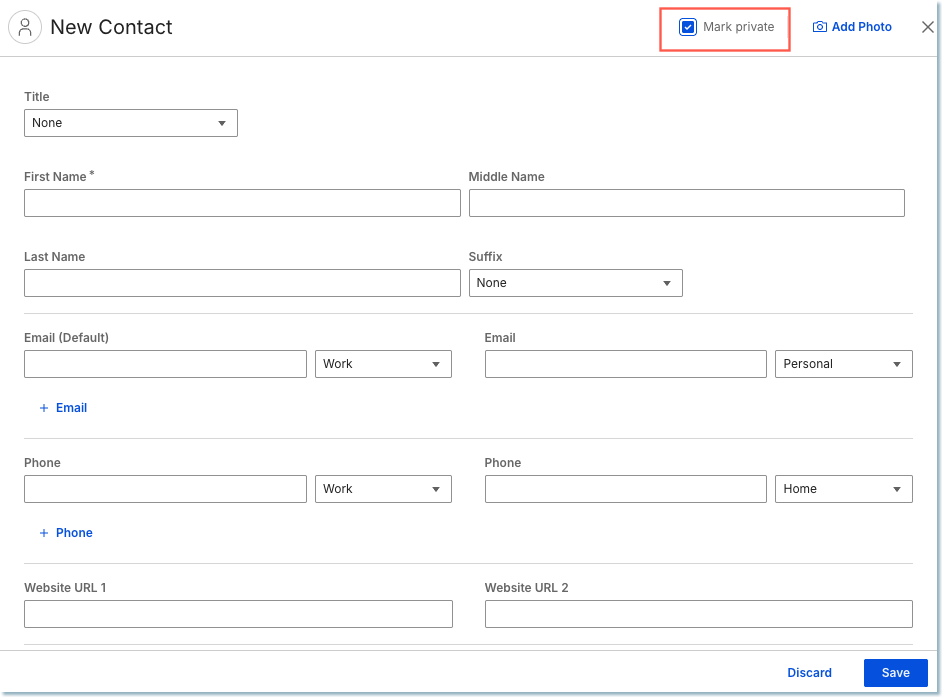
You can now keep specific personal contacts and contact groups confidential from delegated users.
When creating or editing a personal contact or group, select the Mark Private checkbox. Once marked as private, the contact or group will be hidden from anyone who has delegate access to your contact list.
See How do I manage my personal contacts? for more information.
Add Title and Suffix fields to the Verse Personal Contacts
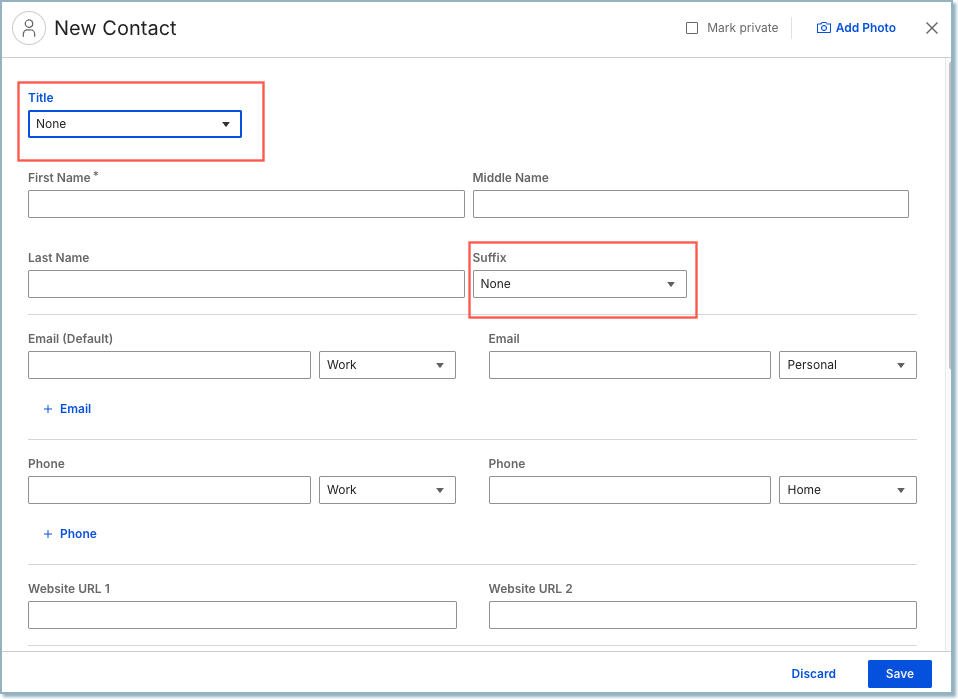
When adding or updating a person's contact details, you can include their title (like Dr., Mr., or Ms.) and suffix (like Jr., Sr., or III). You can pick from a pre-made list or type in your own custom one. Once saved, these will appear right at the top whenever you view their contact info.
See How do I manage my personal contacts? for more information.
Parent topic: What's new in Verse 3.2.8?