How do I use a QR code to join a meeting?
You can use a QR code to join an online meeting. This feature is available if your administrator enables it.
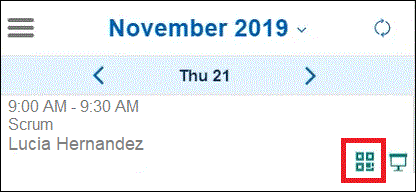
From a desktop browser, click the QR code icon in an online meeting in your calendar:

Or click the QR code icon in an online meeting from a mobile device:
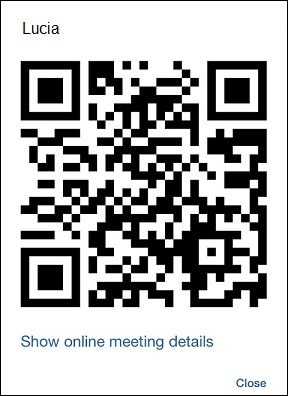
A QR code for the meeting pops up. To connect to the online meeting, scan the code with a QR code scanner such as one on your mobile device. Click Show online meeting details if you want to see the meeting URL.
Parent topic: How do I manage my calendar?