How to search for emails from a user sent by a delegatee?
If you receive an email sent by a delegated user (for example, an executive administrator) on behalf of another user (for example, an executive), you can search for that email by searching for emails 'from' the executive.
Note: This capability was added in Verse 3.2.5
-
Receive an email from an executive that was sent by the executive's administrator.
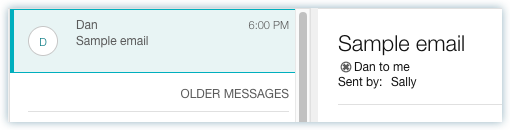
-
In the search bar, type the executive's name and choose the executive from the type-ahead list.
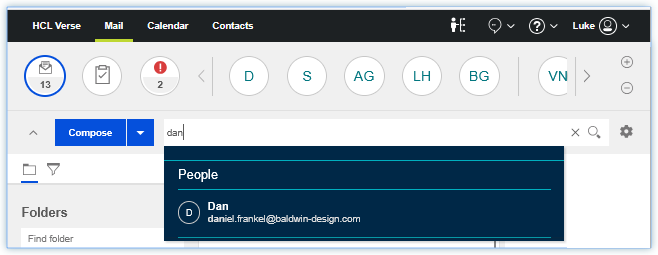
-
In the search results, you can see the email from the executive.
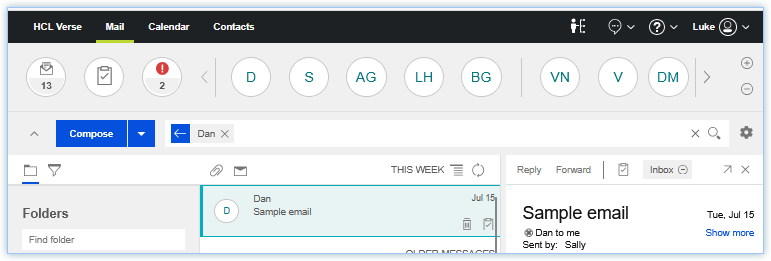
Note: This capability requires updates to mail file designs. See Applying the Verse search view changes to existing mail files for more information.
Parent topic: How do I manage the address I send emails from?