How do I run Verse as a standalone app?
Beginning with HCL Verse 2.0, you can install and run HCL Verse as a standalone browser app that is based on progressive web app (PWA) technology.
As a PWA, Verse runs in its own window rather than as a tab in your browser. You start and stop it as you do other installed browser apps.
Verse as a standalone browser app is currently supported for the following browsers. For supported browser versions, see the Verse 2.0 system requirements.
- Chrome on Microsoft™ Windows™, Mac OS, and Android
- Microsoft™ Edge (80+) on Microsoft™ Windows™
- Apple Safari on iOS
To install Verse as a standalone app:
-
Log in to Verse through the server browser URL, for example:
https://baldwin-design.com/verse. -
Install the Verse app.
The browser may indicate that there is an app to be installed. For example, on Chrome running on Windows, a + icon is shown in the browser bar, which you can click to install the Verse app:

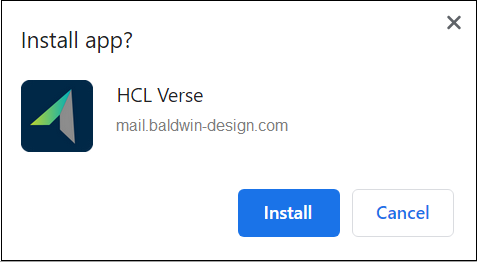
On some browsers the prompt to install Verse is shown automatically
On mobile devices, you are given instructions about how to add the Verse app to your home screen.
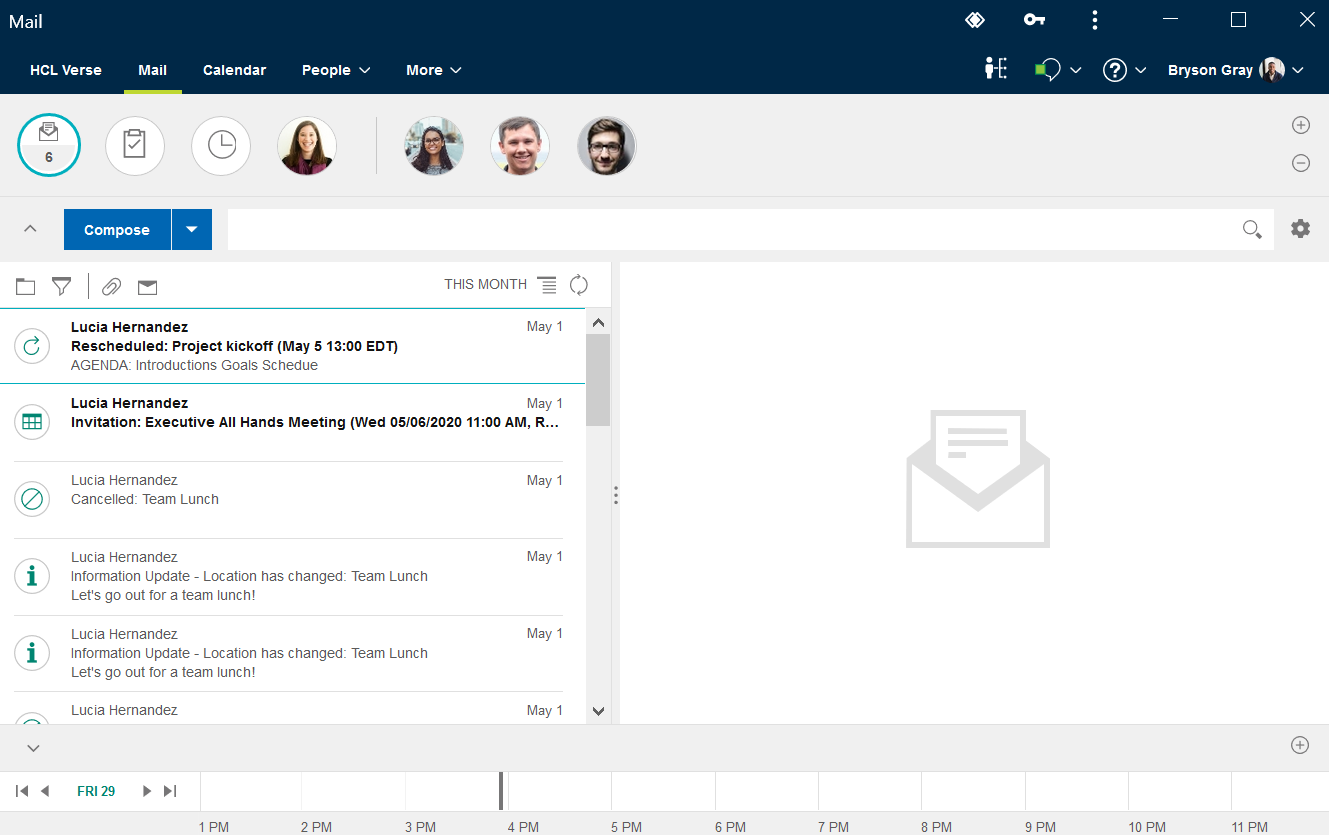
Verse immediately starts in its own window. Stop, start, or uninstall Verse just as you do other installed browser apps.
Parent topic: User Documentation