Initial administrative access
When the environments have been provisioned, a designated administrator is required to perform some initial configuration actions in each environment, predominantly related to federating the HCL Mosaic identity provider service with your existing identity provider service(s).
For this initial admin access, HCL Mosaic integrates with and will use the existing HCL Software account you already use for access to other services like the HCL Software Support Portal.
During onboarding, you will designate the account to be used for this initial access and once configured, authentication via the HCL Software Okta identity provider service will grant access to this initial administrator account for the HCL Mosaic environments.
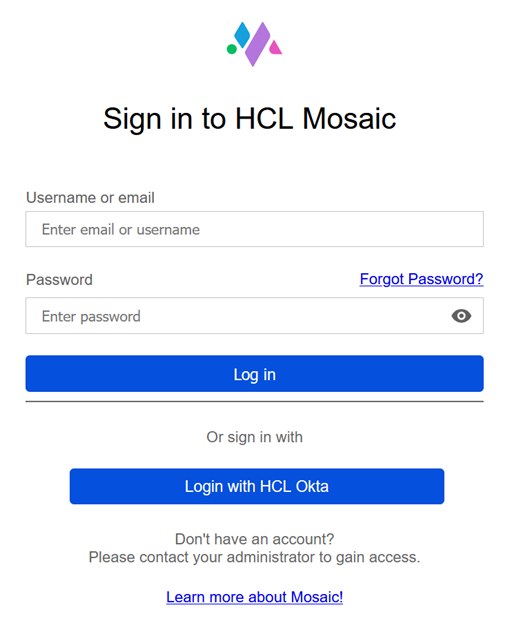
When presented with a login screen in the Mosaic environment, click the Login with HCL Okta button to log in using your existing HCL Software account.
Once the federation with your existing identity provider service(s) is configured and validated, then any other admins, developers, practitioners and authenticated users will be able to authenticate and access the environments as well.
Related Information