Uninstall the Tiny Editors Integration on Windows
Running the uninstall program will remove the Tiny Editors integration on Windows.
-
Stop the Common WebSphere enterprise application.
-
Log in to the web interface of the WebSphere Application Server Console.
The default address is:
https://host_name:9043/ibm/console -
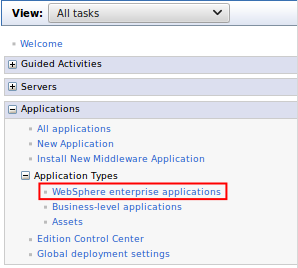
Navigate to Applications > Application Types > WebSphere enterprise applications.
-
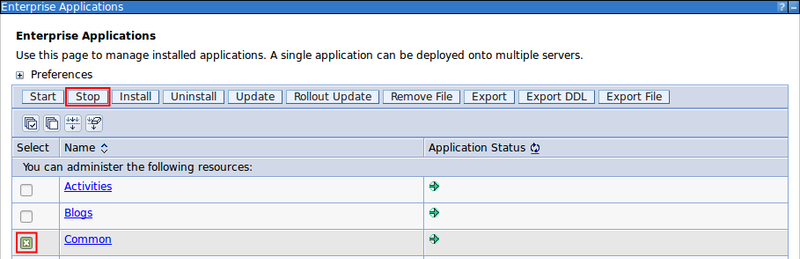
Select the checkbox for Common from the list of applications and click Stop.

-
-
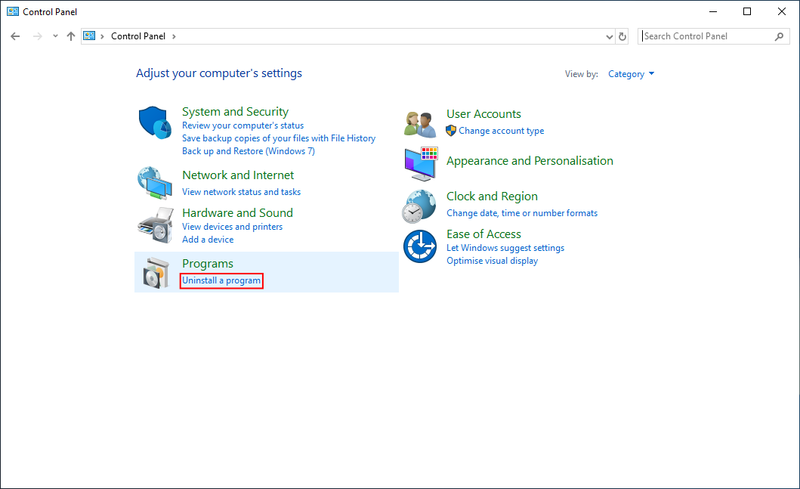
Navigate to Programs > Uninstall a program in Control Panel.
-
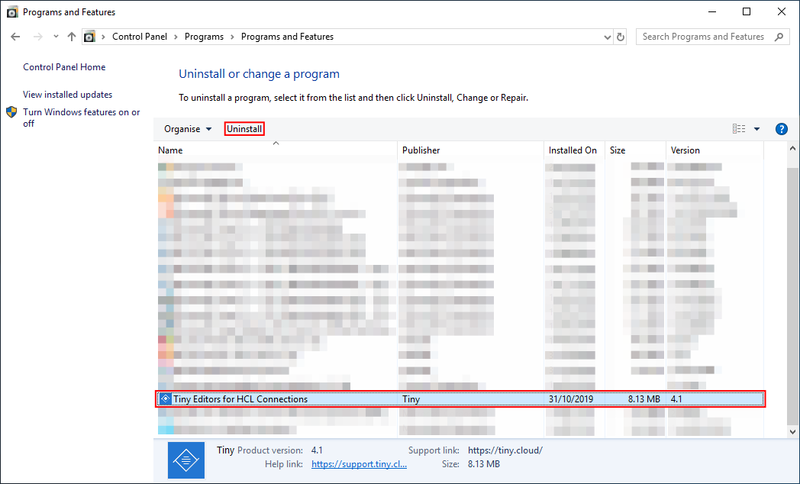
Select the Tiny Editors for HCL Connections entry and click Uninstall.
-
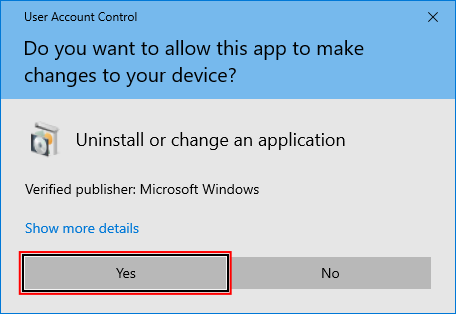
If prompted for System Administrator privileges, click Yes.
-
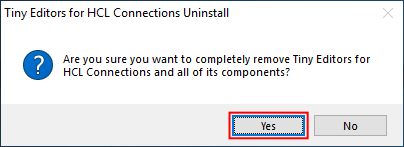
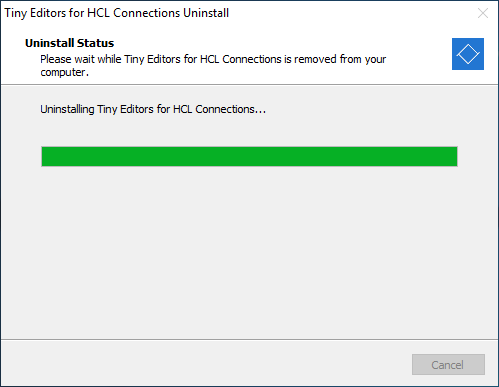
Click Yes at the prompt and allow the installer to complete the uninstall.
-
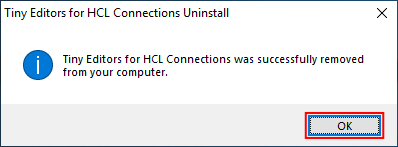
Click OK to close the uninstaller.
-
Start the Common WebSphere enterprise application.
-
Log in to the web interface of the WebSphere Application Server Console.
The default address is: https://host_name:9043/ibm/console
-
Navigate to Applications > Application Types > WebSphere enterprise applications.
-
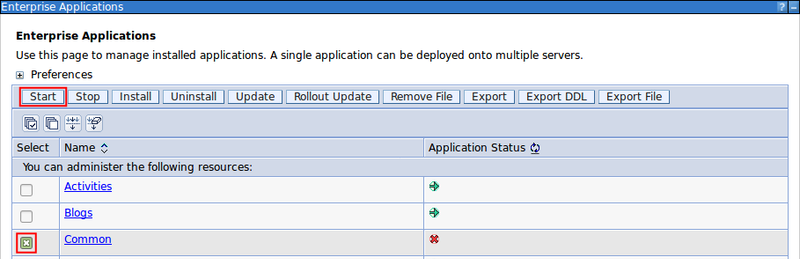
Select the checkbox for Common from the list of applications and click Start.

-
Parent topic: Uninstalling Tiny Editors Integration