Change the default trust store to the Tiny Editors Services trust store
This task outlines the process for changing the default SSL trust store to the web-aware trust store for the Tiny Editors Services.
Before you begin: A suitable trust store is required. See Create a web-aware trust store for the Tiny Editors Services for details.
-
Log in to the web interface of the WebSphere Application Server Console.
The default address is:
https://host_name:9043/ibm/console -
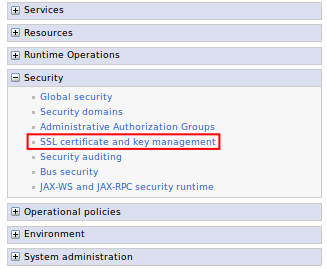
Expand Security and click the SSL certificate and key management link.
-
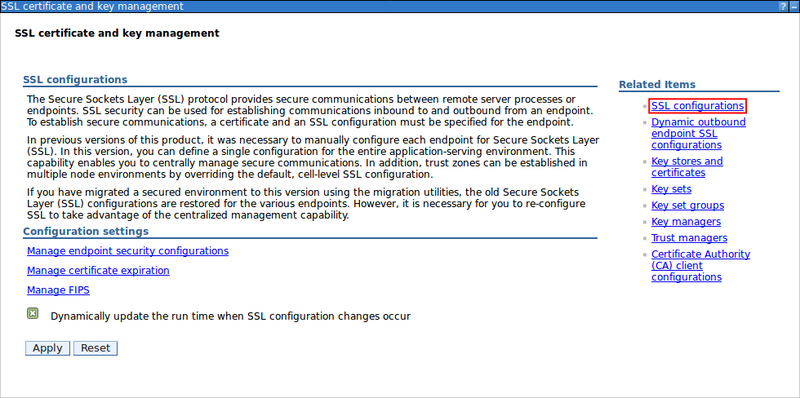
Click the SSL Configurations link.
-
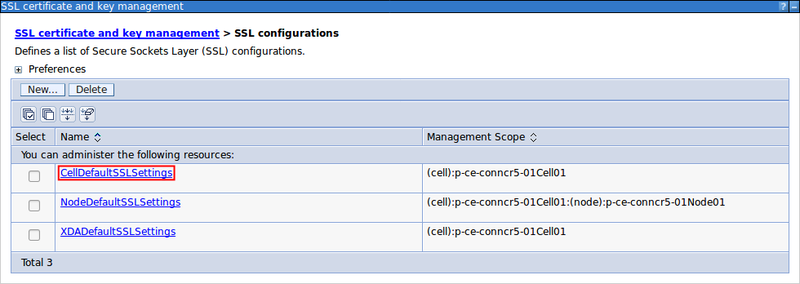
Click the CellDefaultSSLSettings link.
-
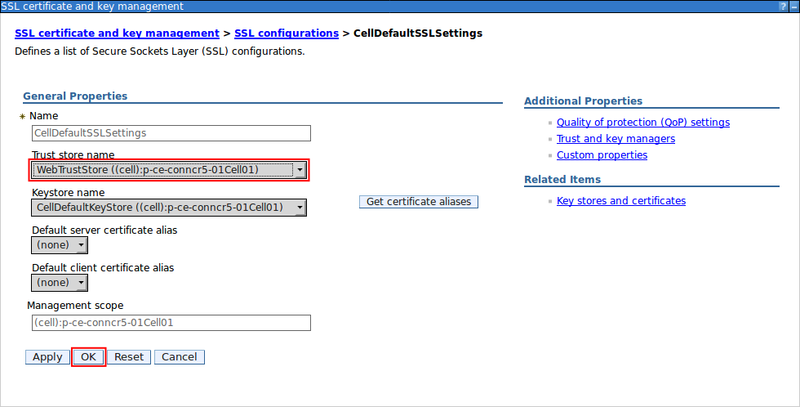
Enter the Tiny Editors Services Trust store name and click OK.
-
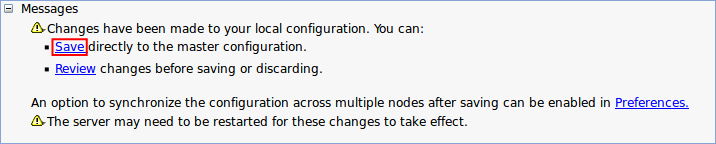
Click the Save link.
Parent topic: Configuring the SSL certificates for the Tiny Editors Services