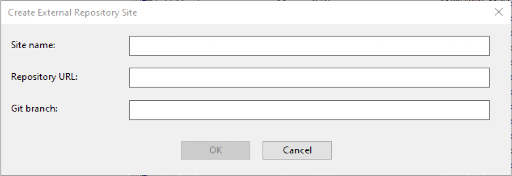
Create Repository Site
This dialog, available starting with BigFix 11.0.7, lets you create an external repository site.
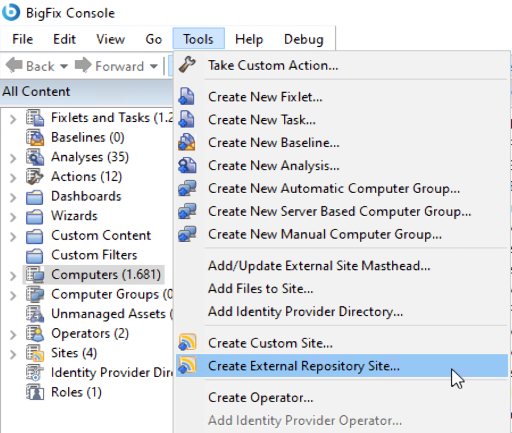
To create an external repository site, select Tools > Create External Repository Site...
This opens the Create External Repository Site dialog, where you can specify:
- The Site name: (Required) Identifies the BigFix site.
- The Repository URL: (Required) Identifies the SSH URL, for example git@host:organization/content.git or ssh://…
- The Git branch: (Optional) You can leave it empty to use the repository default branch.