Connection Details
User can Manage the connection details from this menu.
To manage the connection details, perform the following steps:
- On the main menu bar, click Advance Configuration->Connectivity, and then click Connection Details.
- The Connection
Details page appears.
Figure 1. Connection Details 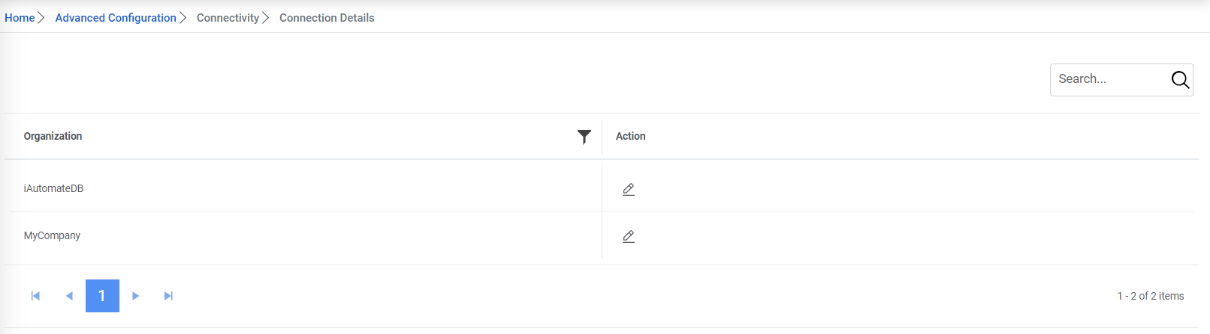
- It lists the existing Organization.
- Click the Edit icon under the Action tab to edit the details.Note:On the click of edit, the connection string will only be visible in the textbox if the below key is set to 'Y' in BaseUI’s web.config. If its value is ‘N’, then the Connection String textbox will be empty.

Figure 2. Connection Details (Cont.) 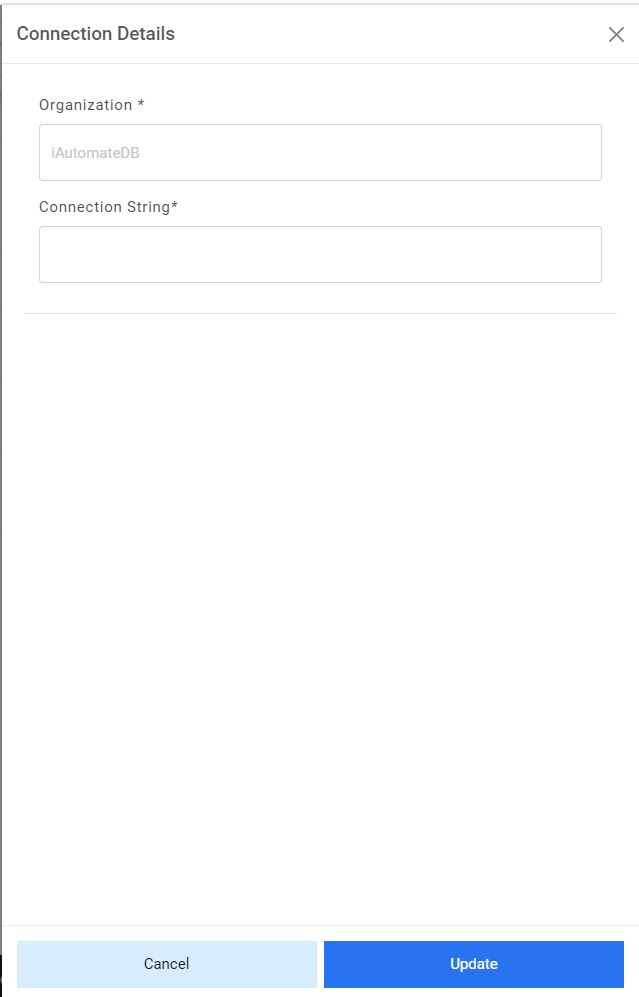
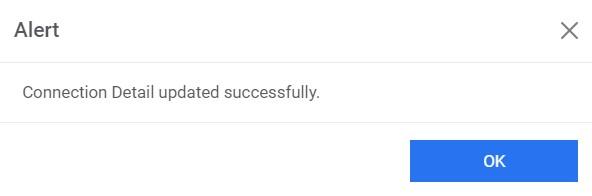
- Type the updated connection string. Click Update to make the changes. A
confirmation dialog box appears.
Figure 3. Connection Details (Cont.)