
Knowledge
This section describes how to configure the knowledge, including domains, collections, knowledge search, and knowledge analysis for the environment.
To configure knowledge, perform the following steps:
- On the main menu bar, click Knowledge. The Knowledge page displays
following sections:
Figure 1. Knowledge 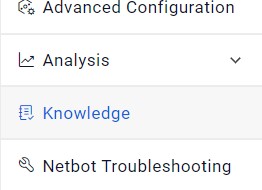 Note:Ensure user is logged in as administrator to create and manage Knowledge and associated parameters.