Quick Links
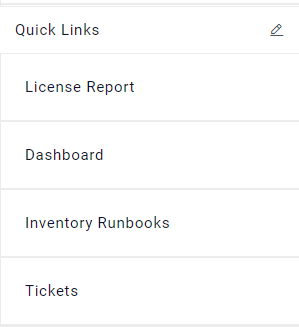
User has an option to add a maximum of 6 menus for easy access. For all the menus that are frequently required can be added here so that they can be easily accessed from this menu.
- For that, click on icon
 corresponding to Quick Links
option available at the bottom of the menu.
corresponding to Quick Links
option available at the bottom of the menu.Figure 1. Quick Links 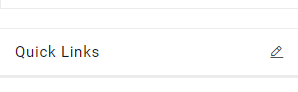
- The below popup will be added.
Figure 2. Added to Quick Links 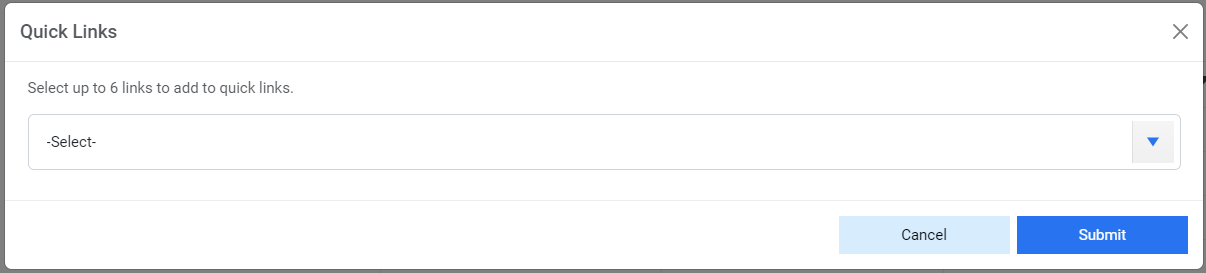
- Users can select a maximum of 6 menus from the dropdown and click on Submit. Below alert
will be generated.
Figure 3. Added to Quick Links 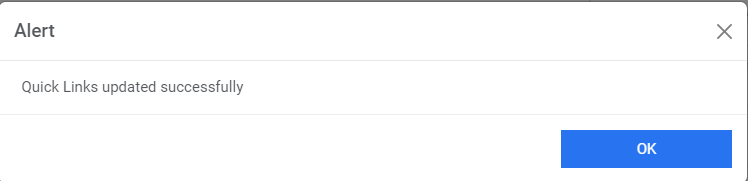
- These menus then can be directly accessed without looking for them under menus.
Figure 4. Added to Quick Links