Configure mTLS Certificate
Use this step to configure mutual TLS (mTLS) certificates for secure internal and external communications.
About this task
Procedure
-
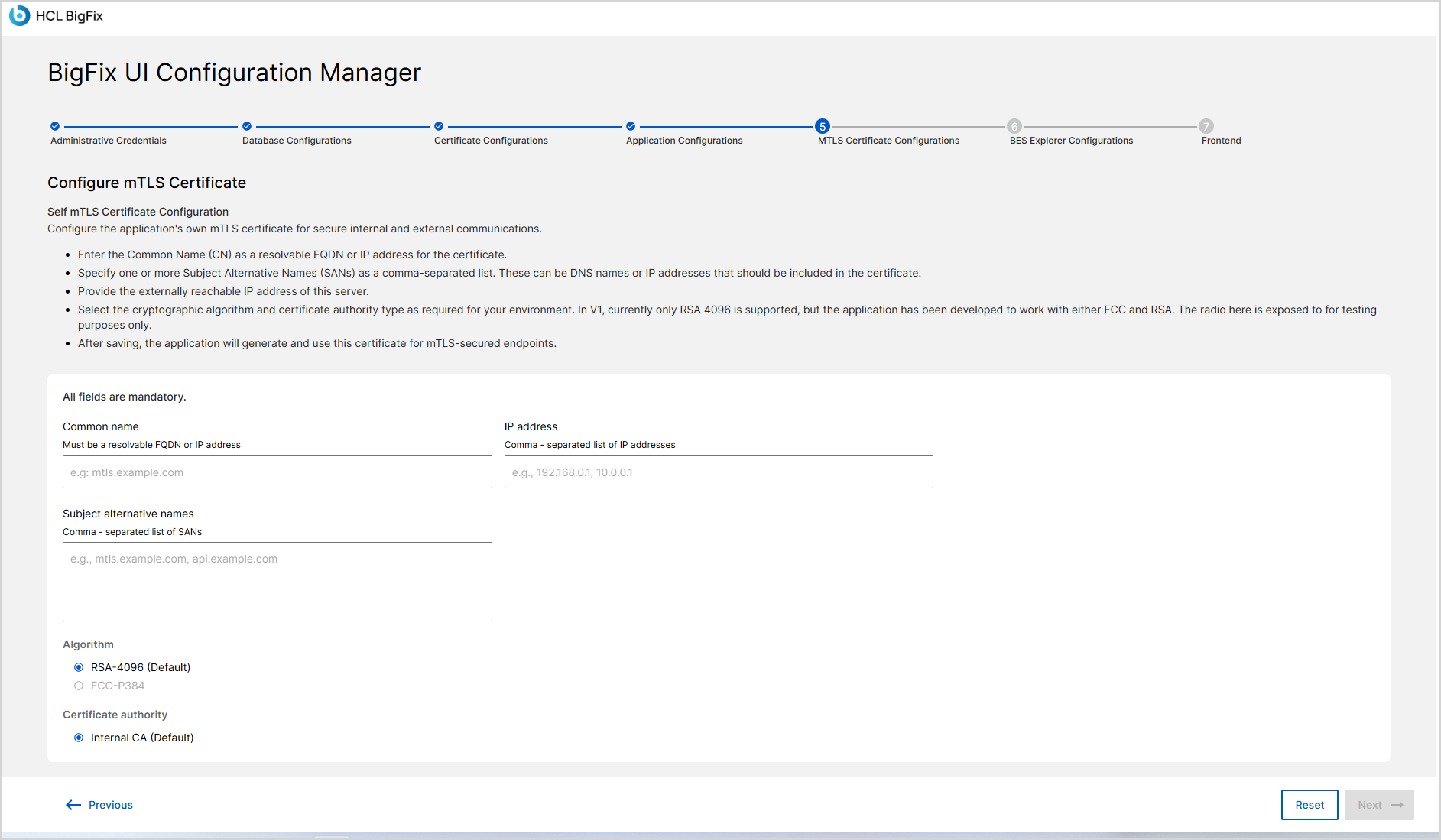
After completing Application Configuration, click Next
button to open the MTLS Certificate Configurations
screen.
-
In the Common name field, enter a resolvable FQDN or IP
address for the certificate.
Example: bfserver.example.com.
-
In the Subject alternative names (SANs) field, specify
one or more DNS names or IP addresses.
Separate multiple SANs with commas.
Example: bfserver.example.com, api.example.com.
- In the IP Address field, provide the IP address associated with the certificate.
-
Under Algorithm, select the cryptographic algorithm for
the certificate.
- RSA-4096 (default)
- ECC-P384
-
Under Certificate authority, choose the CA for issuing the certificate.
-
Internal CA (default)
-
You can configure an external CA if required.
-
- Review all entries carefully. After saving, the application generates and uses this certificate for TLS-secured endpoints.
-
Click Next to continue to the BES Explorer
Configurations step.
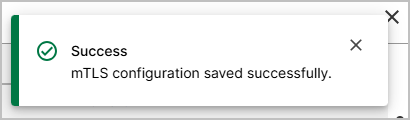
If the mTLS configuration is accepted, a success message is displayed.