Deploy Frontend
The frontend deployment is the final step in the BigFix UI Configuration Manager setup process. In this step, the system unpacks and installs the frontend files required for the application’s user interface. Deploying the frontend ensures that all previously configured components; administrative credentials, database settings, and certificates are integrated and accessible through the application interface. Completing this step finalizes the setup and makes the BigFix UI ready for use.
About this task
Procedure
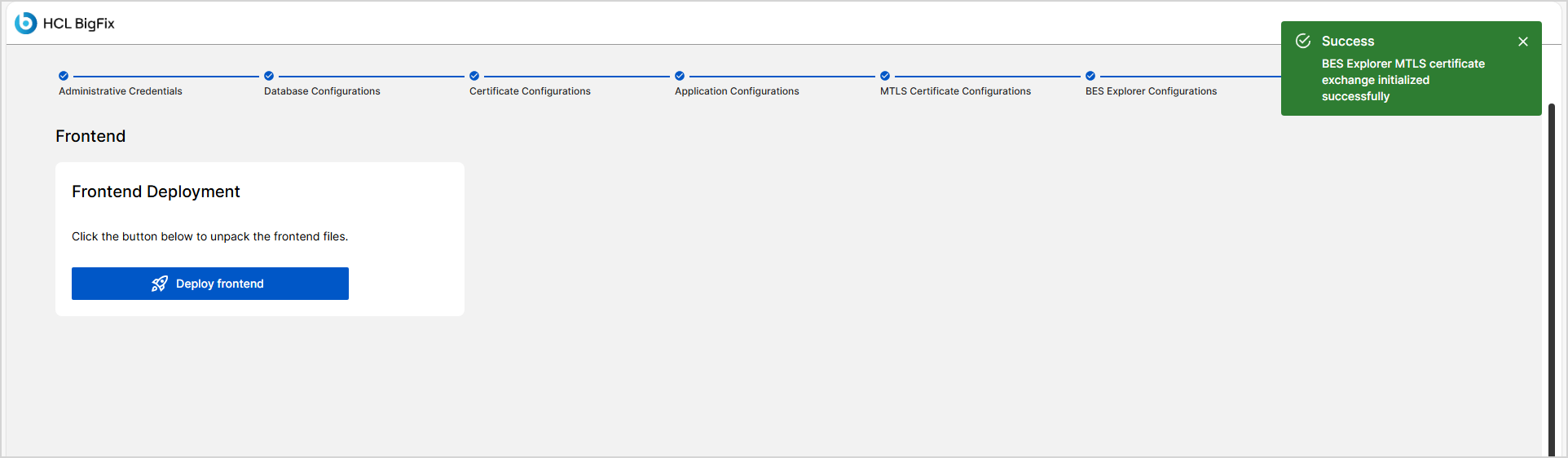
- After completing BES Explorer configurations, click Next button to open the Frontend screen.
-
Click the Deploy frontend button to begin unpacking the
frontend files.
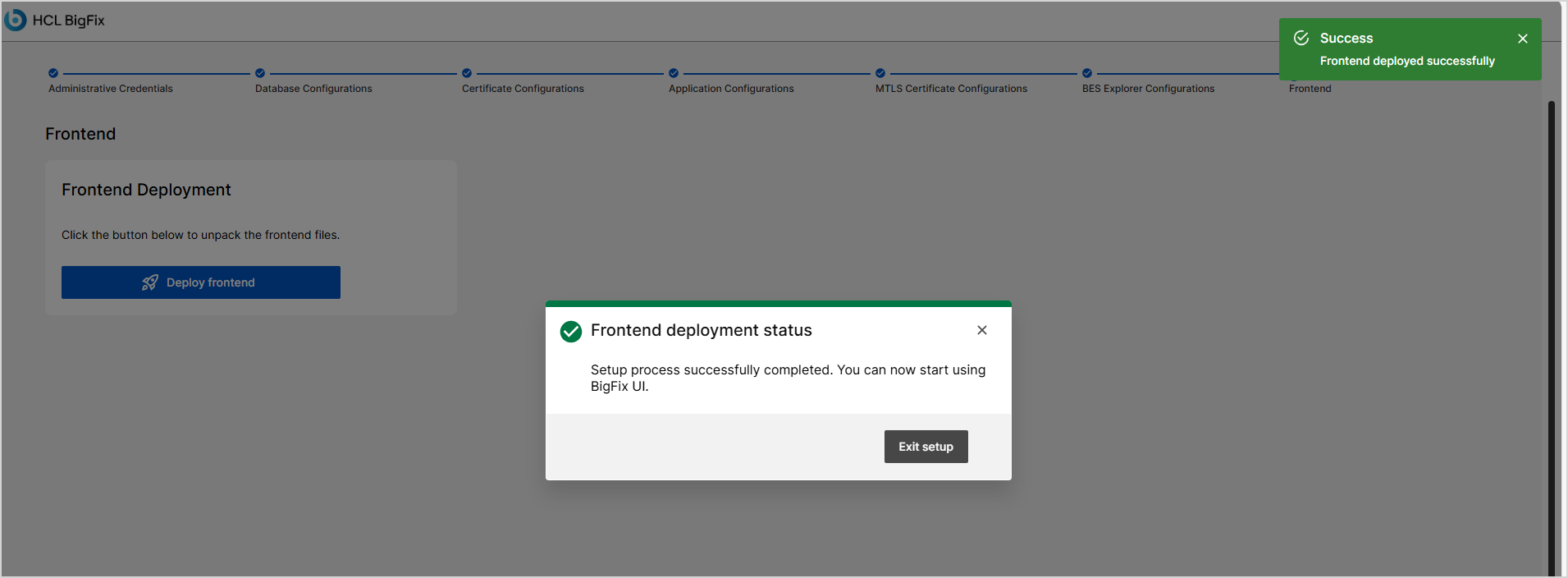
If the deployment is successful, a message such as "Frontend deployed successfully" appears.
If deployment fails, an error message is displayed ("Error deploying frontend files: Unknown error")