
Filter Queries
Use the filtering options to narrow down the results of your agent queries based on specific attributes. You can apply filters to an existing list of results, or you can set your filters before running the query to retrieve specific data from the start.
About this task
Procedure
-
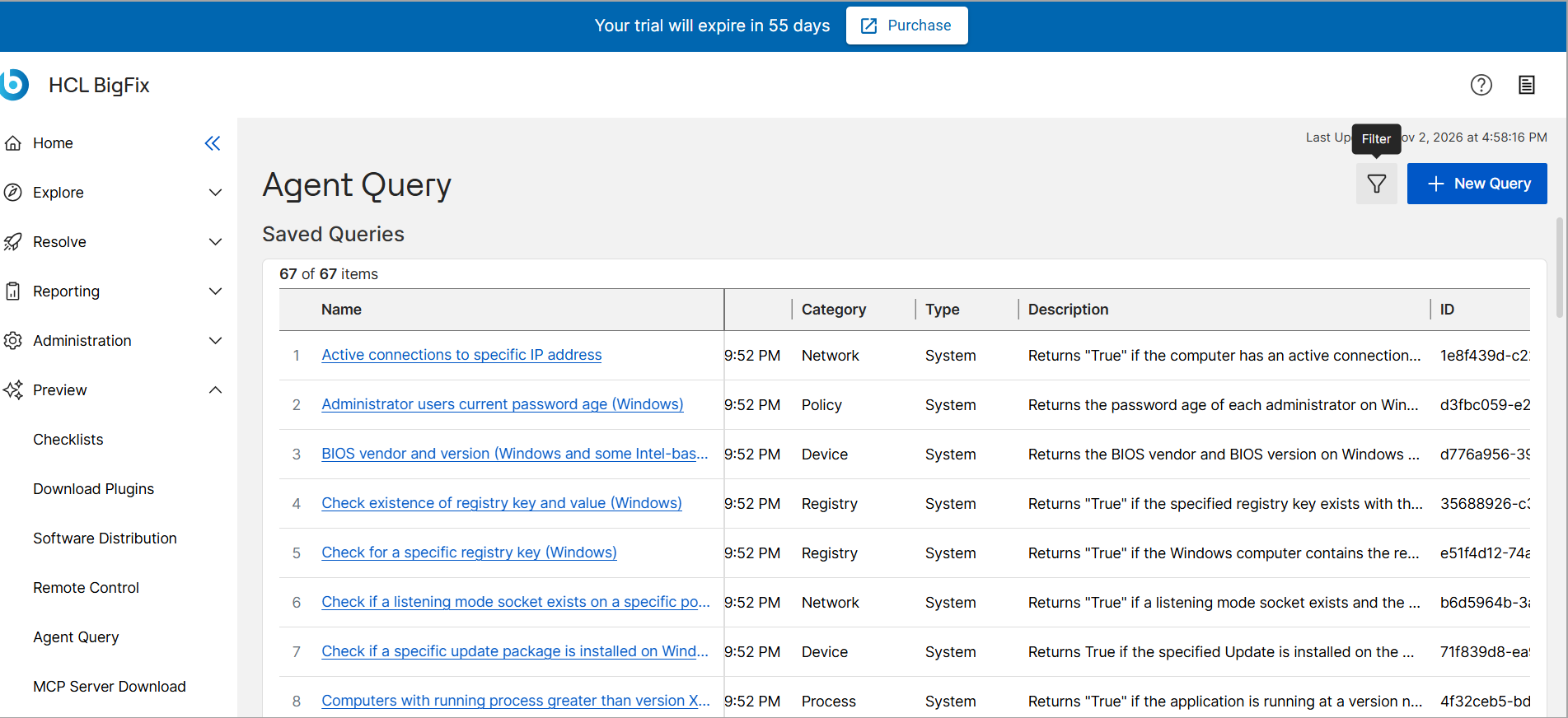
Click the Filter icon.
-
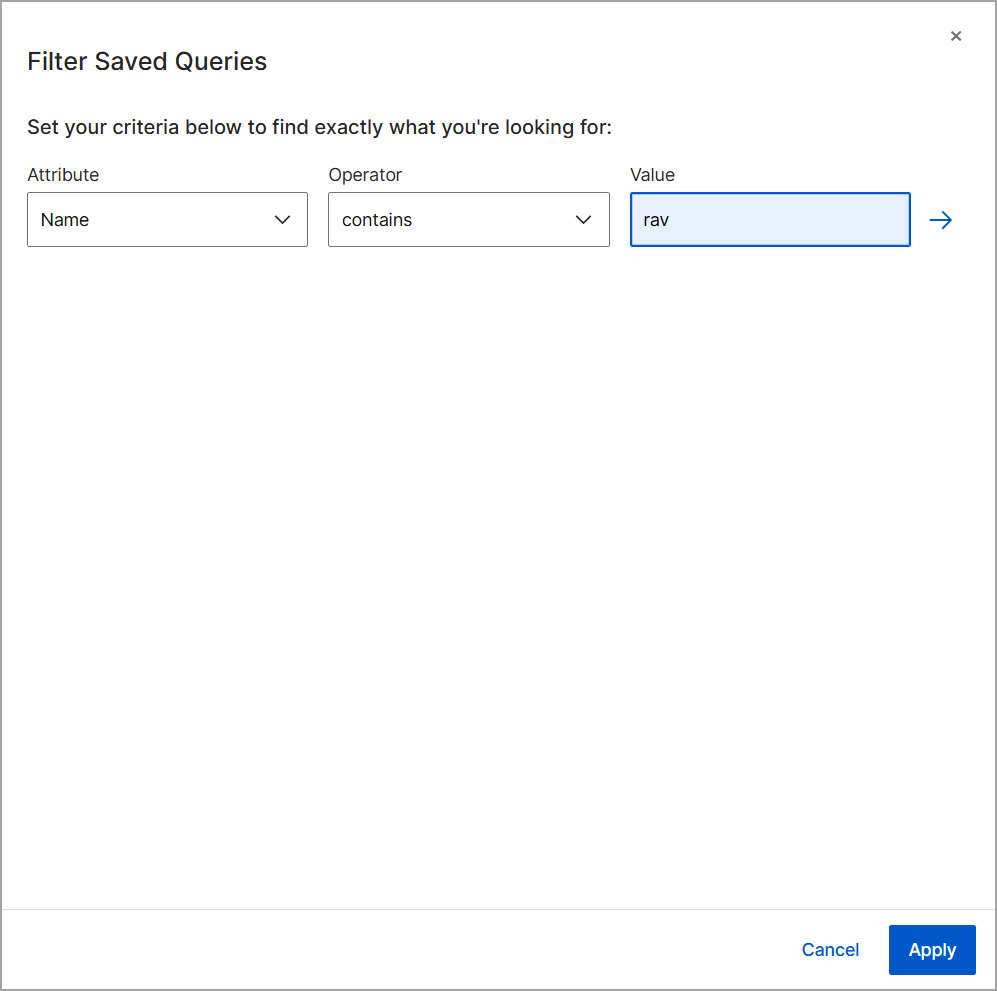
Set your filter criteria by selecting an attribute (such as Name or Date
Added), choosing an operator (such as contains), and entering a target
value.
-
Click Run Query if you are filtering before retrieving
data.
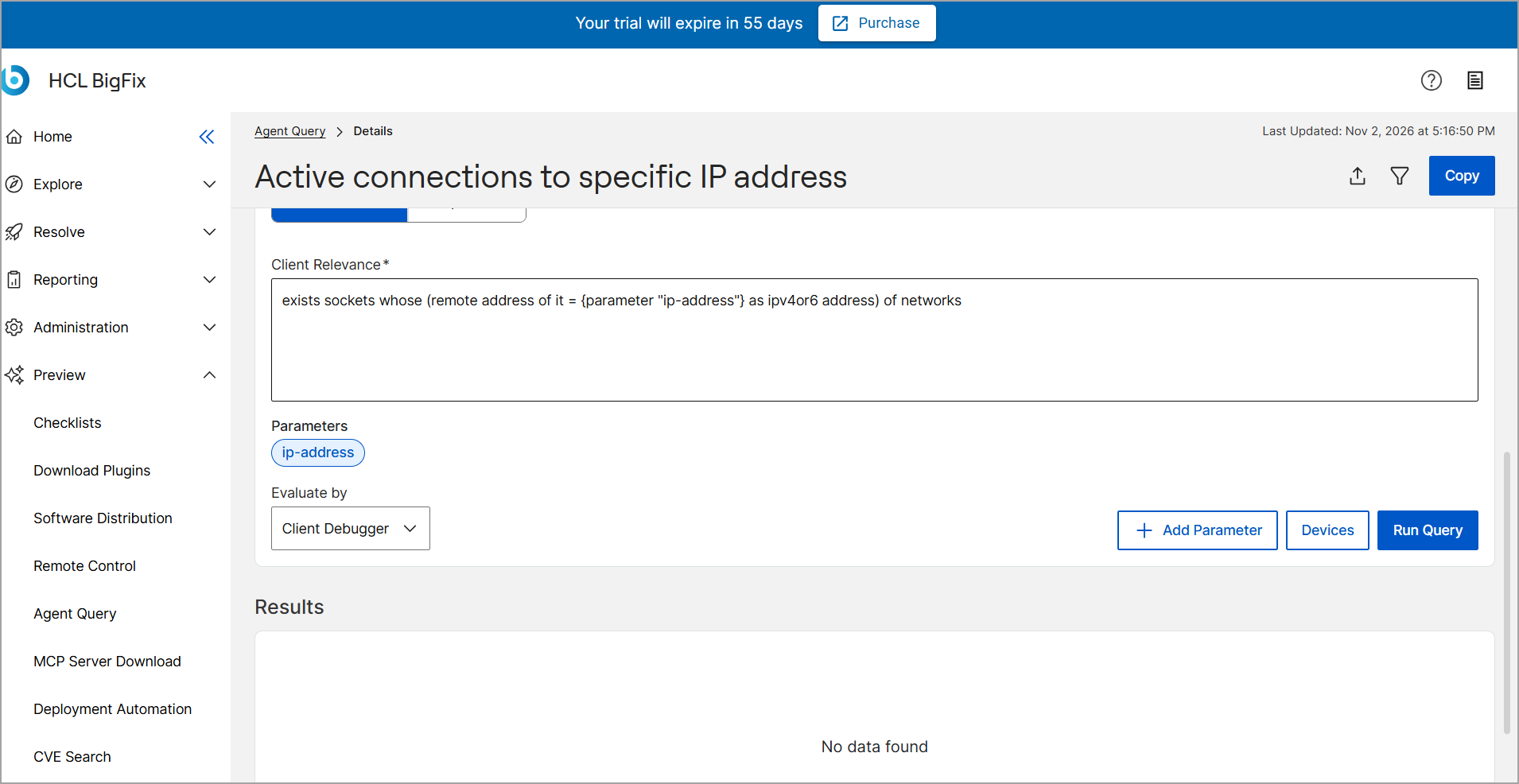
If you are filtering an existing list, the results update automatically. If you are setting filters before retrieving data, click Run Query.