
MCP Server Download
The MCP Server Download Preview app provides a centralized download for the BigFix SaaS MCP Server. Once installed locally, the server acts as a bridge between BigFix SaaS APIs and supported LLM clients, including Claude Desktop, Claude Code, VS Code, and Copilot CLI.
Before you begin
About this task
Procedure
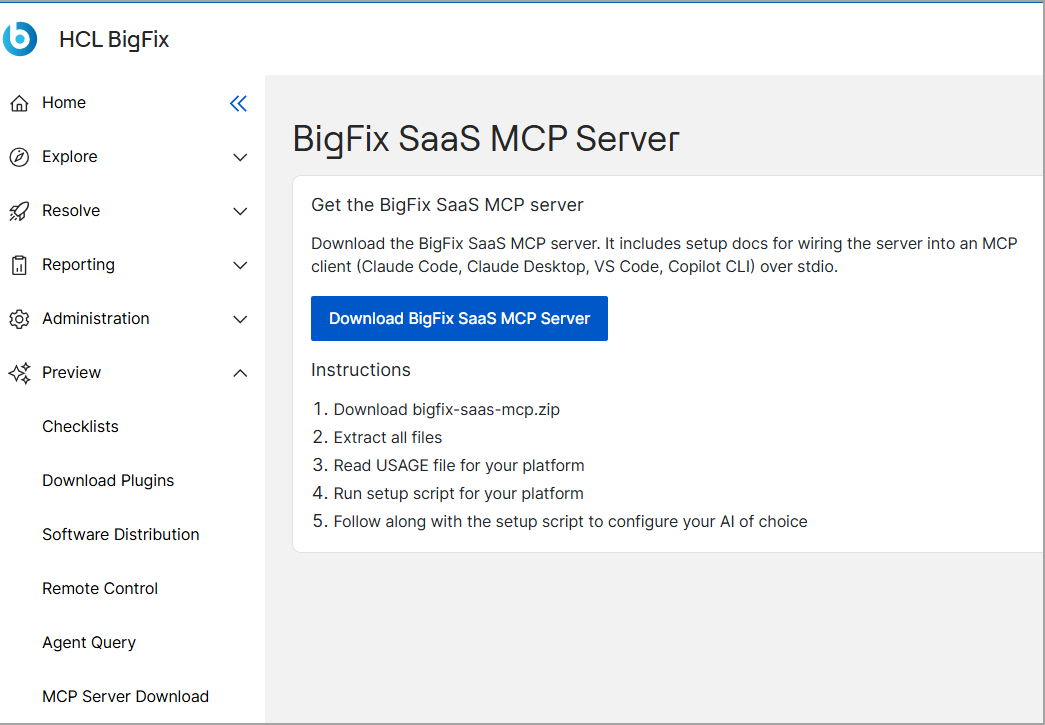
- From the BigFix SaaS app, navigate to Preview, and then click MCP Server Download.
-
Click Download BigFix SaaS MCP Server to download the
bigfix-saas-mcp.zip archive package.
- Extract the contents of the downloaded.zip file.
- Open and review the USAGE file corresponding to your operating system platform.
- Run the setup script designed for your platform.
- Follow the on-screen prompts in the setup script to configure your preferred AI client.