Software Distribution
Software Distribution enhances the capabilities of BigFix with the ability to deploy software to managed devices from a single location. It allows organizations to add custom software entries beyond the pre-built catalog and manage those deployments through centralized workflows.
About this task
To upload and configure new software packages for your environment, follow these steps:
Procedure
-
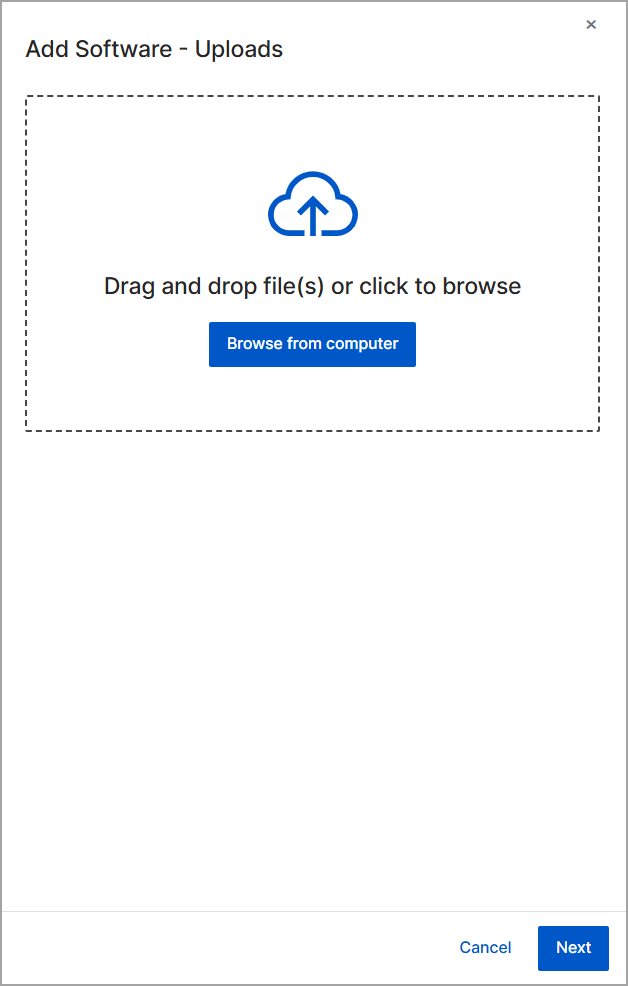
On the Add Software - Uploads screen, select your
software files using one of the following methods:
- Drag and drop the files into the upload area.
-
Click Browse from the computer to locate and
select the files manually.
-
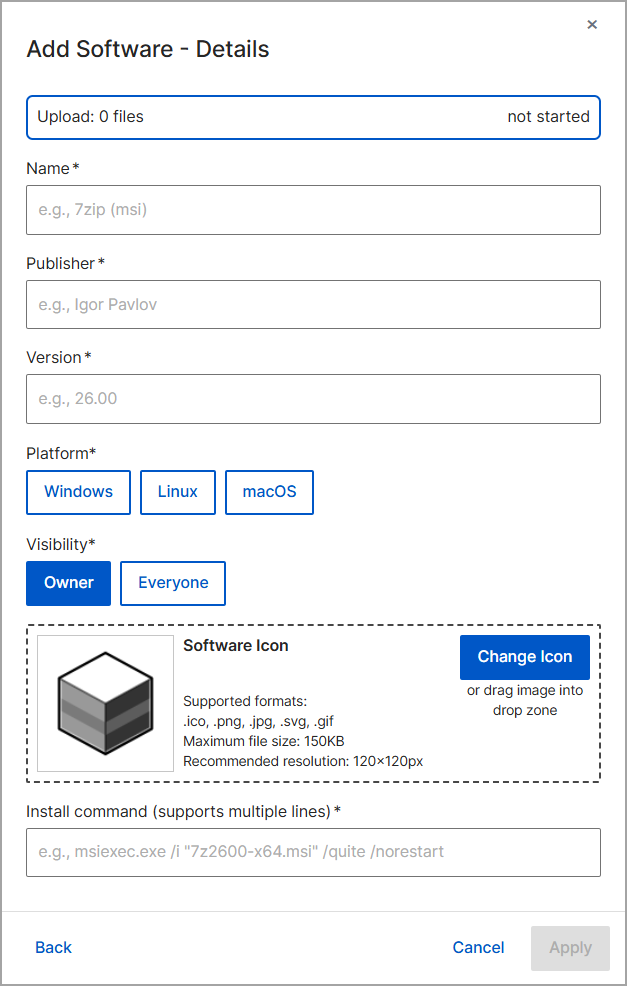
In the Add Software - Details dialog box, specify the
required software information including Name,
Publisher, Version, and
Platform.