Use the Agent Query feature to run read-only Relevance-language expressions against
specific managed endpoints to retrieve real-time data. You can execute ad-hoc queries or
save them for repeated use. These queries only collect information and do not change
anything on the device.
About this task
To create, execute, and save queries using client relevance to gather real-time
information from your targeted endpoints, follow these steps:
Procedure
-
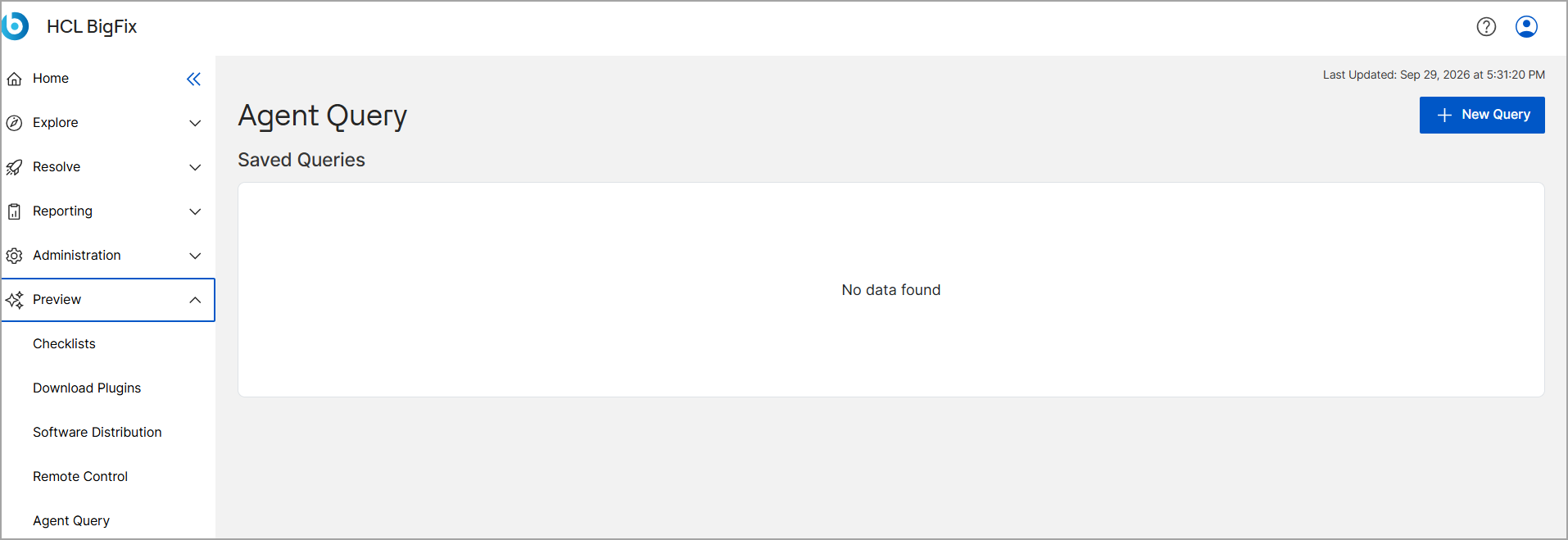
From the BigFix SaaS app, navigate to Preview, and then
click Agent Query.
-
Click New Query.
-
In the Client Relevance field, enter your relevance
expression (for example, name of operating system) .
-
(Optional) To restrict which devices receive the query, apply a target filter.
-
Click the filter icon to open the Filter Target
Devices panel.
-
Specify your target criteria by selecting an attribute, an operator,
and entering a value.
-
Review the preview of targeted devices, and then click
Apply.
-
To execute the query immediately without saving, click Run
Query.
The endpoint responses populate in the Results section at the bottom of
the page.
-
To save the query for future use, enter a Name,
Category, and Description in
the Attributes section.
-
Click Save Query.