Deployment Automation
Use Deployment Automation to attach schedules to Fixlet streams and deploy actions in sequential phases. You can organize your rollouts into independent Flows for specific device groups, and divide those Flows into sequential Rings. By setting strict success criteria such as failure thresholds and passing scores you automatically control whether a deployment progresses to the next phase or halts safely.
About this task
Procedure
-
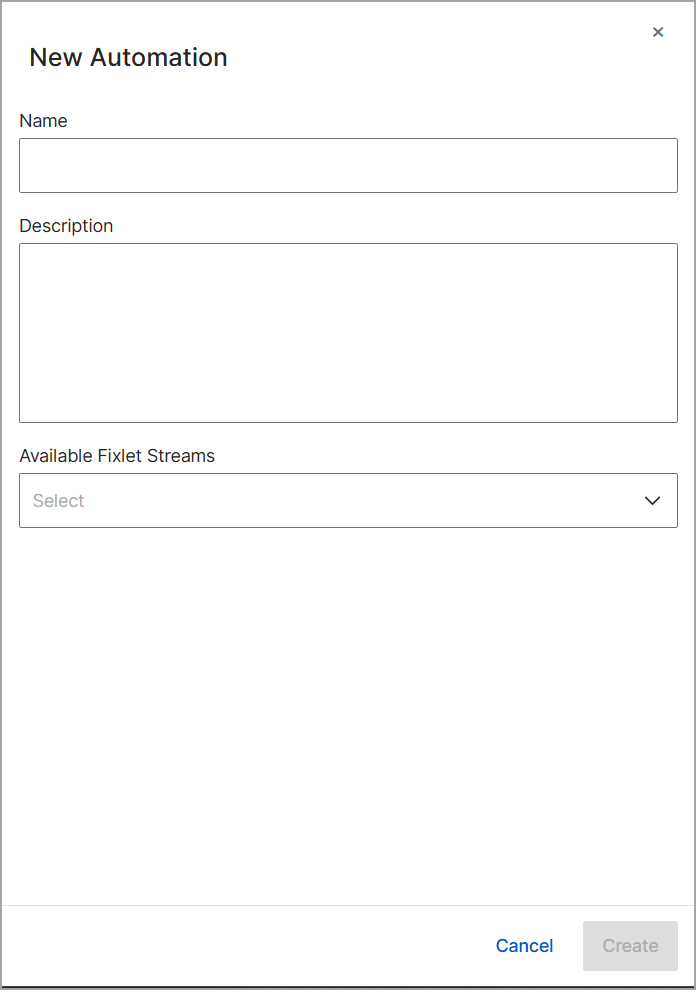
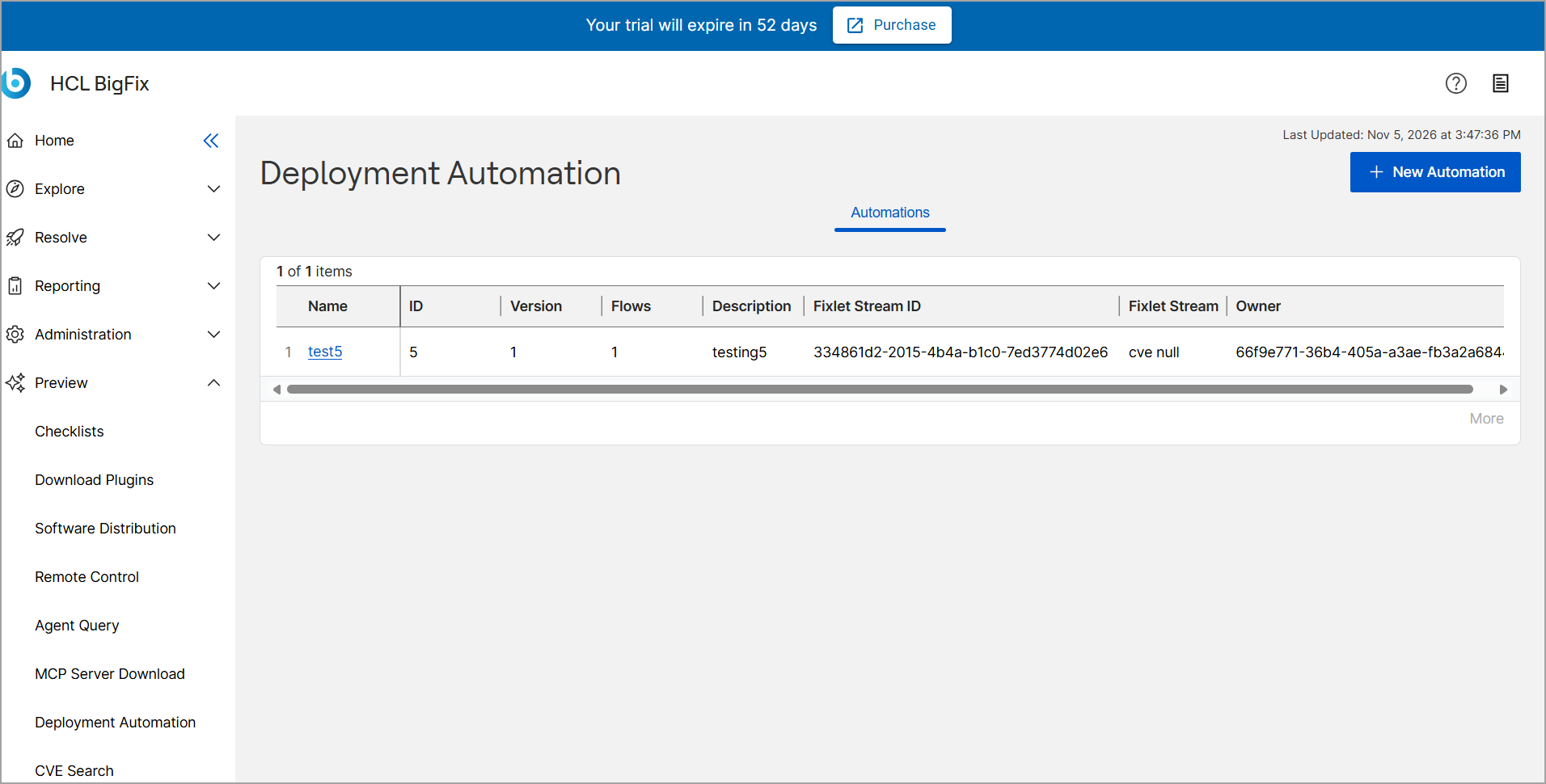
On the Deployment Automation page, click New
Automation.
-
In the Available Fixlet Streams section, select the
stream that you want to attach to this automation.