Export Query Results

To save your current or filtered agent query data, export the results to a CSV file.

About this task

To export the query results to a CSV file, follow these steps:

Procedure

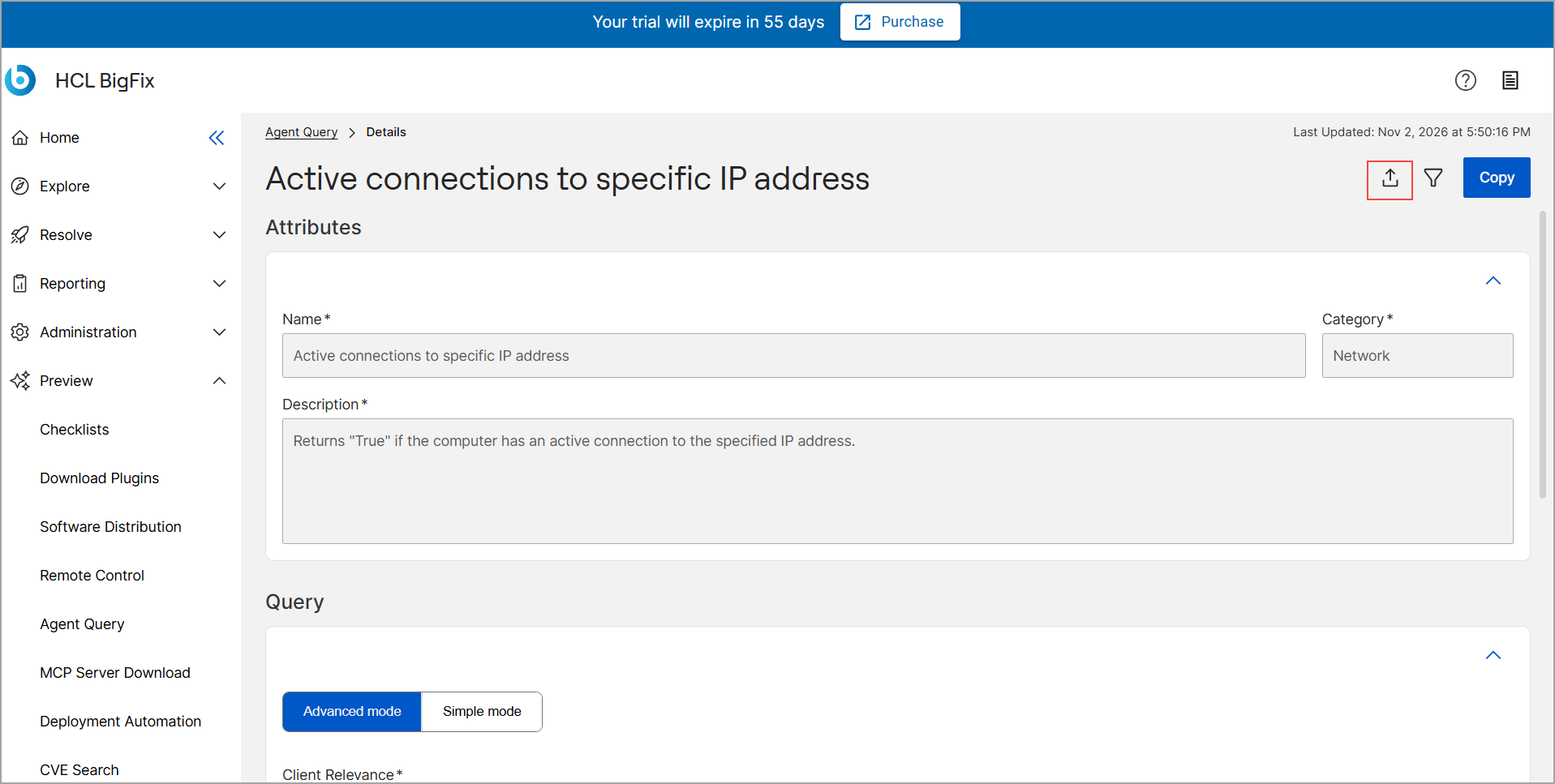
  1. From the BigFix SaaS app, navigate to Preview, and then click Agent Query.
  2. Click a specific query to view its Details page.
  3. Click the Export icon .

  4. In the Export Results dialog, select the CSV format option.
  5. Click the Export button within the dialog box.
    The CSV file is downloaded to your computer.