Create Flows
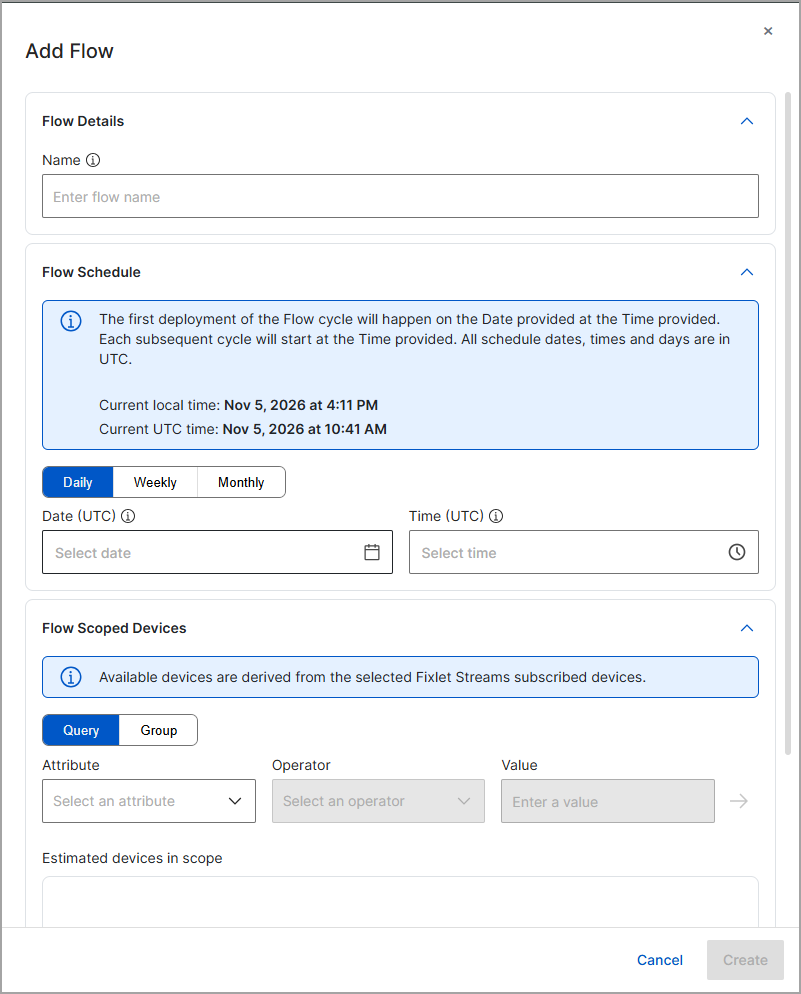
After you create a Deployment Automation, you must define at least one Flow to dictate the deployment schedule and the overall target device group.
About this task
Procedure
-
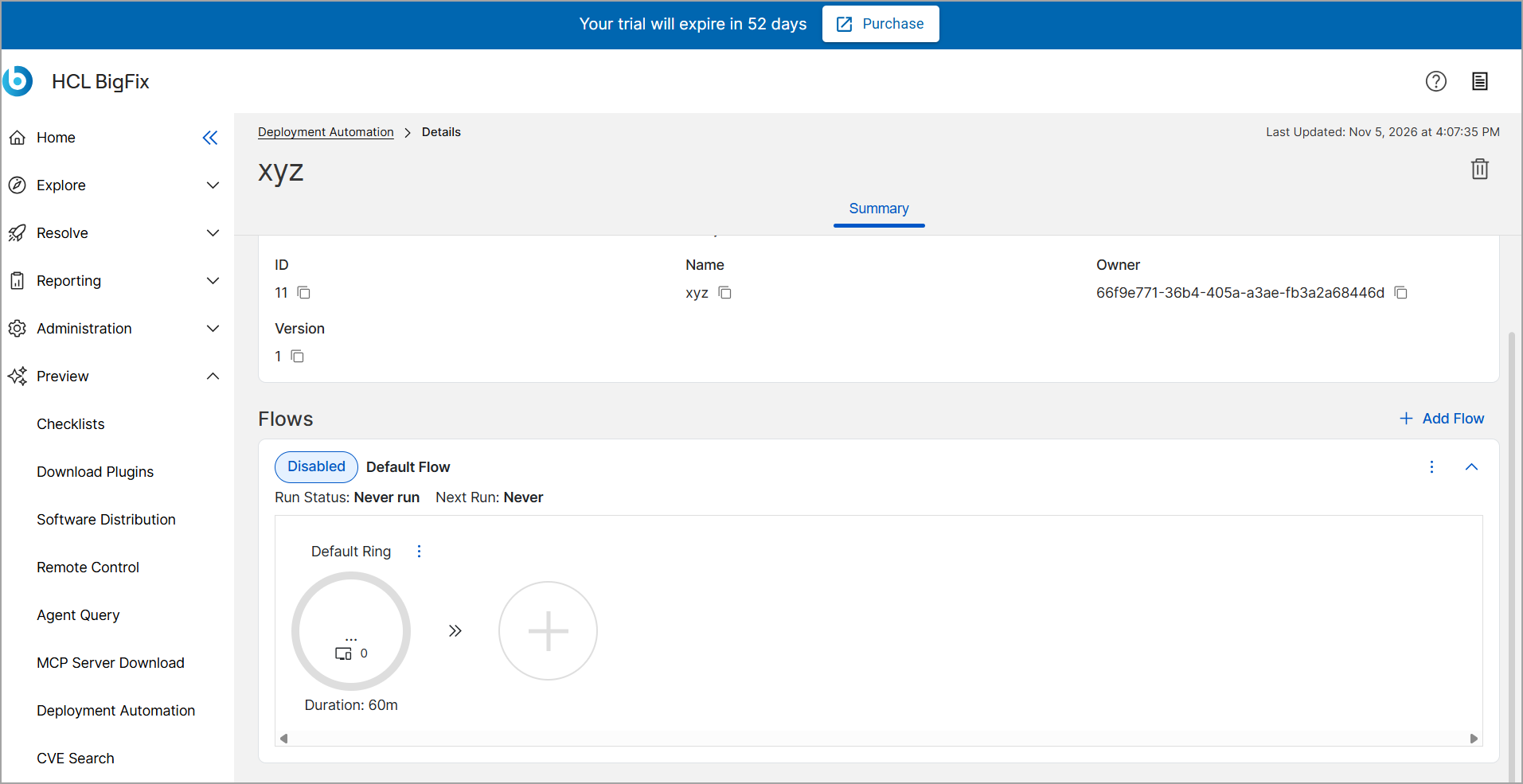
On the automation details page, select Add Flow.
-
In the Flow Scoped Devices section, select
Query or Group to define the
devices for this flow.
If you select Query, define your filter by selecting an Attribute and Operator, and then entering a Value.