View Group
This action enables the users to view Groups created in the environment.
- The action tab contains a view option, click on the view icon to view the groups
that are created.
Figure 1. View Role 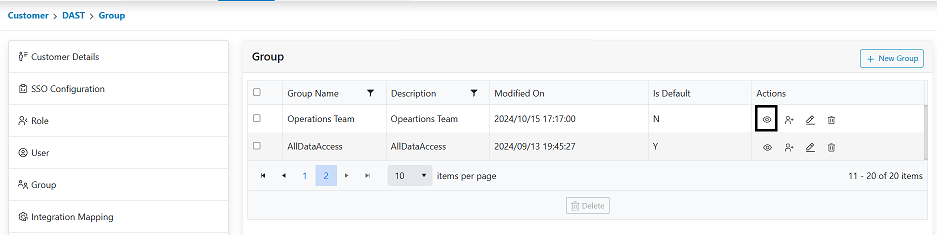
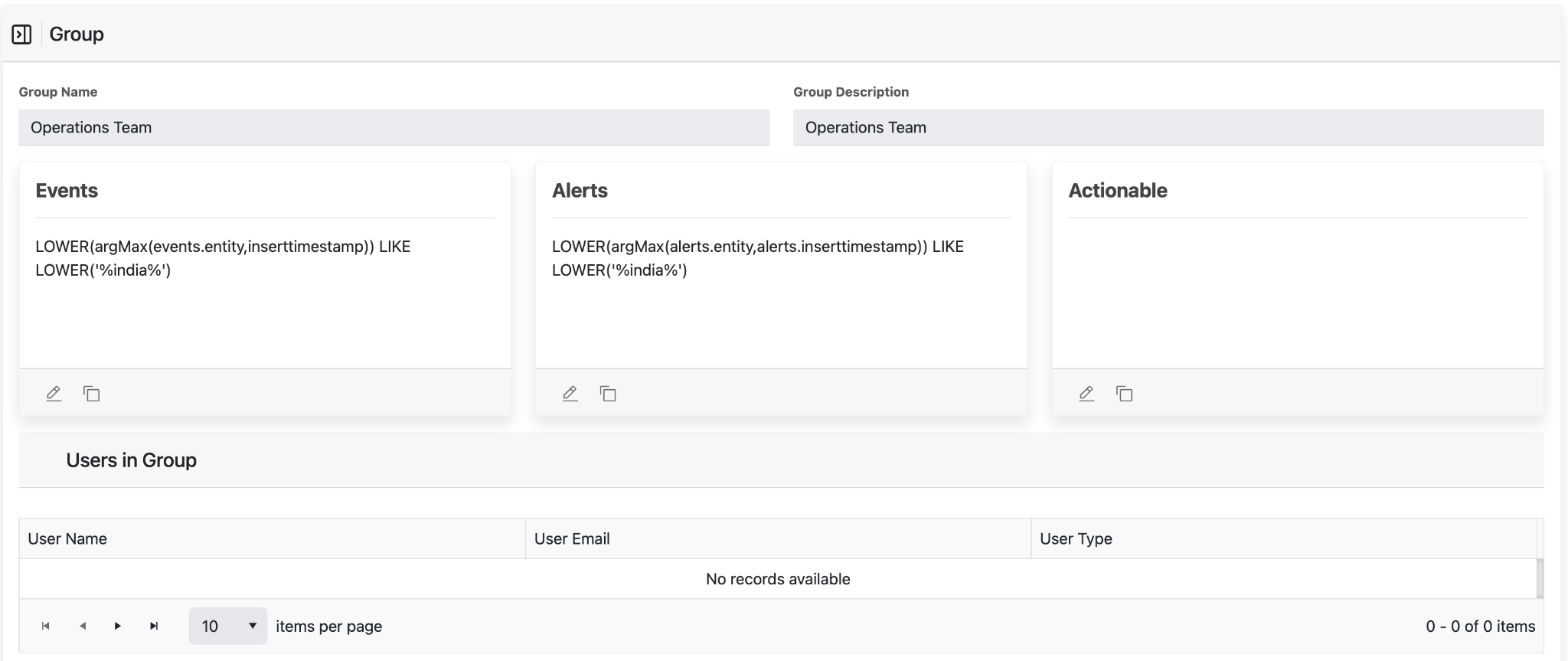
- Click on view for the “customeradmin” role and the actions for the group will be displayed.
- User cannot edit the group details via View option. Only the actions that are selected for
the Group.
Figure 2. Viewed Group