
Group
This section enables to Manage groups. Groups are primarily used for controlling data access on the main user view i.e., Data View.
In addition to the customer checks if user needs to restrict further the data visible to user based on other fields, then group menu is used for achieving the same.
- Click the customer onboard section (Please refer to the hyperlink given below), for customer, click on customer action edit section.
- Click on the Group page, Group menu item to access this page. As the user clicks
on the menu the following form is opened.
Figure 1. Group Page 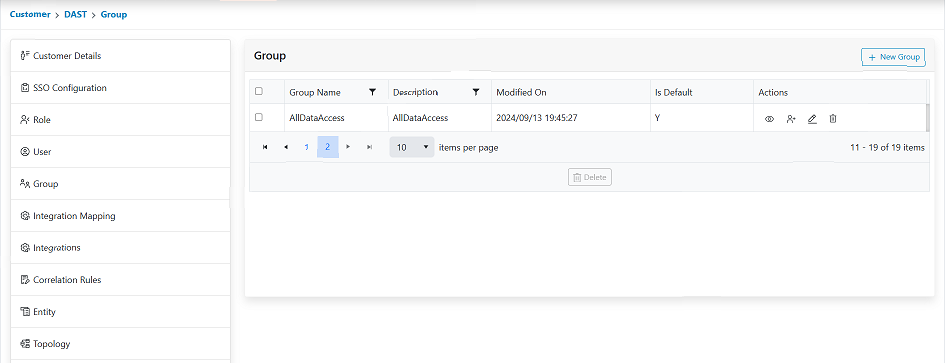
- Groups created in the environment will be listed in the grid view.Note:
When users access it for the first time, no group is displayed.