
Delete Customer
- Click on the delete icon next to the customer which is to be deleted.
Figure 1. Delete Customer 
- A confirmation box will be prompted.
Figure 2. Confirmation pop-up. 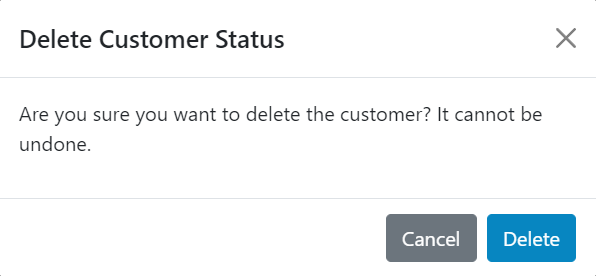
- Clicking Delete, deletes the customer permanently.