
Topology
Topology helps to provide a comprehensive understanding of how different entities in the system are connected, allowing for effective monitoring, troubleshooting, and incident response.
Topology view illustrates the relationships and connections between different components, such as servers, applications, databases, network devices, and other IT infrastructure elements will be displayed once the Topology is established in the system.
This section enables us to define the entity relationship data. If a rule is defined with topology filter selection, then the data is referred while correlating based on the rule definition. Refer to correlation rules to learn more about defining topology filter rules.
Like other screens user can perform actions based on their role.
- Click the customer onboard section, for customers click on customer action edit section.
- Click on the Topology page, Records for the selected customer will be displayed in the
grid view as shown.
Figure 1. Topology Page 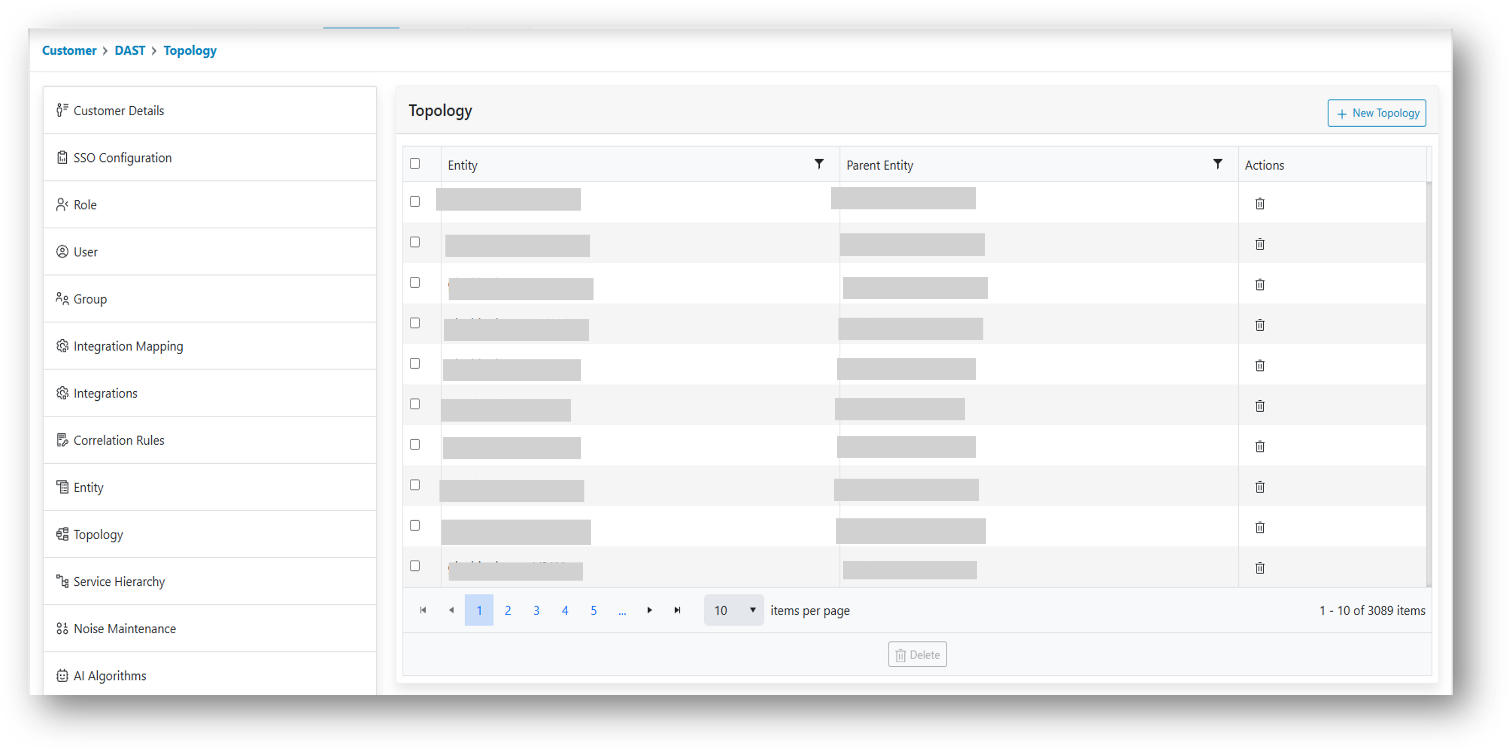
- Use the customer dropdown to change the customers and view data defined for it.
- The following actions can be performed on the page:
- Add New
- Delete
- Apply Filters