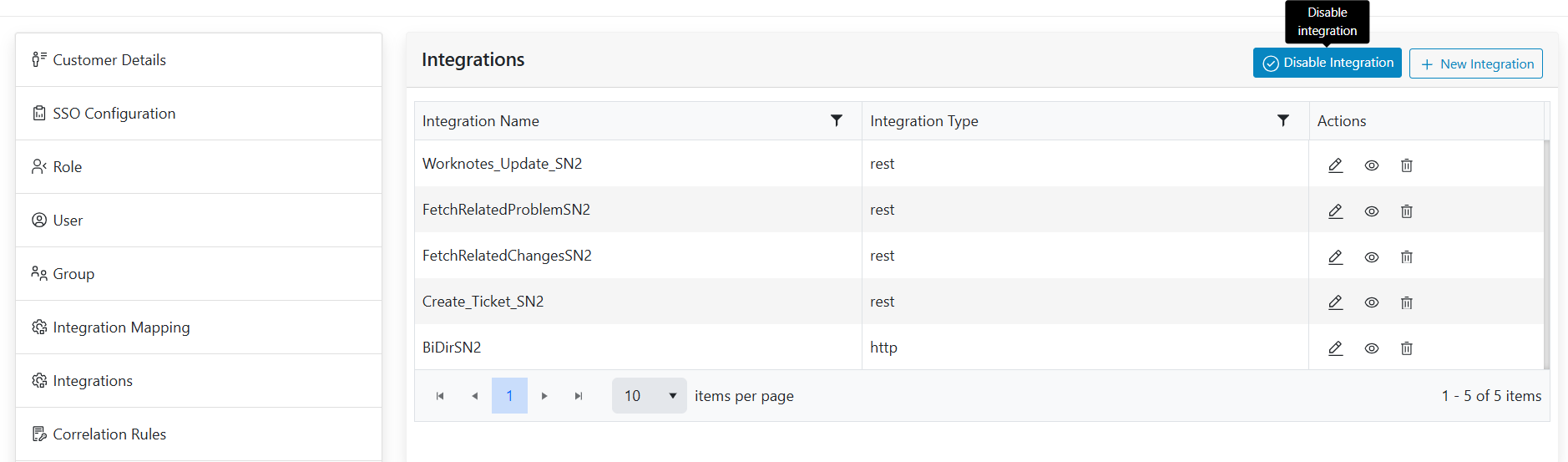
Enable/Disable Integration
The steps involve how to Enable Integration.
- Click on the Enable Integration available action button presents at the right
top of the screen.
Figure 1. Enable Integration 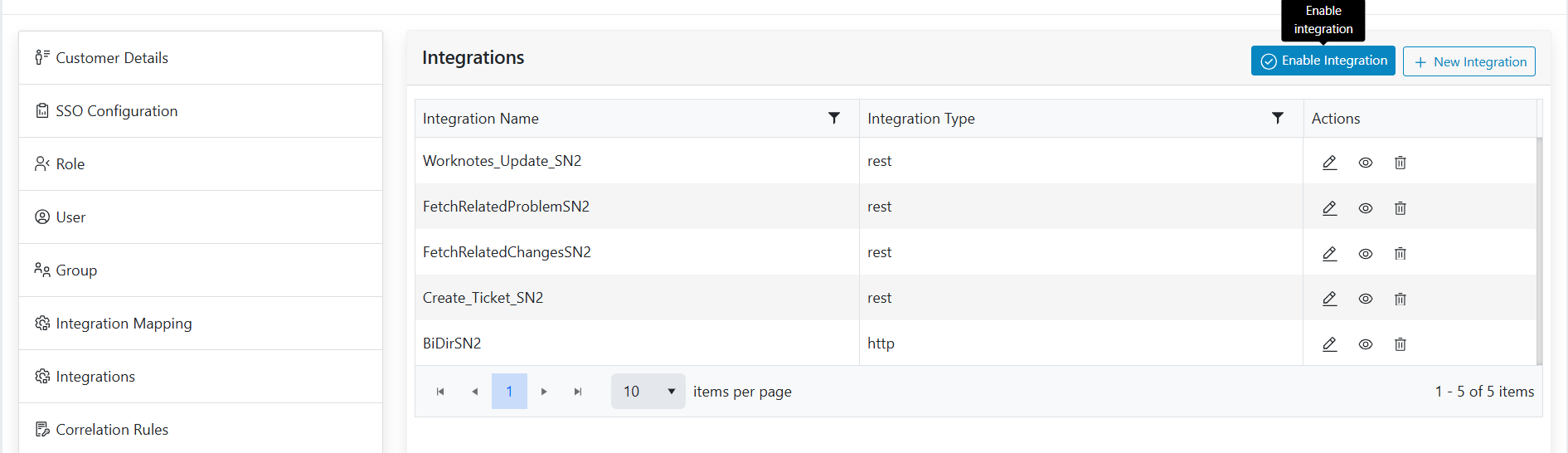
- By clicking on the Enable integration button we can enable the integration. Once
integration enabled, button will change to disable integration for disabled action.
Figure 2. Disable Integration