Edit Integration
- Click on the Edit icon next to the integration that is to be edited.
Figure 1. Edit Action 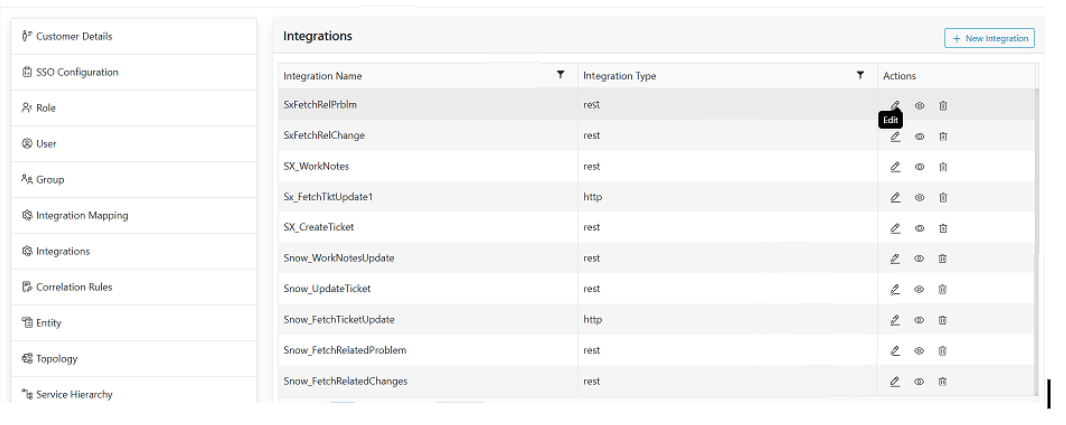
- This populates all the sections user discussions while creating new connection with the
Saved Values.
Figure 2. Edit General Section 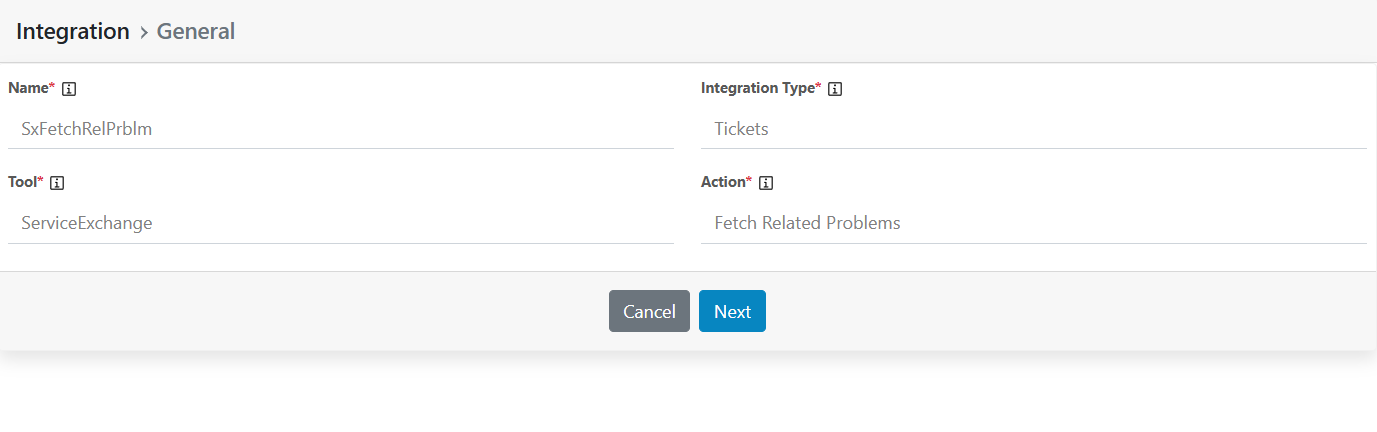 Note:
Note:If user only Saves the integration, then inputs are enabled for the user to update its values, however if user edits post Submitting the integration, he can only update credentials\Tokens.
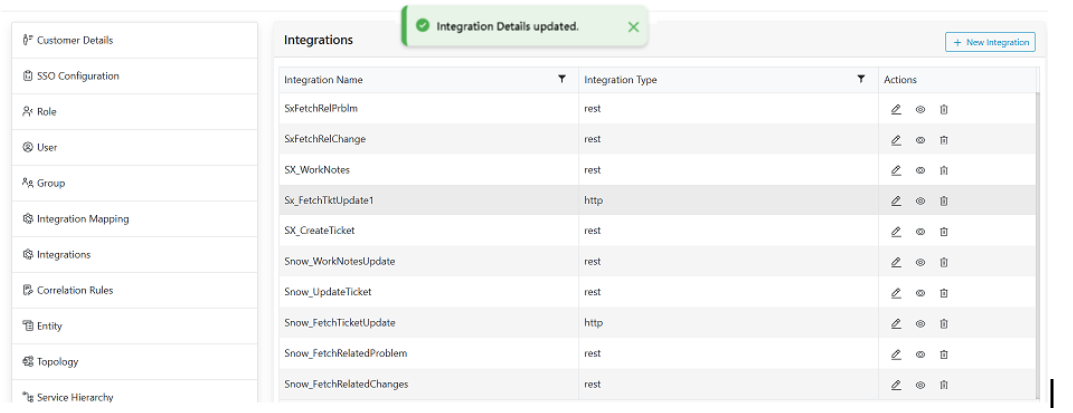
- Make the necessary changes and click on Save/Submit as applicable.Note:
Once the Integration is submitted, the only option available is “Submit”, If the integration is saved only then both Save and Submit options are available.
Figure 3. Alert Message