
Integration Mapping
- Click the customer onboard section. For a specific customer, click on the customer
action edit section. Click on the Integration Mapping page, Records for the selected
customer will be displayed in the grid view as shown.
Figure 1. Integration Mapping Page 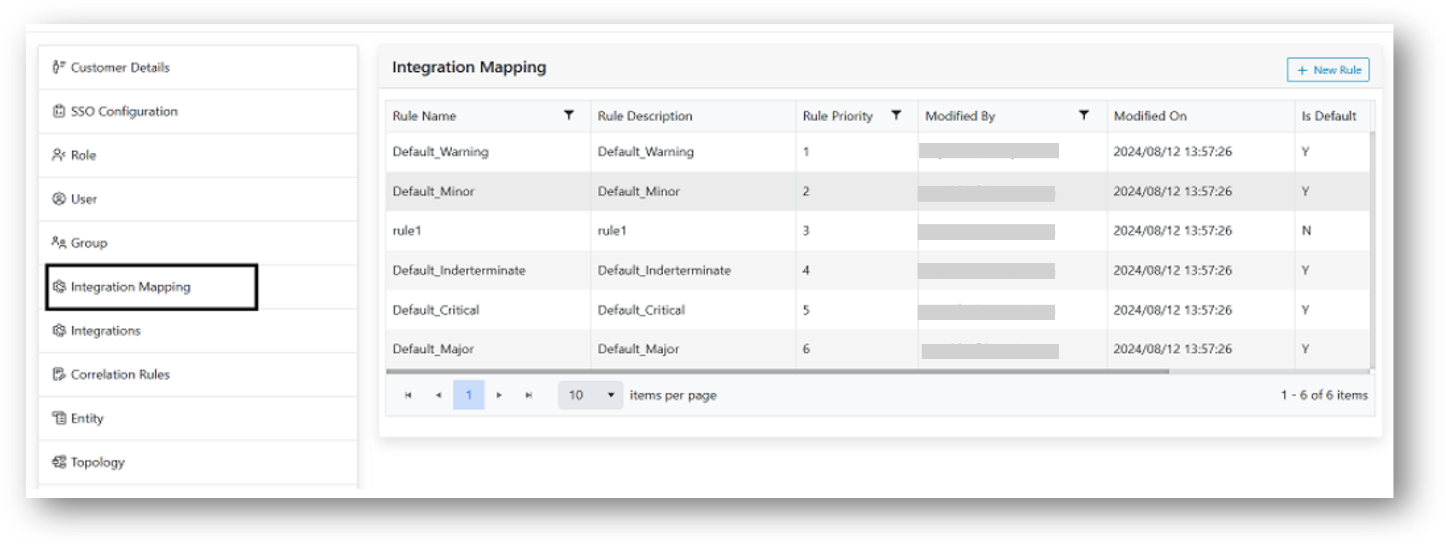
- User can perform the following actions:
- Add New
- Edit
- Delete
- Enable/Disable
- Change Rule Priority
- Apply Filter