Delete Integration
- Click on the Delete button next to the integration that is to be deleted.
Figure 1. Delete Integration 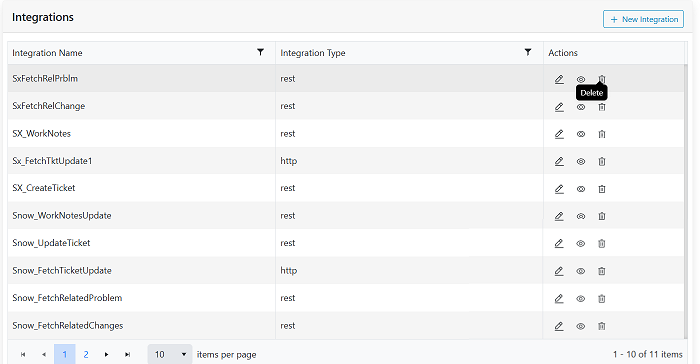
- This will prompt confirmation as shown.
Figure 2. Confirmation pop-up. 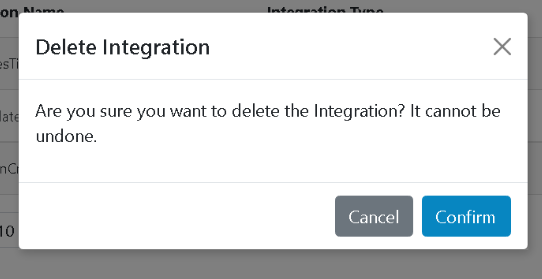
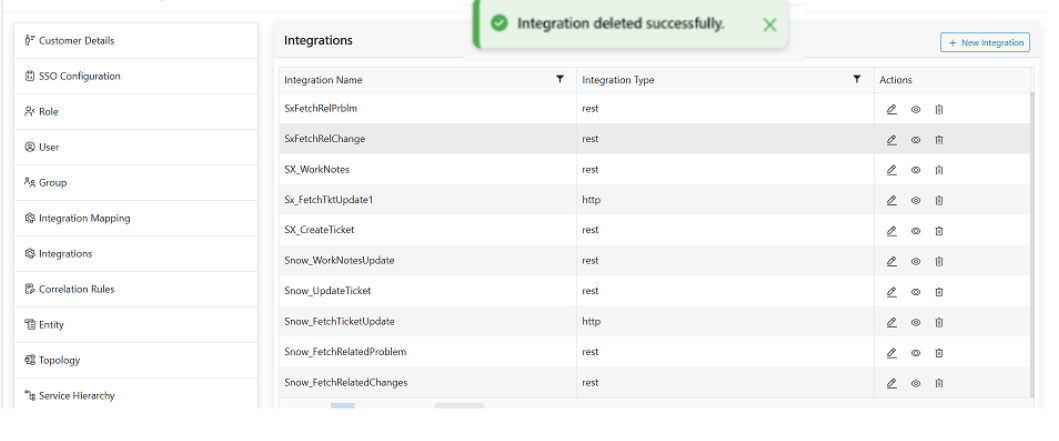
- On successful deletion the following message will be displayed.
Figure 3. Alert Message