
Manage Runbook Tool
The user must configure the runbook tool to define the runbooks in it.
Before proceeding with Manage Runbook Tool, the user is required to create the Organization. Please refer to Manage Organization section and follow the mentioned steps. Proceed forward after a new organization has been created.
To manage the runbook tool, perform the following steps:
- On the main menu bar, click Runbooks, and then click Manage Runbook Tool.
The Manage Runbook Tool page appears.
Figure 1. Manage Runbook Tool 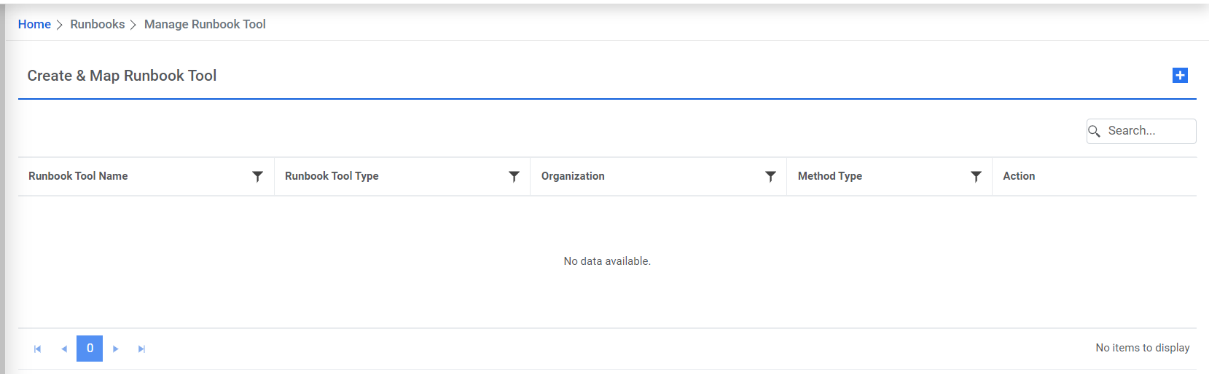
It lists the available runbook tools in a tabular view and lets the user add a new runbook tool using Plus button. User can also edit or delete the existing runbook tools.