Map Runbooks
A runbook is a script that automatically resolves a ticket with no human involvement. A runbook coordinates multiple infrastructure elements such as applications, network components, or servers. The runbook tool is a platform used to specify these runbooks. Typically, a runbook contains procedures to start, stop, supervise, and debug the system. Each runbook must be configured to an organization.
To map a runbook, perform the following steps:
- On the main menu bar, click Runbooks, and then click Map Runbooks.
- Select a module from the list of modules configured to a selected organization in the
Module field. This populates the runbooks in the following tabs.
- Organization Runbooks- It lists all the runbooks mapped to the selected organization.
- All Runbooks- It lists all the runbooks available for mapping.
Figure 1. Map Runbooks 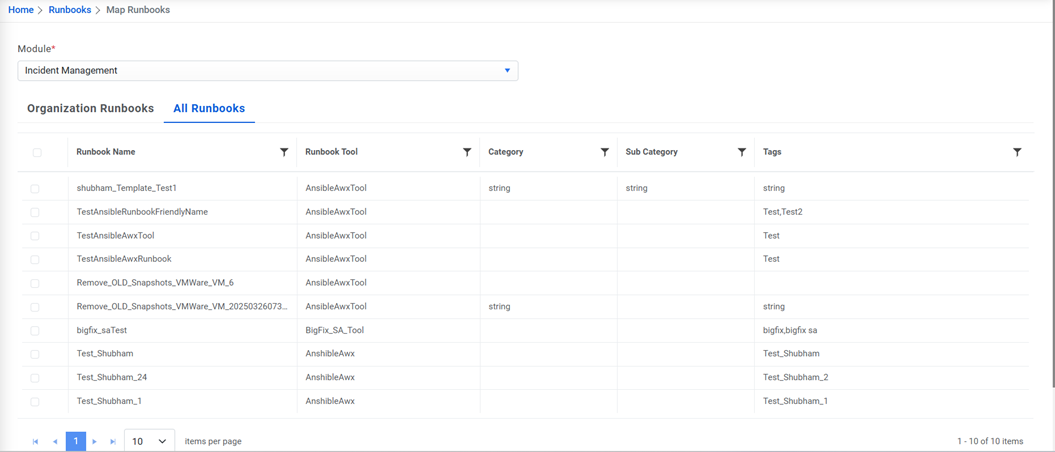
The Map Runbooks page allows users to map a new runbook and delete an existing, mapped runbook from an organization.
Figure 2. Map Runbooks (Cont.) 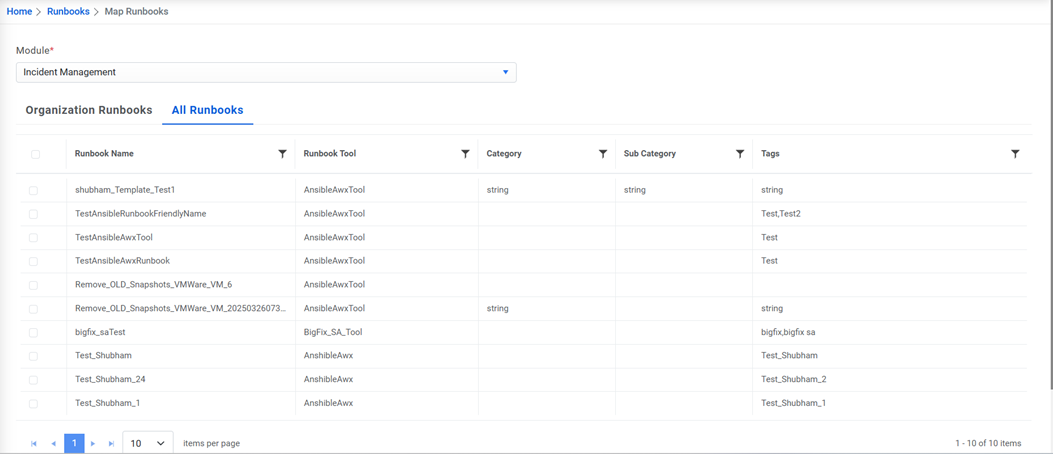
To map a runbook:
- Go to the All Runbooks tab.
- Select the Runbook to be mapped.
Figure 3. Map Runbooks (Cont.) 
- A confirmation dialog box appears.
Figure 4. Map Runbooks (Cont.) 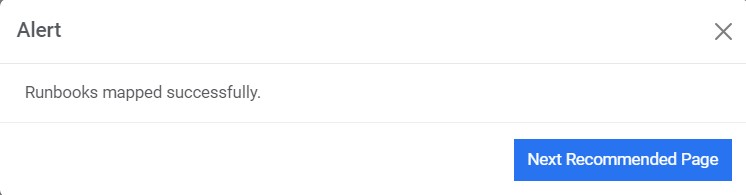
To remove a runbook from an organization,
- Go to the Organization Runbooks tab.
- To delete an existing mapped runbook, clear the check box of that runbook.
Figure 5. Map Runbooks (Cont.) 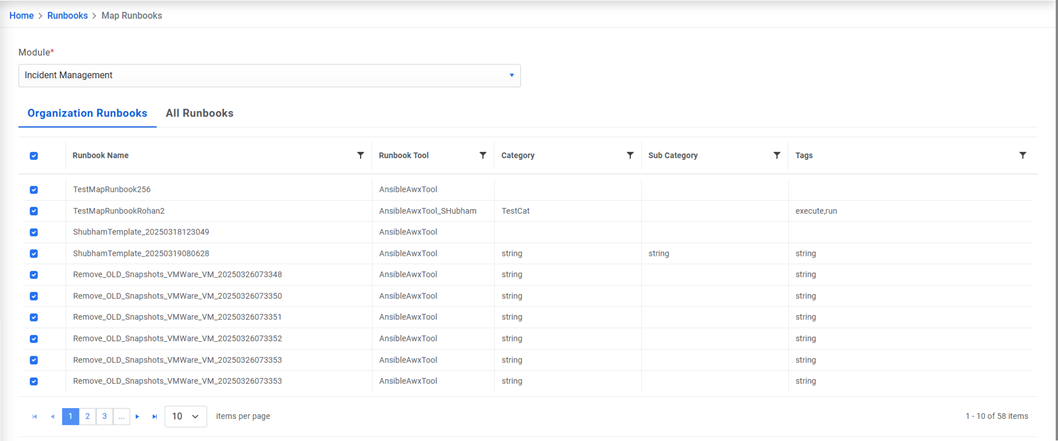
- Click Yes to confirm that you want to un-map the selected runbook.
Figure 6. Map Runbooks (Cont.) 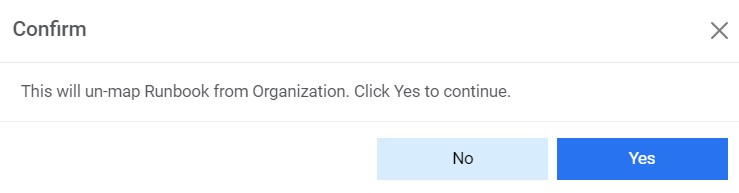
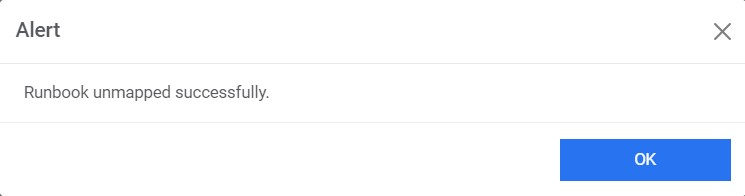
- A confirmation dialog box appears.
Figure 7. Map Runbooks (Cont.)