
Manage Rules
Users can configure rules for the tickets released from iAutomate. There are few default rules for release, but these rules can be customized based on the requirements.
To manage the release rule, perform the following steps:
- On the main menu bar, click Runbooks, and then click Manage Rules.
The Manage Rules page appears:
Figure 1. Manage Rules 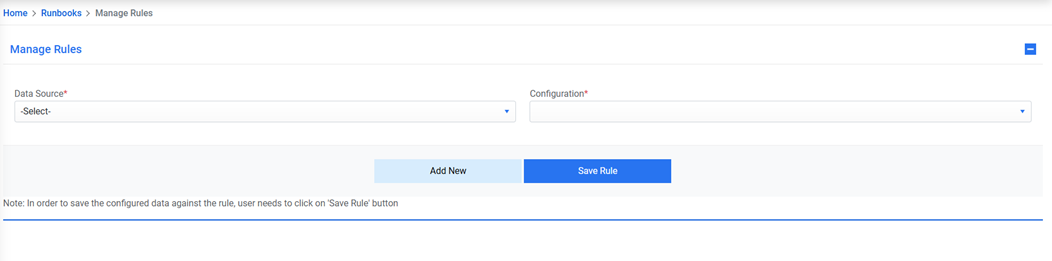
- Select a data source to fetch the data from the list of data sources available in the Data Source Name field.
- Select Configuration from the list of configurations available.
All the existing rules are listed in a tabular view with the associated parameters that allows user to manage the parameters for the existing rules.
Note:
No Rule
in the condition column indicates the
Else
or
Default
condition. If No Rule is added against the selected Customer-Module combination,
then iAutomate will release the ticket without condition in case of Rule-based Release in the
Manage Configuration tab.