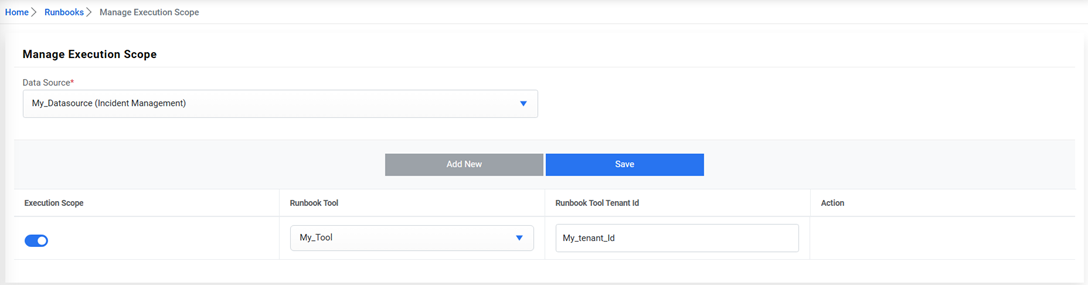
Manage Execution Scope
Execution scope specifies the rules set up to execute a ticket on a runbook tool. Users can also define the execution scope for a data source in an organization.
To manage the execution scope, perform the following steps:
- On the main menu bar, click Runbooks, and then click Manage Execution Scope.
- The Manage Execution Scope page appears.
Figure 1. Manage Execution Scope 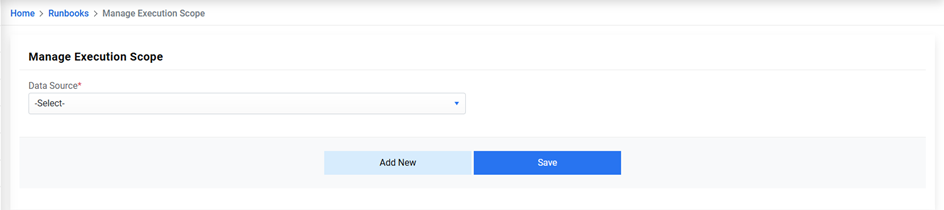
- Select the data source from the drop-down list available in the Data Source field.
- Select the runbook tool to map with the organization and data source.
- Enter the runbook tool tenant id, if available.
- Click on Save.
Figure 2. Manage Execution Scope (Cont.)