
Default Shift Management
This screen enables user to define the default shift timings, it’s validity and week off days for any time zone.
- Click on Roster Management → Default Shift Management.
Figure 1. Default Shift Management 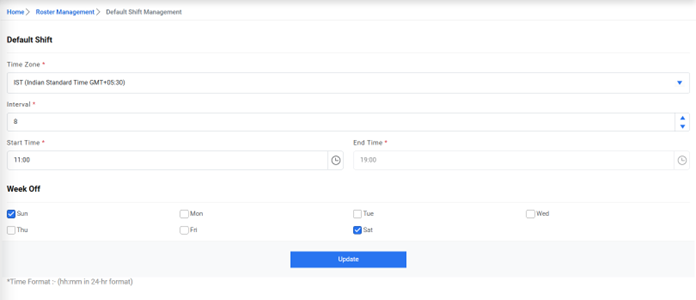
- Select the time zone for which the start time, end time, week off days and duration need to be set by default.
- Select the shift interval.
- Select start time, week off days and duration and click update button. The alert below
gets generated.Note:The End Time will be disabled and auto populated by adding the default interval, in the Start Time, defined for that time zone.
Figure 2. Success Message 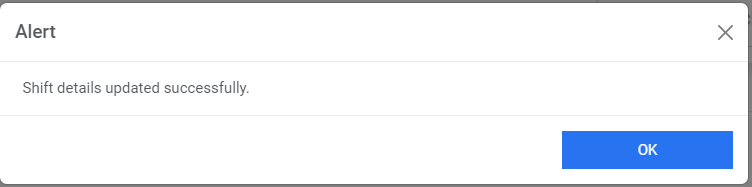 Note:The default shift for any time zone will appear while applying shifts for any user, if any previous shift for the user doesn’t exist.