
Potential High Priority Cases
Log into HCL BigFix Service Management as a support user and navigate to the Work Item Board from the application menu on the left-hand side.
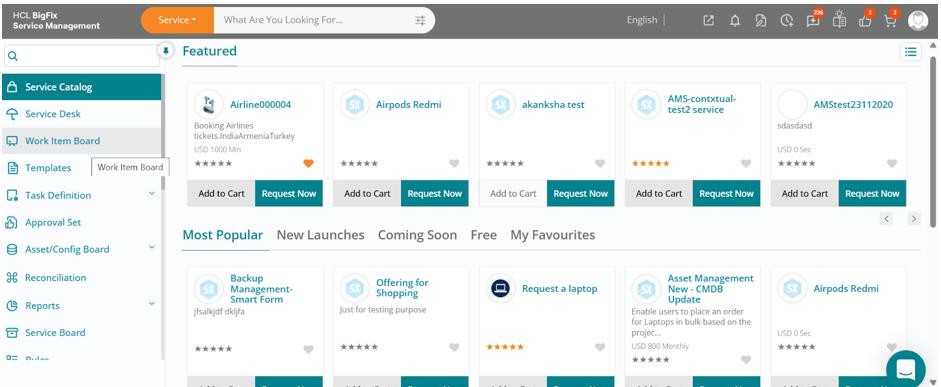
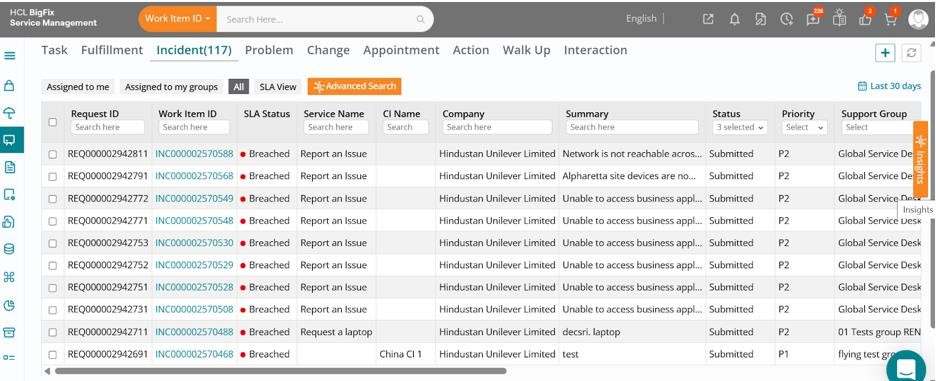
Click on the Work Item Board, then navigate to the Incident tab to view the list of all open incidents. Click on the orange-colored Insights button located on the right of the list view.
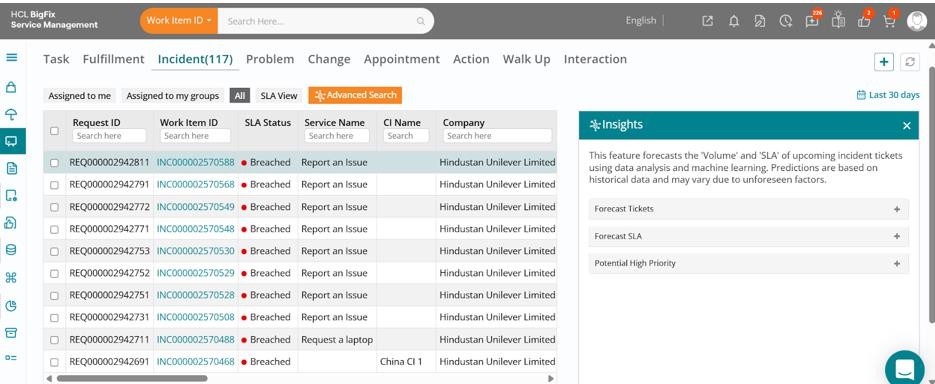
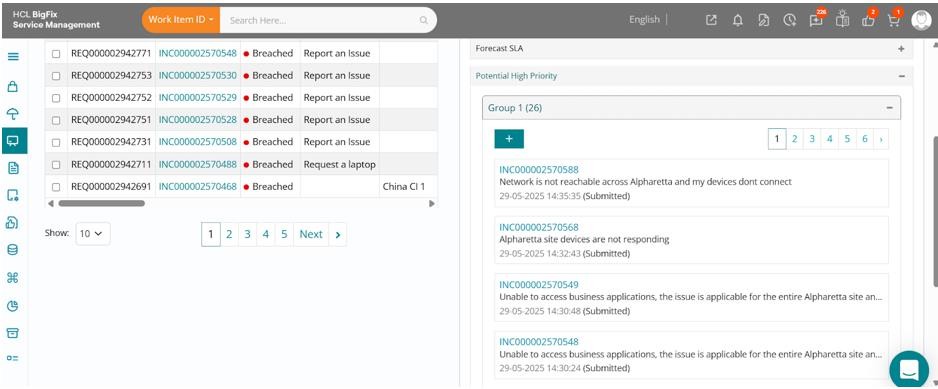
Expand the Potential High Priority option. All data under the Insights section is AI-generated using machine learning models.
You will see groups of tickets under the Potential High Priority ticket section, which are basically clusters of tickets irrespective of their current priority that are contextually similar or point to a common high priority ticket, which might have not been detected through monitoring or other sources. But based on the pattern of incoming tickets, these can be potential candidates for a major incident based on AI-powered case clustering analysis.
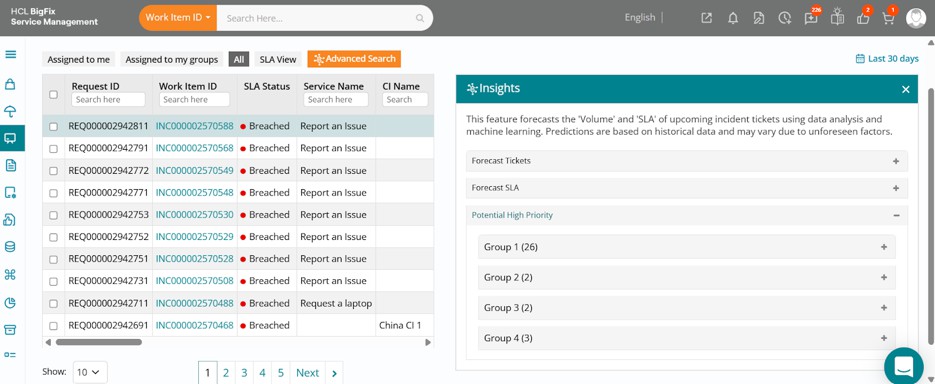
Click on one of the groups to expand it, and you can see the list of incidents under that group, which in this case are all related to incidents being reported from a common site complaining of network issues during a short duration, thereby indicating a potential major incident.
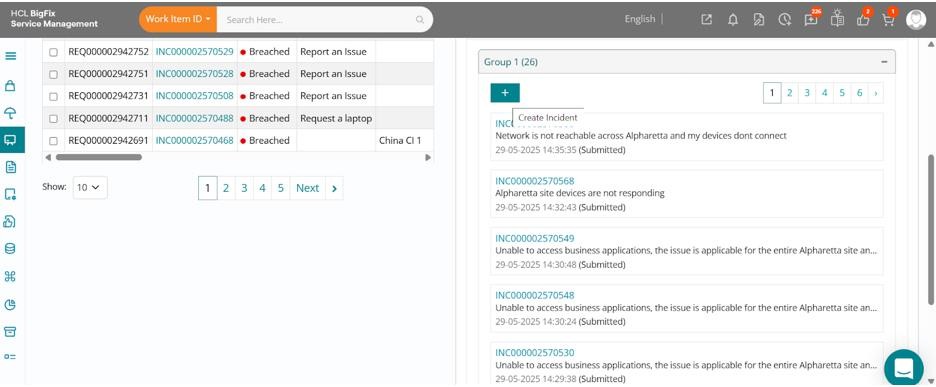
You can use the Create Incident (+) button available to instantly create a major incident and
relate all these incidents to the major incident for further investigation and subsequent fix.
This feature utilizes case clustering analysis to identify potential high priority or major incident candidates, helping support teams improve response time and enhance incident management efficiency.