
CSAT Probability Predictor
Log into HCL BigFix Service Management as a support user and navigate to the Work Item Board from the application menu on the left-hand side.
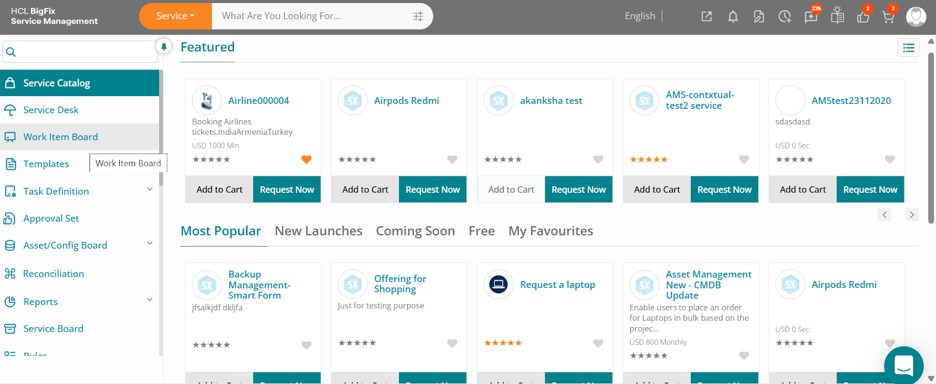
Click on the Work Item Board, then navigate to the Incident tab to view a list of all open incidents.
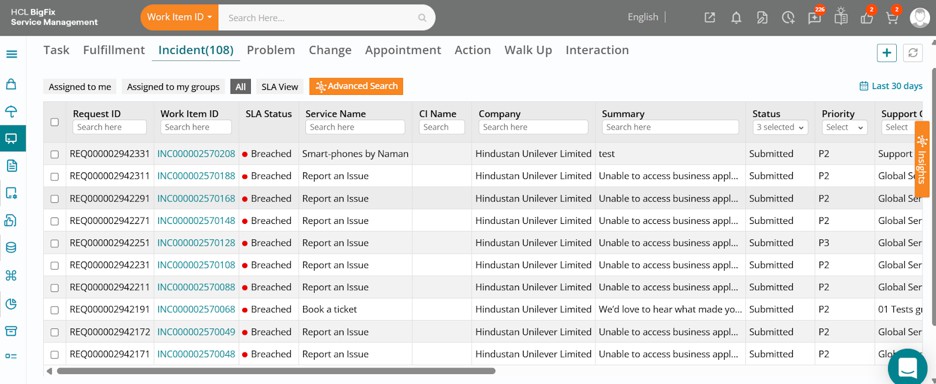
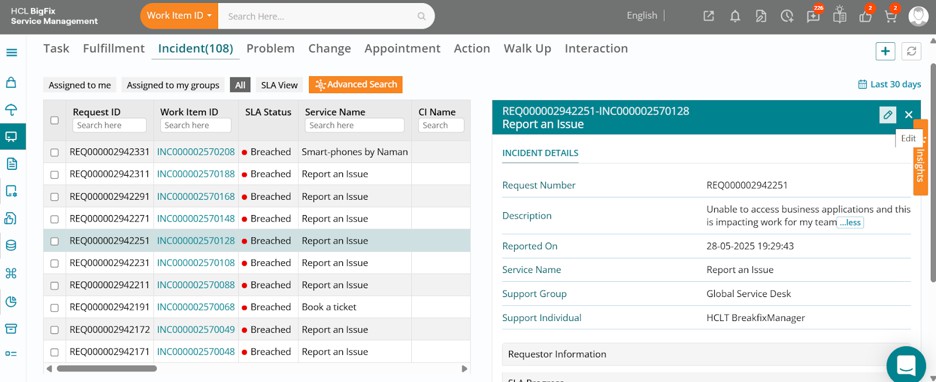
Click on one of the incidents, then click the Edit button in the drawer that opens on the right-hand side of your screen.
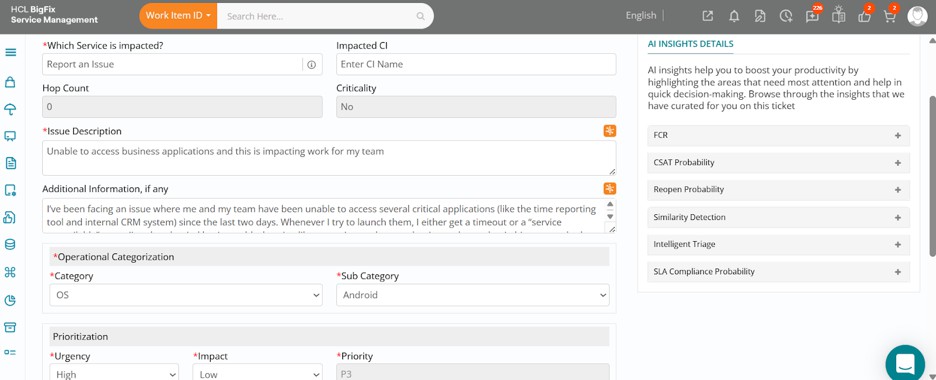
The full incident form will open, displaying the ticket details.
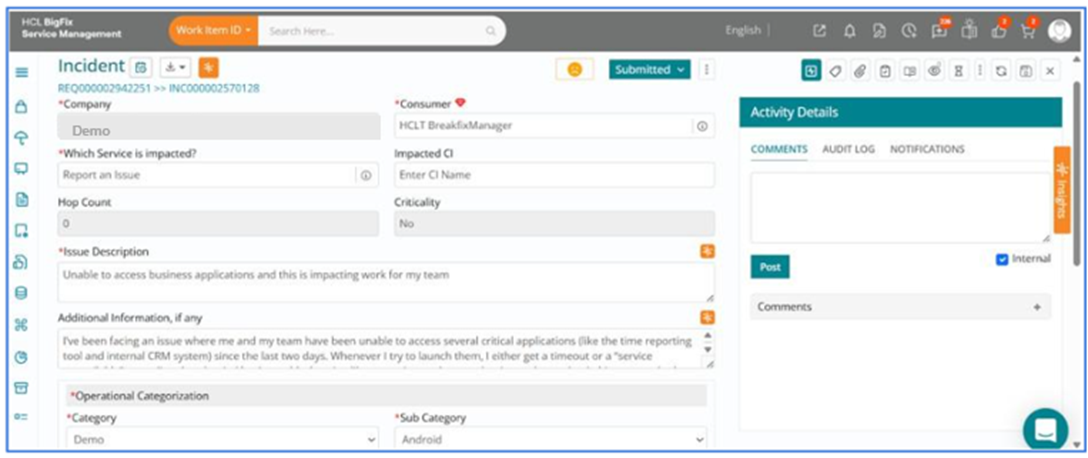
You can review the ticket details, then navigate to the right side of your screen and click on theorange-coloured Insights.
In this case, upon expanding the CSAT Probability section shows an 88% likelihood of receiving a CSAT response for this incident.
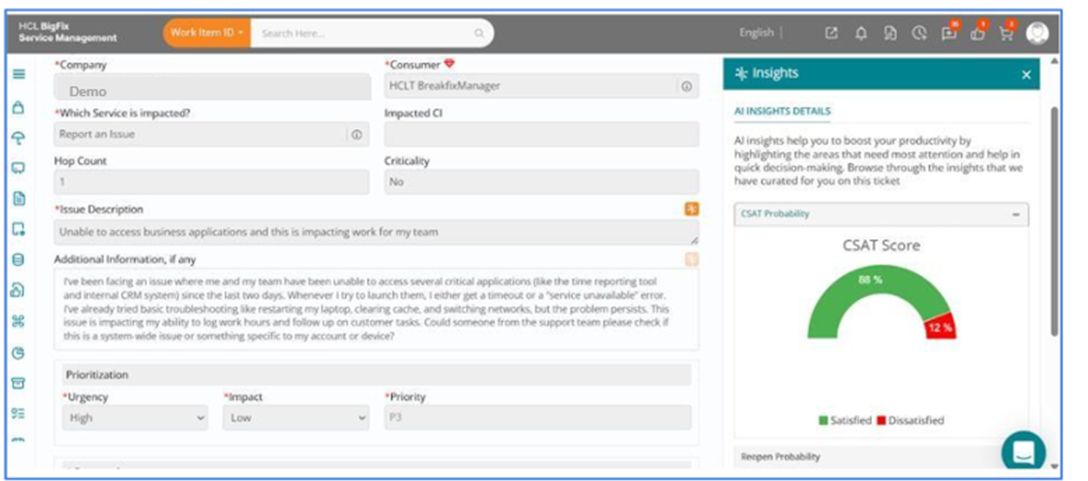
If the probability were low, you could proactively take steps to improve the user experience and increase the likelihood of positive feedback. As a support user, this may include escalating the incident, engaging the necessary teams promptly, and prioritizing resolution efforts to ensure the issue is addressed without delay.