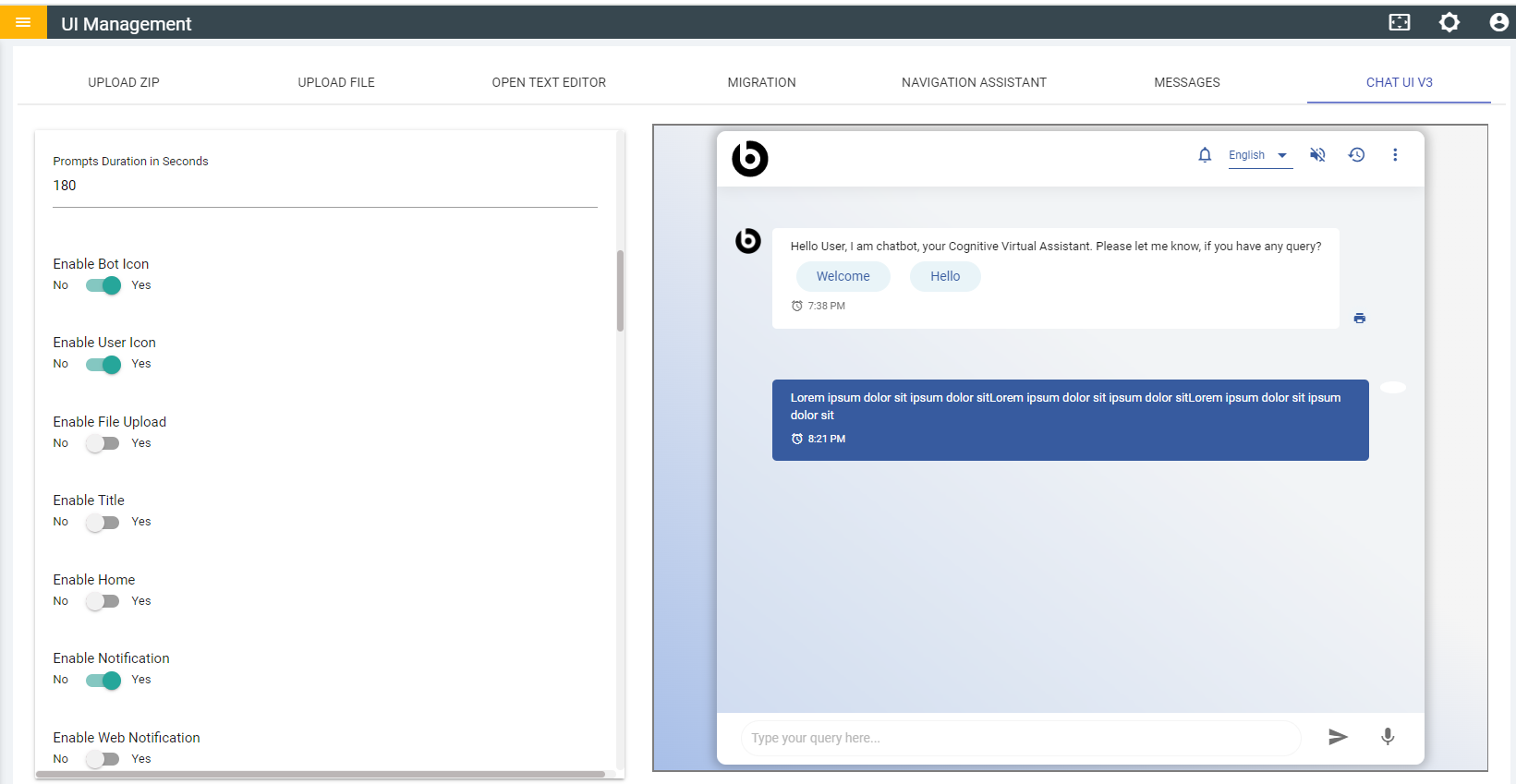
File Upload
- Enable the toggle for File Upload, select a workflow, and disable the Attachment
Icon toggle.
Figure 1. Enabled File Upload 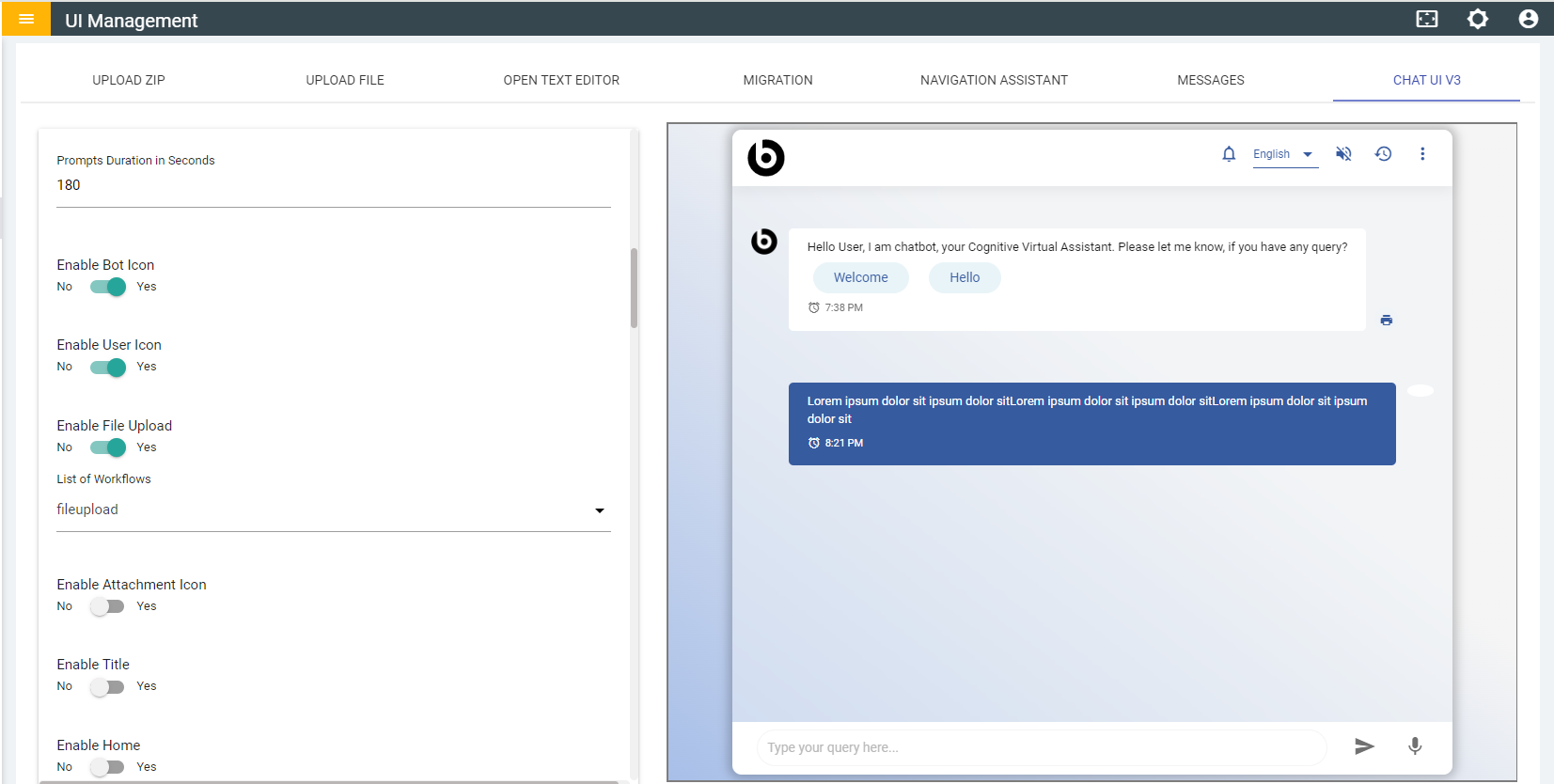
- In the chat window, the attachment icon won't be available, but you can still access the callWorkflowEndpoint function.
- Now try to access the callWorkflowEndpoint function from any openwhisk.
Figure 2. CallWorkflowEndpoint Function 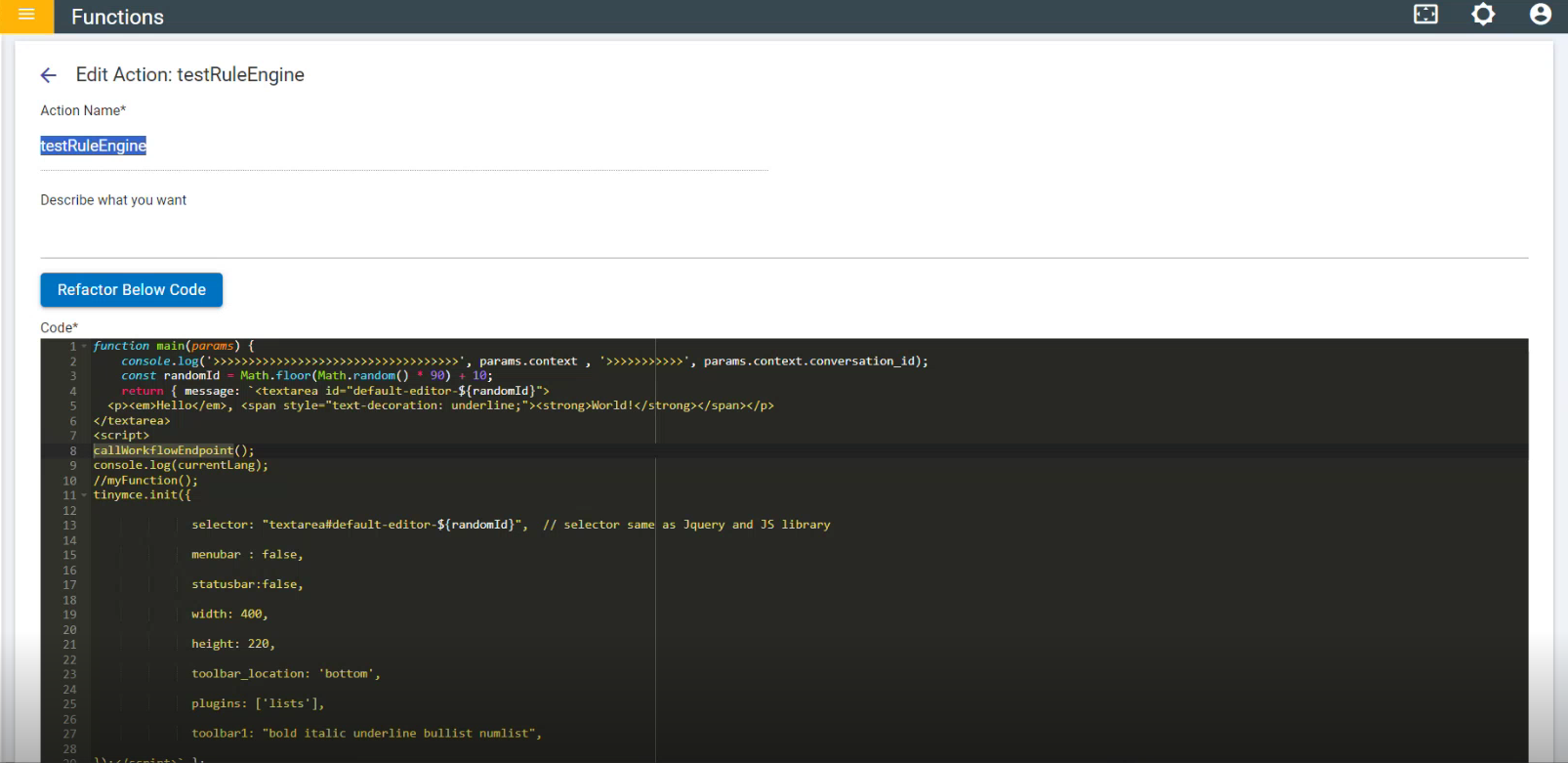
- Enable the Attachment icon in chatuiv3. In the chat window, you'll find the
attachment icon ready for use; try to upload a file.
Figure 3. Chat UI V3 - Enabled Attachment Icon 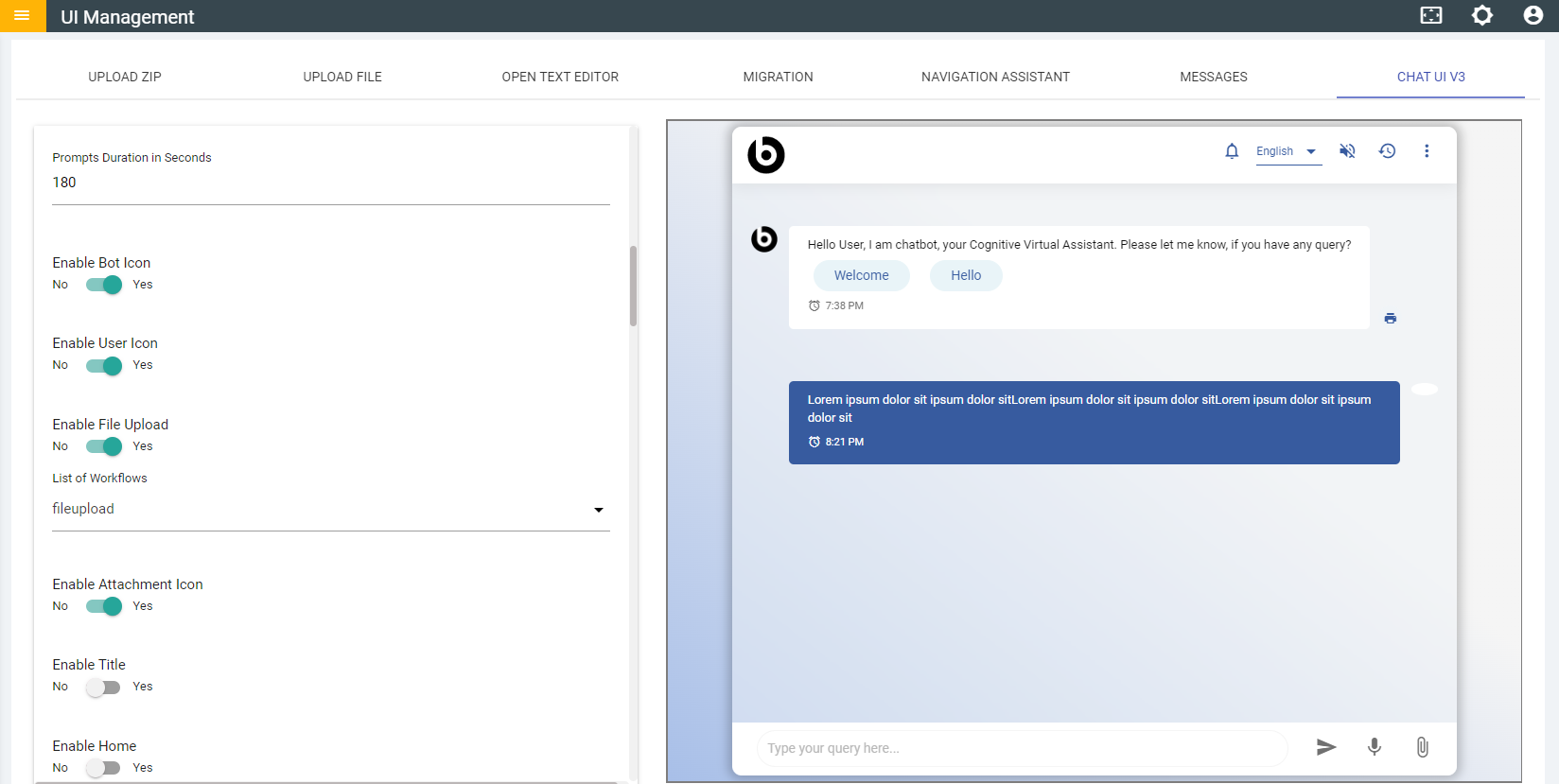
- If the File Upload toggle is disabled in the chatuiv3, you won't be able to access the callWorkflowEndpoint function, and the attachment icon will be unavailable as well.