User Management
The User Management Console of BigFix AEX provides control over the authorization and accesses that users can have on the Cognitive Console. In the absence of SSO or ADFS integration with BigFix AEX, it provides a user authentication mechanism.
This module explains how to create and manage users, groups, routes, change user settings, and control user access. It also details how to assign users and groups access to different features and functionality of BigFix AEX.
- You need to understand the following terms which are used frequently in this
section:
- Users are the entities authenticated to access BigFix AEX.Note:This is useful only if using form-based authentication module under BigFix AEX.
- Groups are used to administer multiple users. Every user is added to a group and gets access to the BigFix AEX feature set as per the access level of that group.
- A Route is a unique link to an existing functionality/page in the Cognitive Console. To know more about routes, click Route .
- A Route looks like: /temp/temp_dashboard/temp_settings
- An Access Control List (ACL) defines which users/groups are provided access to which routes.
- Users are the entities authenticated to access BigFix AEX.
- The table below lists the actions you can take using the User Management System.
- User Management System lists the actions to be performed using the User Management System.
User Management System
| Module | Page | Associated Actions |
|---|---|---|
| Users | Create New User |
|
| Create Bulk Users |
|
|
| Manage User |
|
|
| Groups | Create Groups |
|
| Manage Groups |
|
|
| Routes | Create Route |
|
| List Routes |
|
|
| Route Requests |
|
|
| Settings | Settings | Change multiple settings for a user/set of users, including:
|
| Federation | Federation |
|
The next step is to access the User Management Module. Follow the steps listed below to access the module:
- On the Cognitive Console home page, click the User Management System module.
Figure 1. User Management System 
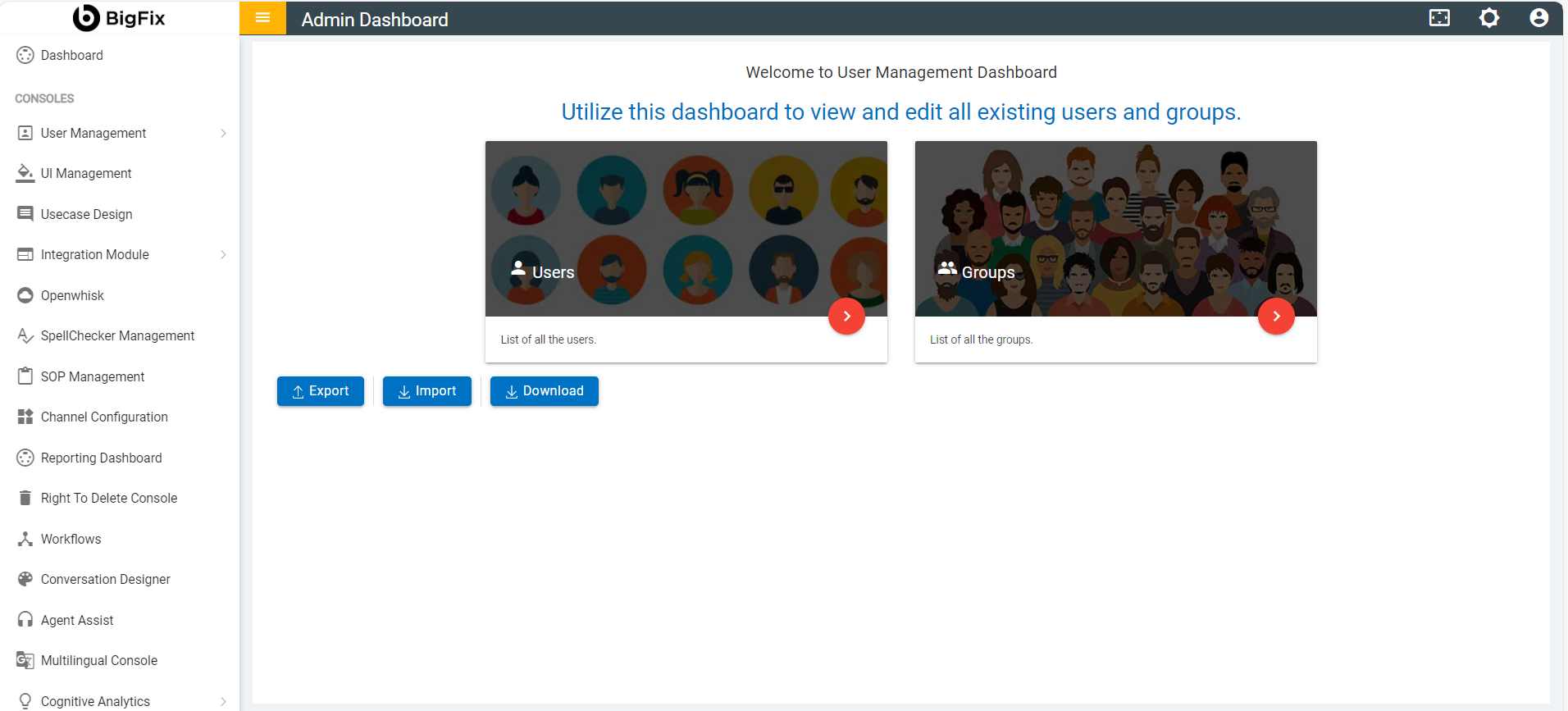
- This redirects you to the User Management Dashboard.
Figure 2. User Management System Dashboard