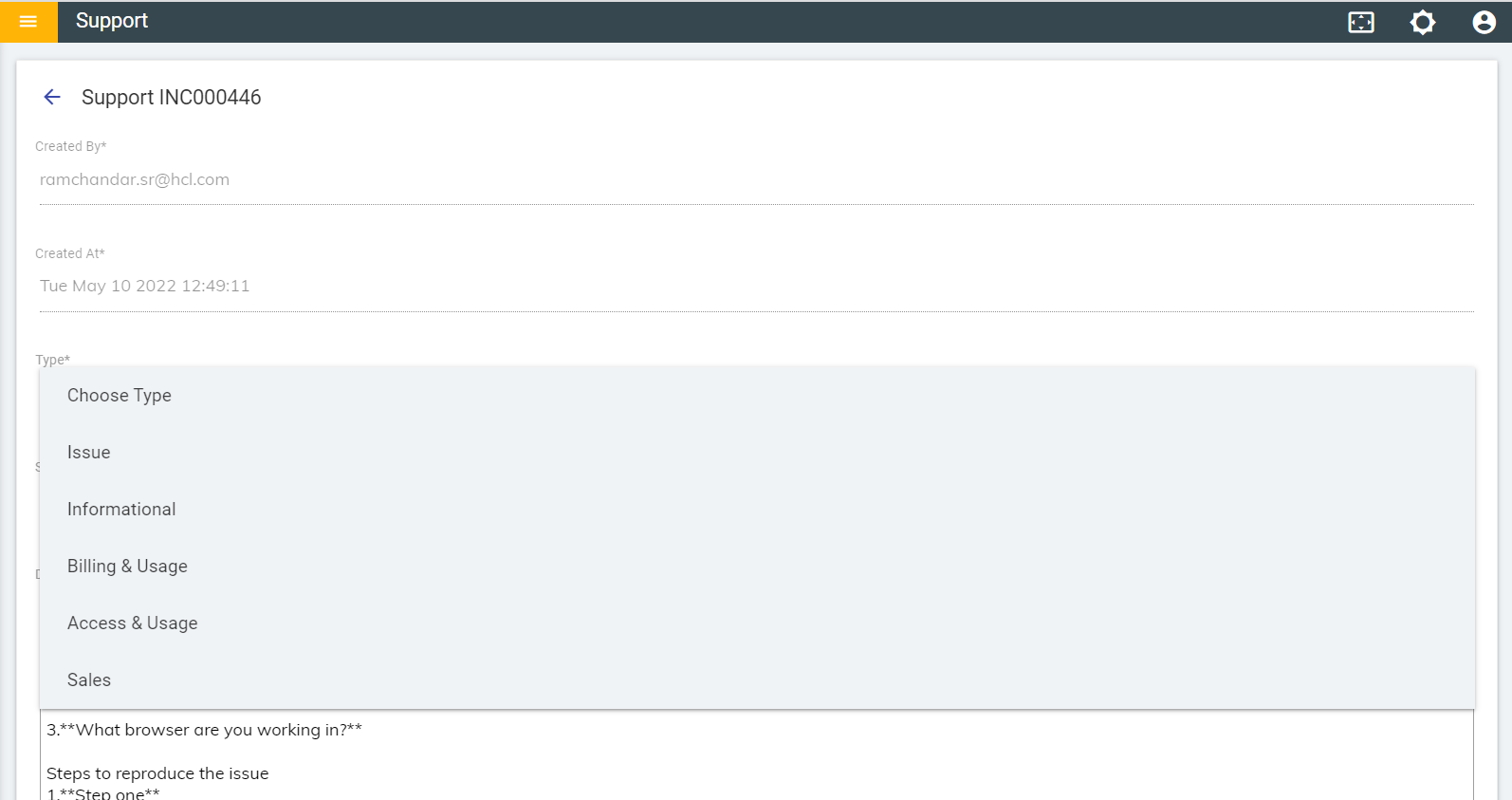
Support Page
The support page is the primary source for all support related activities pending on the product development team. The Support Page provides details of tickets raised for the tenants by the cognitive SMEs for issues, upgrades, feature requests, fixes etc. It provides details like status of tenant and services running on the tenant. It also gives relevant error messages if a tenant is not deployed or if tenant URL is not reachable.
- Login to the BigFix AEX Global Admin Console.
- Click on Requests on the left Navigation Pane.
- The Support page appears. The page lists all the raised tickets.
Figure 1. Support Page 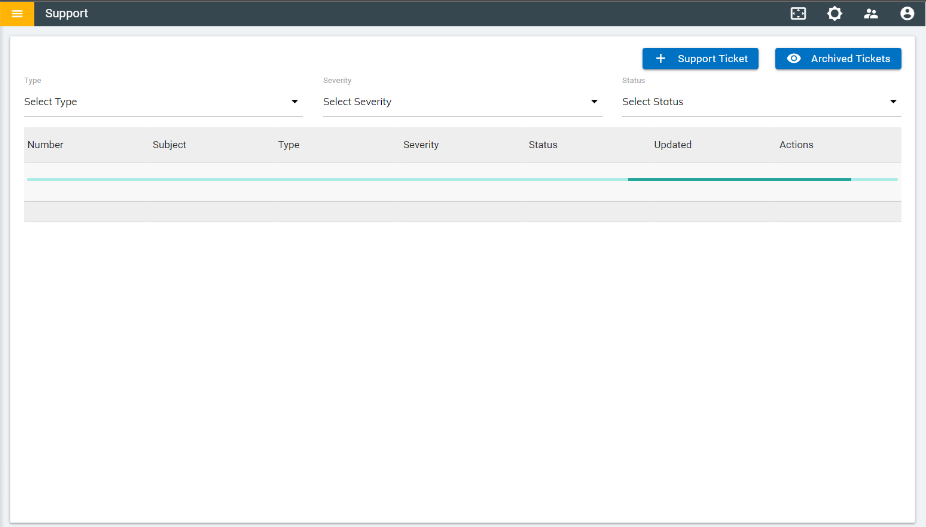
- Users can filter the ticket using the Individual column filtering (dropdown) option on
Support Page. Users can filter the tickets by Type, Severity, and
Status.
Figure 2. Support page – Filters 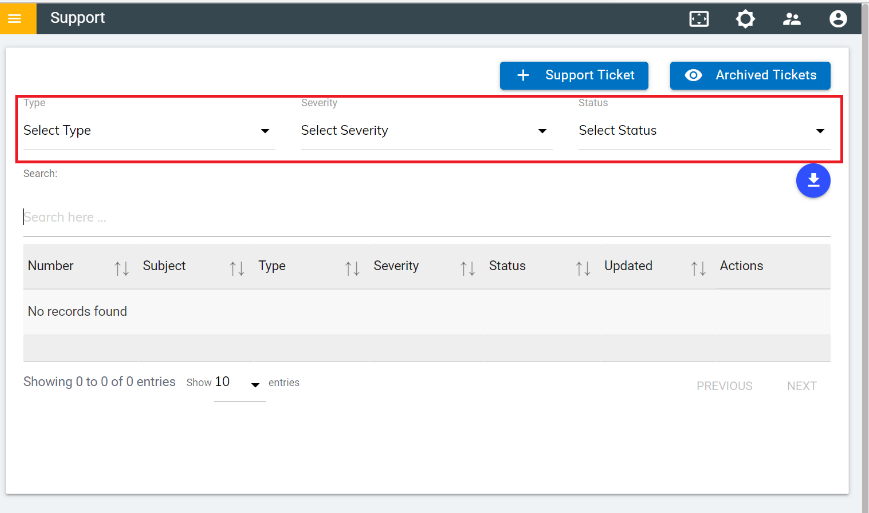
- The Download icon
 allows users to download/export the
ticket list in CSV, Excel and PDF format.
allows users to download/export the
ticket list in CSV, Excel and PDF format. Figure 3. Download/Export Buttons 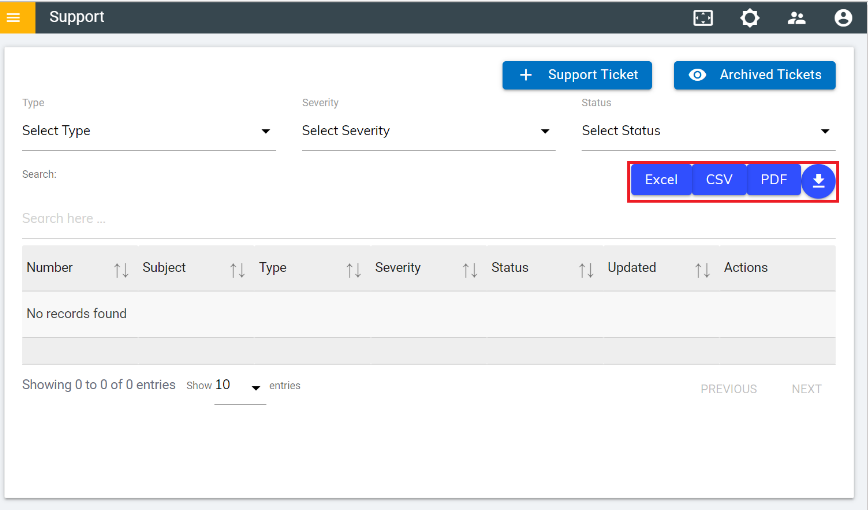
Figure 4. Sample Export – PDF Format 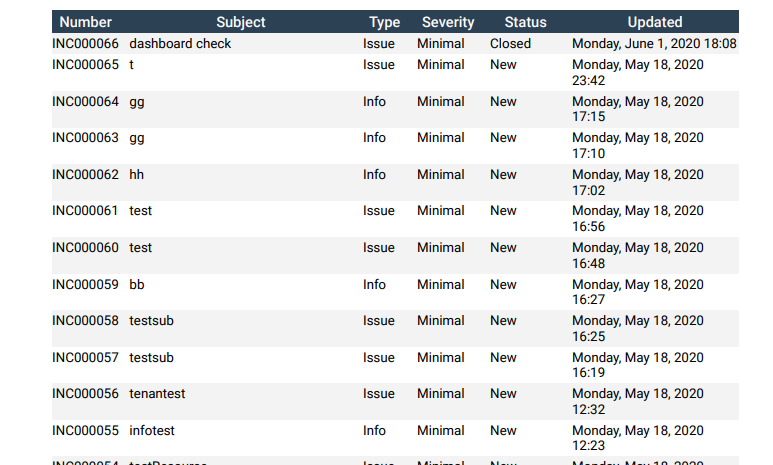
Figure 5. Sample Export – CSV Format 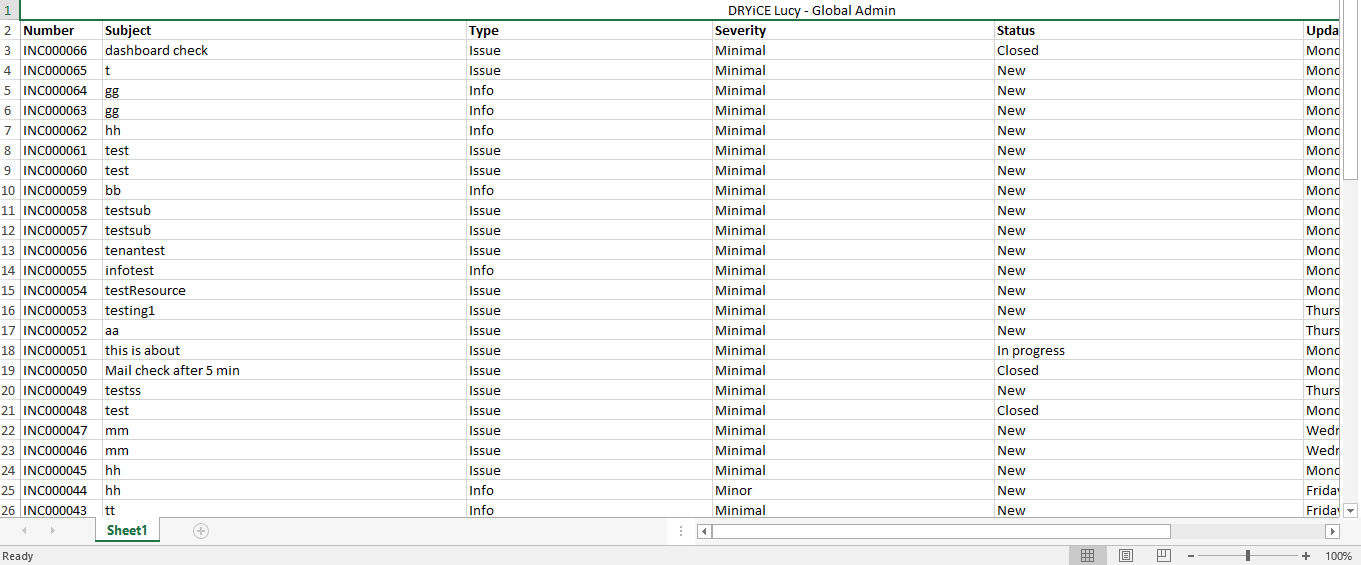
Figure 6. Sample Export – Excel Format 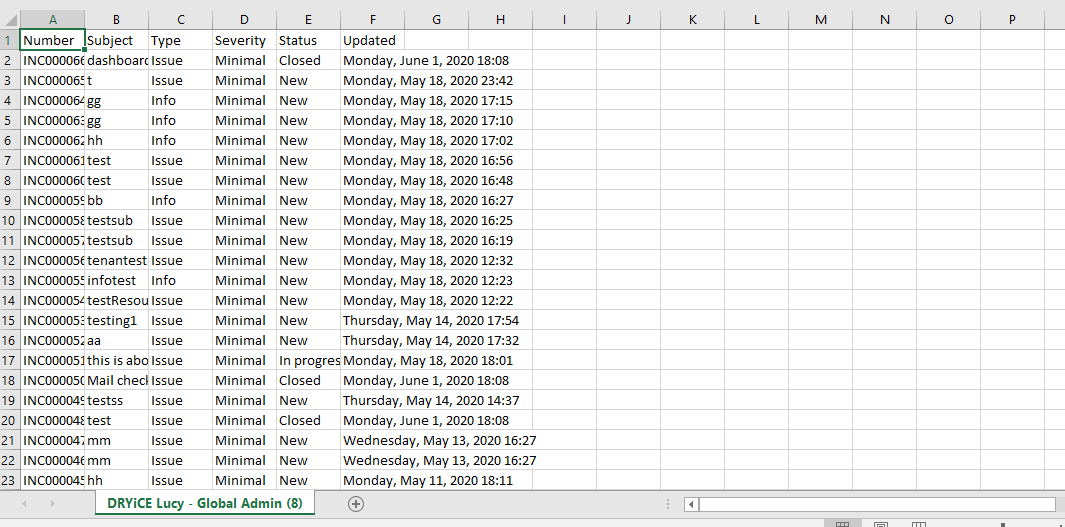
- Users can also view the closed tickets by clicking on Archived Tickets button on
the Support page.
Figure 7. Archived Tickets 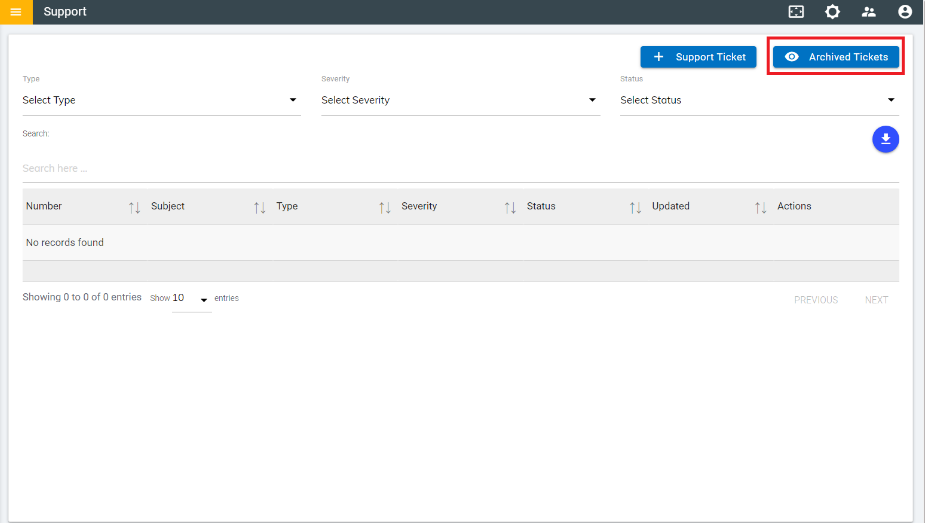
- On the Archived Tickets Page, users can apply filters by Type and
Severity.
Figure 8. Archived Tickets Page - Filters 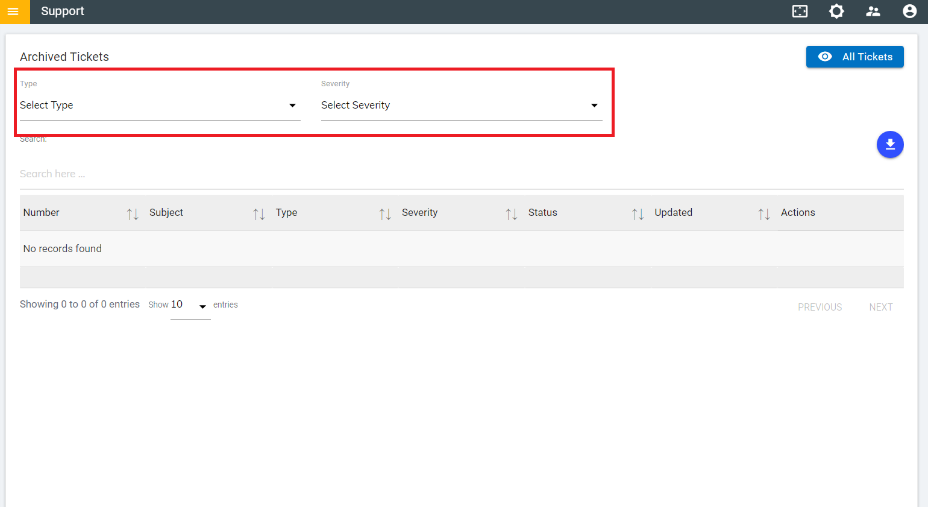
- To go back to the Support page, click All Tickets button.
Figure 9. Archived Tickets Page 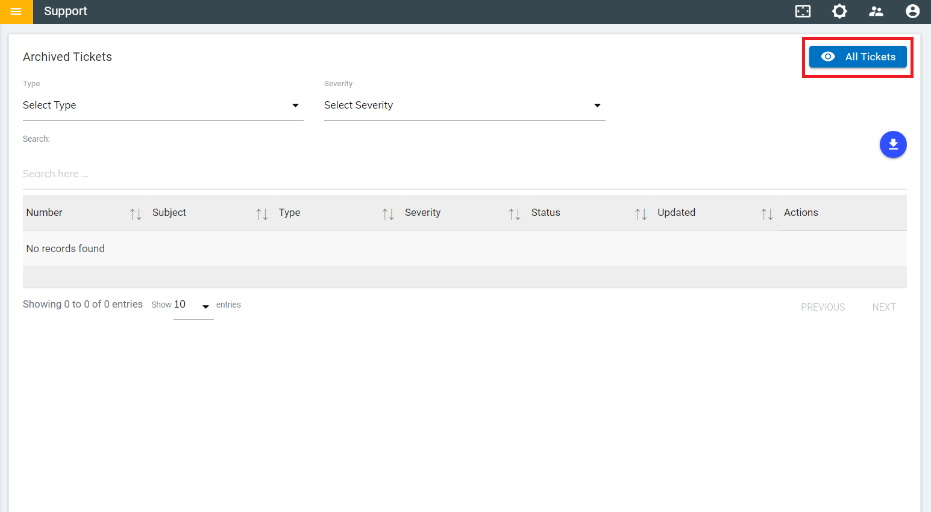
- Users can also view the details of the tickets raised for tenant related issues by
clicking on the view icon
 corresponding to a ticket on the
Ticket Listing page.
corresponding to a ticket on the
Ticket Listing page. Figure 10. Ticket Listing Page 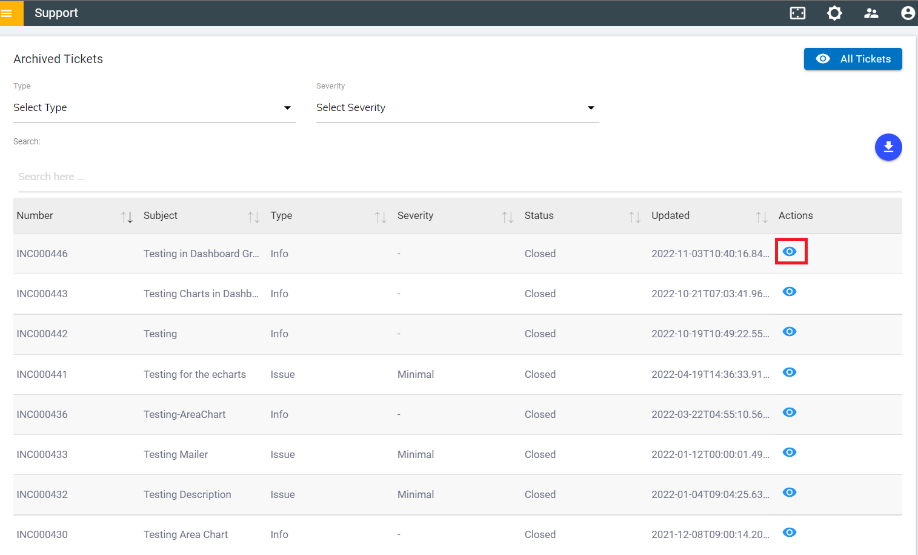
- The Ticket Details page appears as shown in the following figure: