Configuring Libraries
On chat UI V3 page the user will find a “JS Libraries” button after all the features is listed.
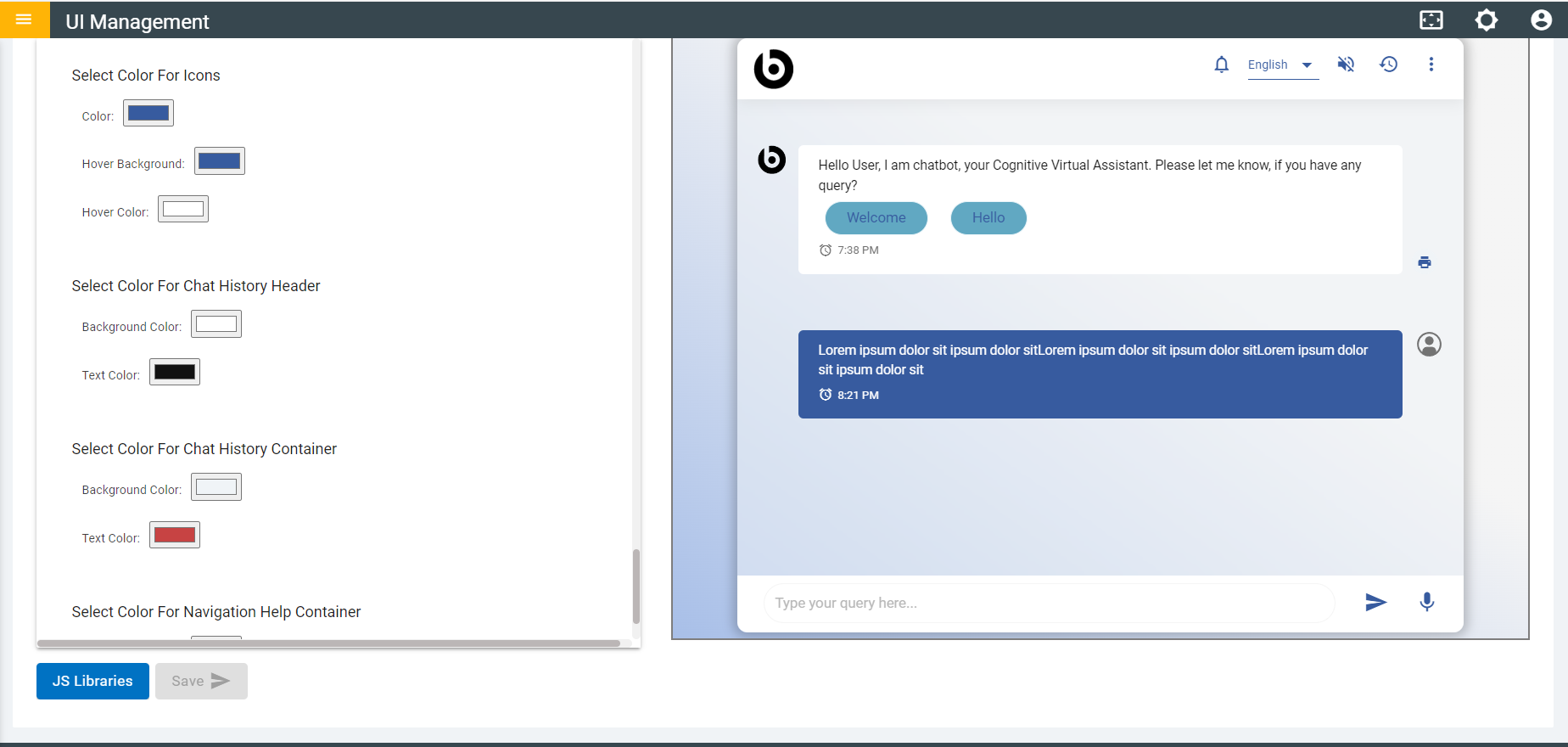
- Click on the JS Libraries button.
- After clicking on the button with user is directed to UI Libraries where all
libraries are listed and are disabled by default.
Figure 2. Chat UI V3 JS Libraries 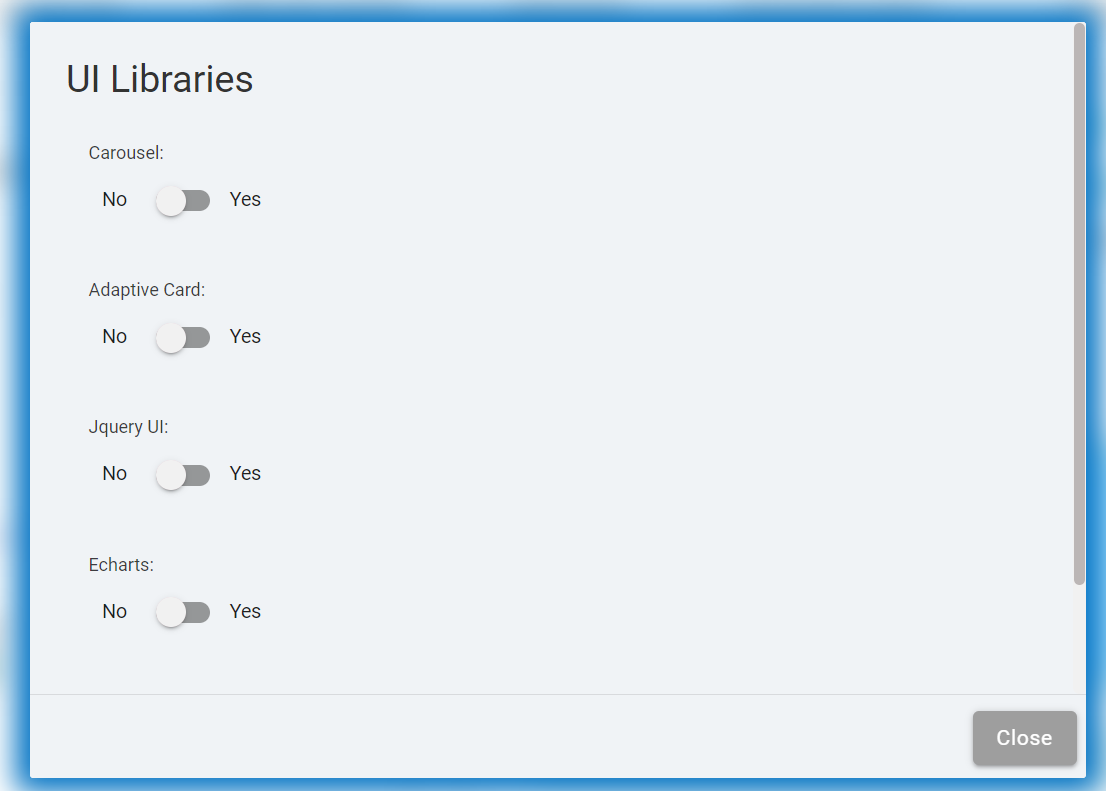
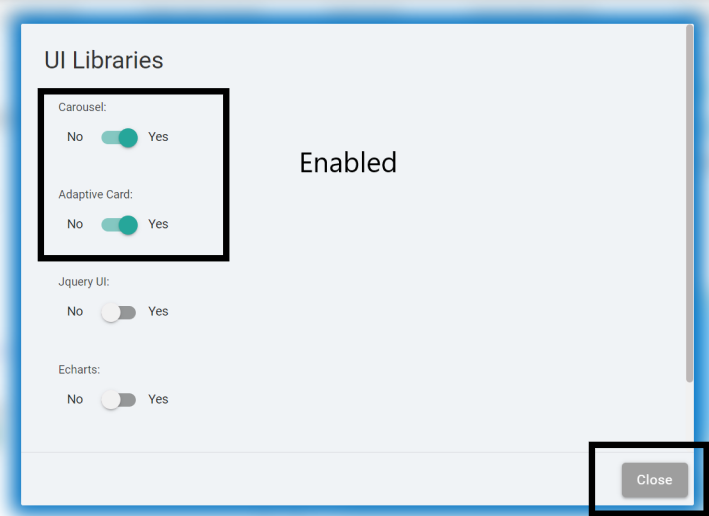
- The user can Enable and Disable libraries based on their usability.
- Click on Close to close the UI Libraries.