Read Only Console
Read only Console is a part of BigFix AEX’s Cognitive Console. This console allows users to access & view tickets on BigFix AEX’s Global Admin Console. Below are the steps for accessing this section.
- Login to Cognitive Console with credentials.
- Click on the Support link on the left side navigation panel which will open
Support Page section.
Figure 1. Side navigation of Cognitive Console 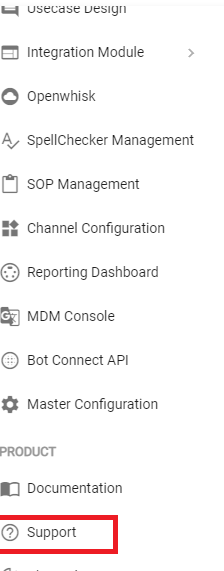
- In this section, you will see all the tickets that have been opened for your tenant.
User can open any ticket by clicking on
 icon under
Actions column which opens a read only view of the ticket details (as shown in image).
icon under
Actions column which opens a read only view of the ticket details (as shown in image). Figure 2. Tickets Read Only View 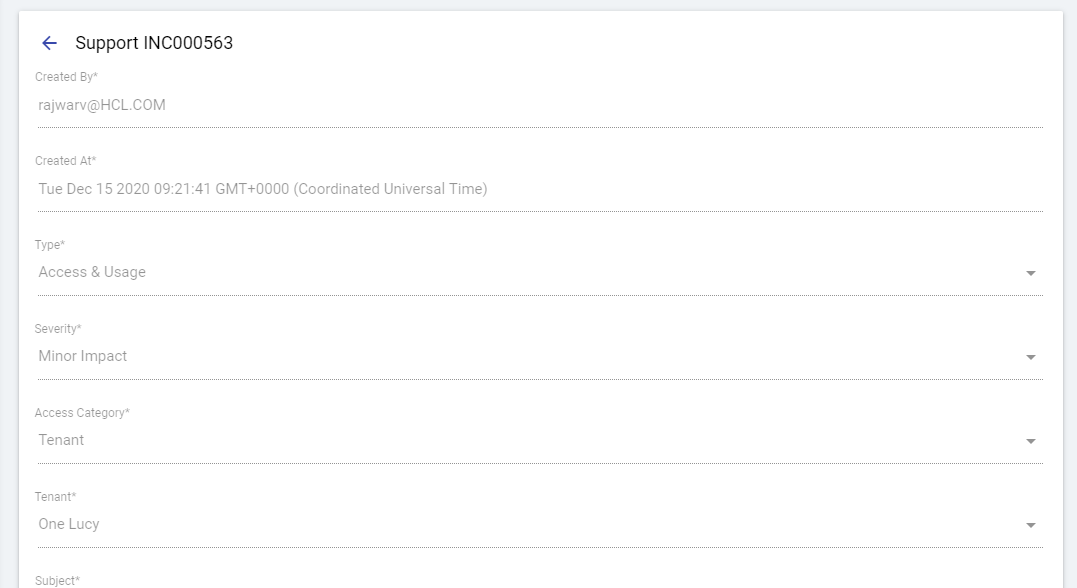
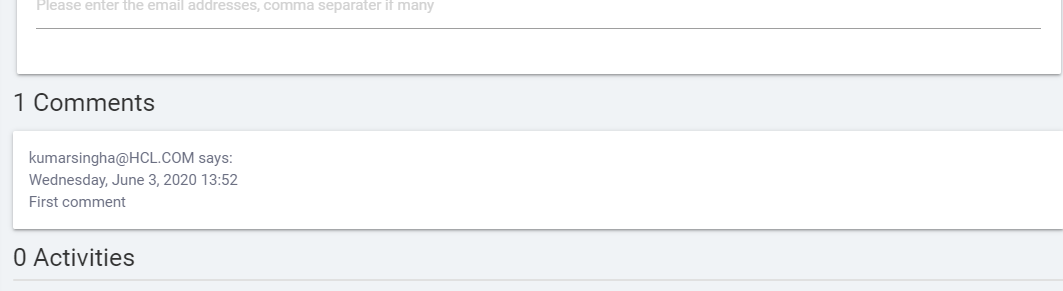
- On the bottom of support ticket, user can also see comments and activities done for the ticket