

Delete devices
You can delete devices from BigFix using either the device list or the device details page. Deleting a device permanently removes it from management.
1. Delete devices from the device list:
- Open Devices and go to Device Explorer – List view.
- Select the check box next to one or more devices.
- Select Select action dropdown.
- Select Delete device(s).
In the confirmation dialog, review the warning message indicating that:
- The device can no longer be managed or remediated.
- The action cannot be undone.
- Ensure to download the list of deleted devices before deleting it.
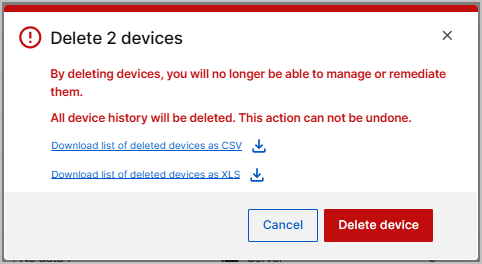
- In the confirmation dialog, select Delete device.
2. Delete a device from the device details page:
- In Device Explorer – List view, select a device name.
- On the device details page, select the Delete (trash) icon.
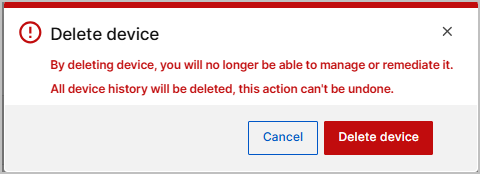
- In the confirmation dialog, select Delete device.
Note:
- Deleting devices is permanent and cannot be undone.
- Deleted devices can no longer be managed or remediated.