Sync Published Policy XML to the WDAC Management Node
Copy a published policy XML file from a deployed custom site folder into the WDAC Management Node working directory, with automatic archival of any existing working folder contents, in preparation for compiling, signing, and publishing the policy.
About this task
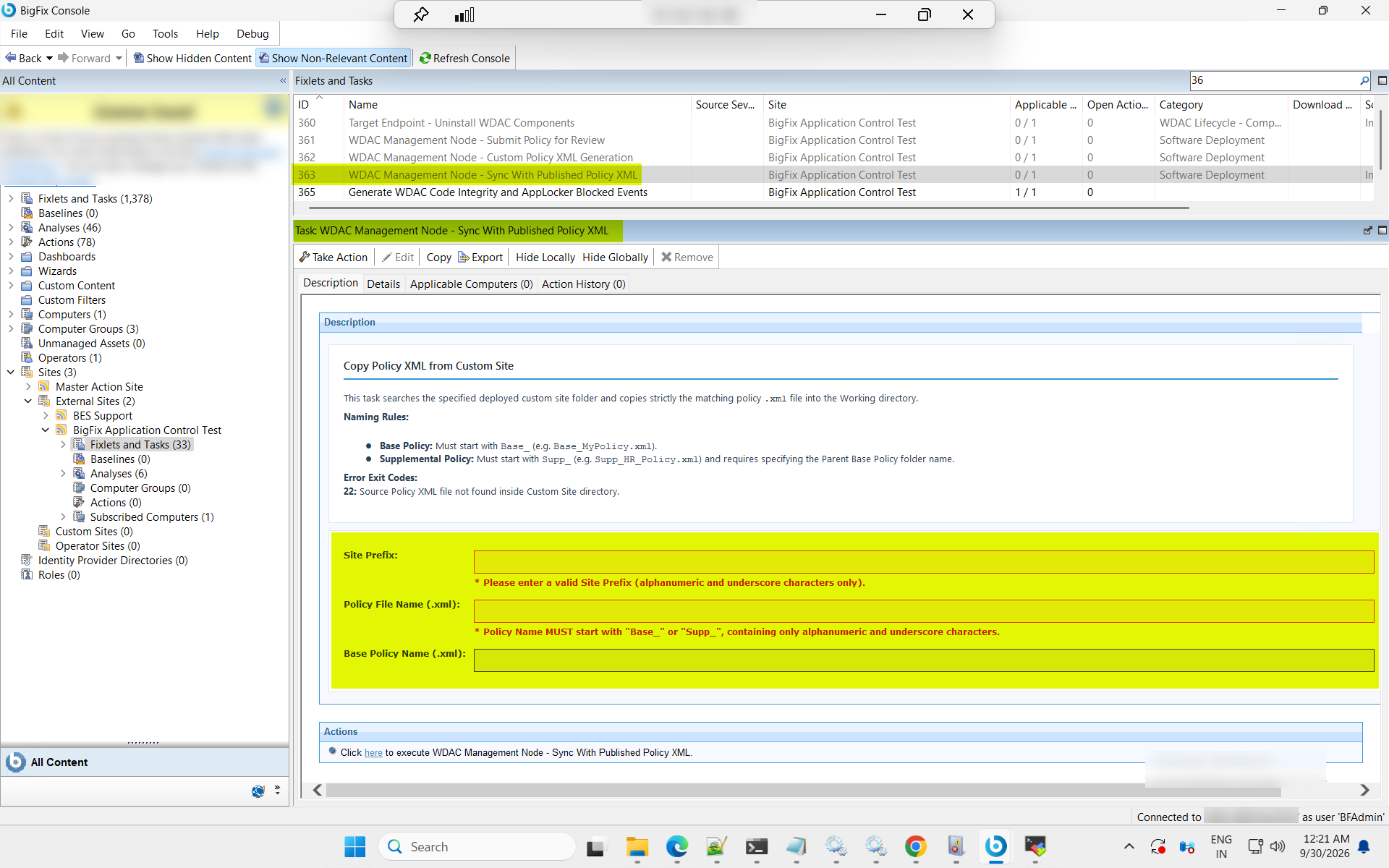
Naming Rules:
- Base Policy: Must start with Base_ (e.g. Base_MyPolicy.xml).
- Supplemental Policy: Must start with Supp_ (e.g. Supp_HR_Policy.xml) and requires specifying the parent base policy folder name.
Refer to the following exit code table for troubleshooting information if the
task fails:
| Exit Code | Description |
|---|---|
| 22 | Source Policy XML file not found inside Custom Site directory. |
Procedure
- In the BigFix® Console, navigate to .
- From the Fixlets and Tasks pane, select Task: WDAC Management Node - Sync With Published Policy XML.
-
From the Task: WDAC Management Node - Sync With Published Policy
XML pane, under Copy Policy XML from Custom
Site, enter the following.
Figure 2. Sync Published Policy XML to the WDAC Management Node (ID 363) — Copy Policy XML from Custom Site Options 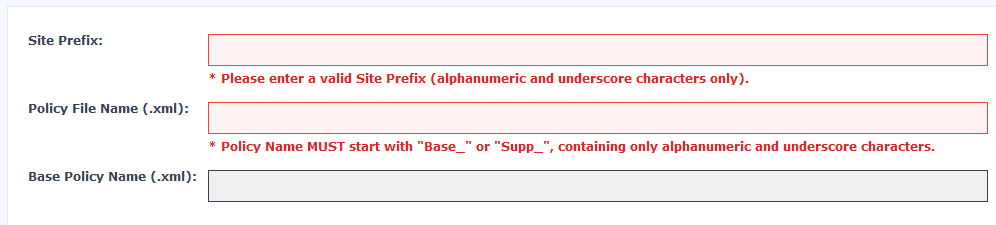
Table 2. Sync Published Policy XML — Copy Policy XML from Custom Site: Field Descriptions Field Name Description Site Prefix The prefix of the deployed custom site from which the policy XML file will be copied. Used to locate the correct custom site folder on the WDAC Management Node. Policy File Name (.xml) The file name of the policy XML to copy into the working directory, including the .xml extension. Must follow the naming rules: Base policies must start with Base_and Supplemental policies must start withSupp_.Base Policy Name (.xml) Required for Supplemental policies only. The file name of the parent Base Policy, used to locate the correct source subdirectory within the custom site folder. - From the Task: WDAC Management Node — Sync With Published Policy XML pane, click the Applicable Computers(n) tab and view the endpoints on which you want to run the task.
- Select the Take Actions tab and select the endpoints on which you want to apply this installer task.
- Click OK.
Results
The specified policy XML file is copied from the deployed custom site folder into the WDAC Management Node working directory. Any pre-existing working folder contents are automatically archived before the copy completes. The policy XML is now available in the working directory for the next step in the policy lifecycle.
- To compile, sign, and publish the synced policy, run the Compile, Sign, and Publish WDAC Policies task (Task ID 355) on the WDAC Management Node.
- If the task fails, refer to the exit code table in the task context for troubleshooting: exit code 22 indicates the source XML was not found in the specified custom site folder; exit code 24 indicates the working folder archive backup failed.