Submit an existing WDAC XML policy file from the WDAC Management Node to BigFix® for policy review by archiving and uploading the specified XML
file from the <BES Client Installation
Path>\BFAC\BAC_MGMT\Policies\Working directory. Base policy XML files must
reside directly in the Working directory; supplemental policy XML files must reside in their
parent base policy subdirectory under Working. Enter the Policy File
Name with or without the .xml extension to identify
which policy to submit.
About this task
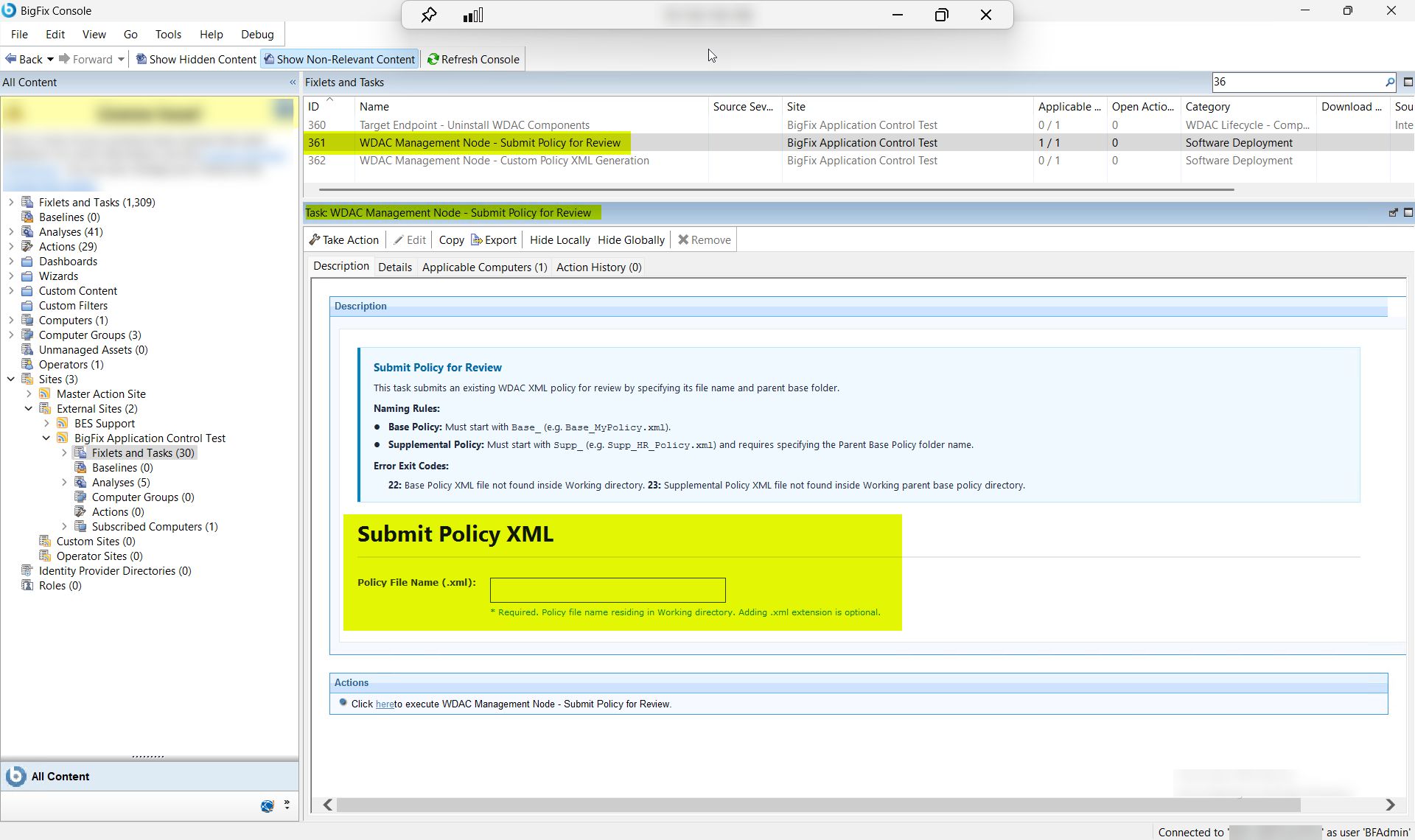
This task (ID 361) submits an existing WDAC
XML policy to BigFix for review by archiving and uploading the specified XML file
directly from the endpoint.
The task has the following requirements and instructions
for the review activity:
Policy Location: The target XML file must reside in <BES
Client Installation
Path>\BFAC\BAC_MGMT\Policies\Working.
Policy Name Input: Enter only the file name (e.g.
MyPolicy or MyPolicy.xml).
Specifying the .xml extension is optional.
Refer to the table below to know more about the task's exit code.
Base Policy XML file not found inside Working
directory.
23
Supplemental Policy XML file not found inside Working parent
base policy directory.
Figure 1. BigFix Console — Submit Policy for Review Task (ID 361) Overview
Procedure
In the BigFix Console, navigate to All Content > BigFix Application Control > Fixlets and Tasks.
From the Fixlets and Tasks pane, select Task:
Submit Policy for Review.
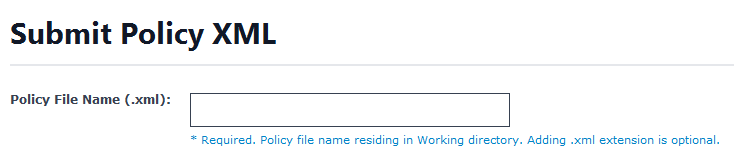
From the Task: Submit Policy for Review pane, under
Submit Policy XML, enter the following.
Figure 2. Submit Policy for Review — Submit Policy XML: Policy File Name
Configuration
Table 2. Submit Policy for Review — Configuration Options Field
Descriptions
Field Name
Description
Policy File Name (.xml)
The file name of the WDAC XML policy to
archive and upload for review. Base policy XML files must
reside directly in
BFAC\BAC_MGMT\Policies\Working;
supplemental policy XML files must reside in a subdirectory
named after the parent base policy (for example,
BFAC\BAC_MGMT\Policies\Working\Base_CorpPolicy\Supp_Finance.xml).
Enter the file name only — do not include the directory
path. The .xml extension is optional.
If the policy file is not found in the expected location,
the task exits with code 22 (base policy) or 23
(supplemental policy).
From the Task: Submit Policy for Review pane, click the
Applicable Computers(n) tab and view the endpoints on
which you want to run the task.
Select the Take Actions tab and select the endpoints on
which you want to apply this task.
Click OK.
Results
A successful execution of this task produces the following outcomes on the WDAC
Management Node:
Policy XML file archived: The specified WDAC XML policy file is located
in the BFAC\BAC_MGMT\Policies\Working directory (or its
parent base policy subdirectory for supplemental policies), archived, and
prepared for upload.
Policy XML uploaded to BigFix: The archived policy XML file is uploaded
directly from the WDAC Management Node to BigFix®. The
policy is now available for review within the BigFix®
Application Control policy review workflow.
Policy available for review and refinement: Reviewers can examine the
submitted XML policy definition alongside audit-mode blocked-application event
data collected by Task ID 357 on target endpoints. The review process informs
whether the policy rules require refinement before transitioning to enforcement
mode.
Tip:
If the task exits with code 22 or 23, verify that
the policy XML file exists in the correct Working directory location before
re-running. Base policy files must be directly in
BAC_MGMT\Policies\Working; supplemental policy files must
be in a subdirectory named after their parent base policy.