Service Hierarchy
HCL IEM provides a service hierarchy view to for service corresponding to which actionable got created. This enables operators to understand what other services can be impacted on due to this. Please follow the steps below to access service hierarchy tab:
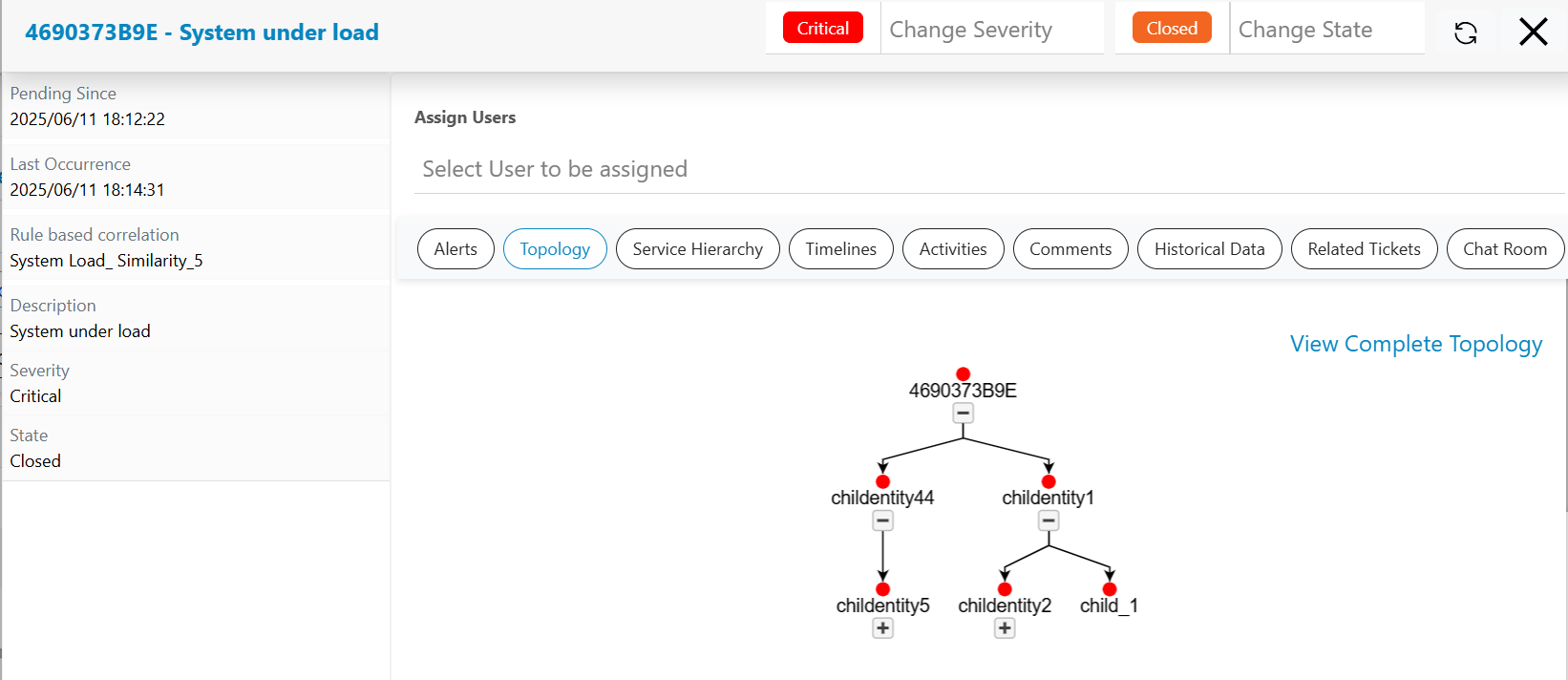
- Click on a particular actionable on Data View-Actionable screen, a pop-up window will open up that will show all information like related alerts, related changes, related problems, timeline view, topology view, service topology view etc.
- Click on the Service Hierarchy tab present in the actionable popup.
- Service Hierarchy provides visualization of services relationships along with their impact based on current events in system.
- Impacted services can be highlighted as per configured color codes and level of
impact.
Figure 1. Service Hierarchy