
Chat Bot
The steps involved in initiating a chat with a particular user over the chat window are given as follows:
HCL IEM enables collaboration amongst team members via chat room functionality. It also provides integration with HCL AEX, in case the operator wants to fetch some information related to actionable over which user is working on:
- Click on a particular actionable on Data View-Actionable screen, then go to pop up open for the actionable.
- Click on the chat icon present over the header of the actionable popup.
- Actionable title resembling issue description is mentioned over the chat window. The user
can initiate chat with the invited user as shown.
Figure 1. Chat Bot 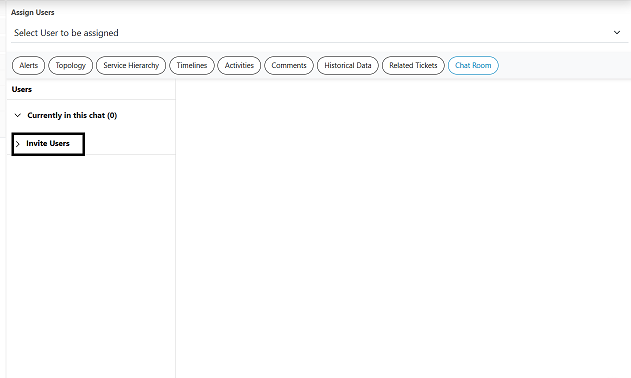
- After Click on + Invite User, user can select the user from drop-down shown below.
Figure 2. Invite User 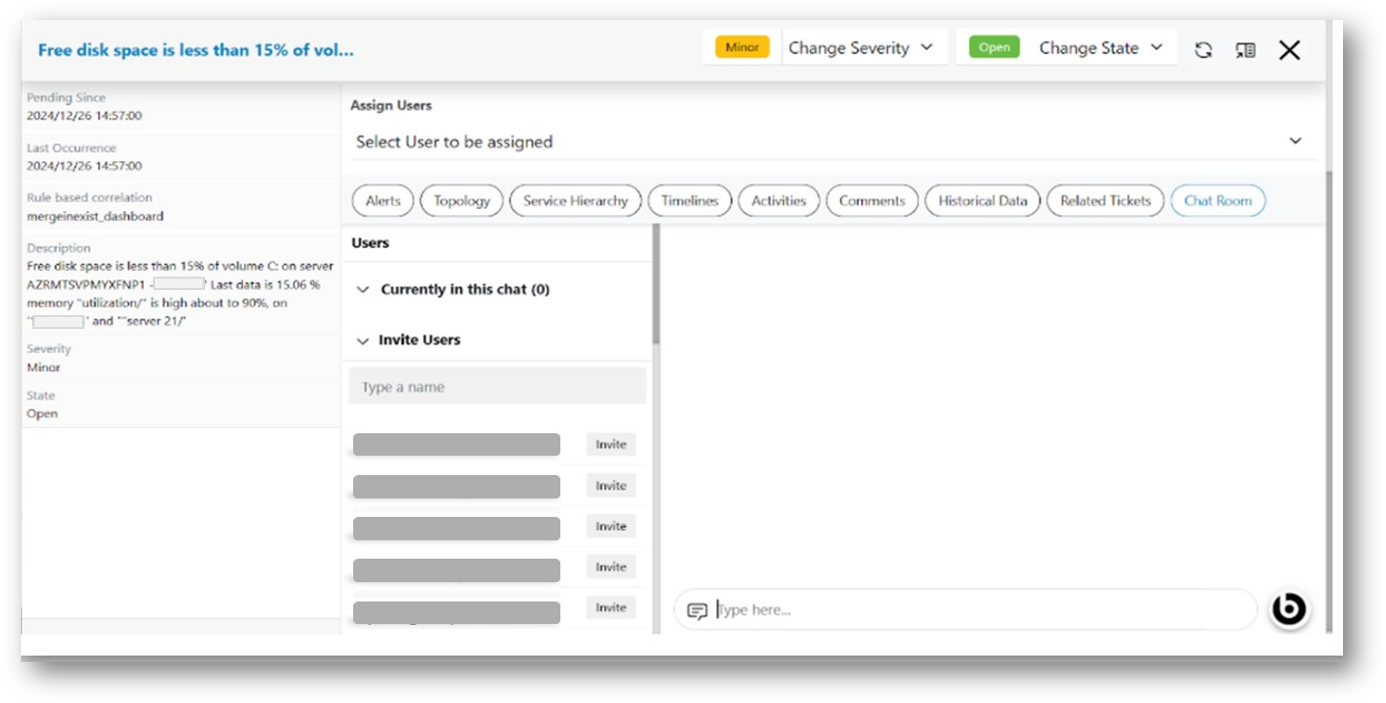
- After the successful invitation, confirmation message will be displayed.