
Create Ticket
HCL IEM enables operators to create tickets if not created automatically as part of configured correlation rule. Please take steps to create a ticket for an actionable in HCL IEM.
- Click on a particular actionable on Data View-Actionable screen, then go to pop up open for the actionable.
- Click on the + create ticket icon present in the actionable popup.
Only operators with relevant roles would be able to create tickets in SNOW.
Figure 1. Create Ticket 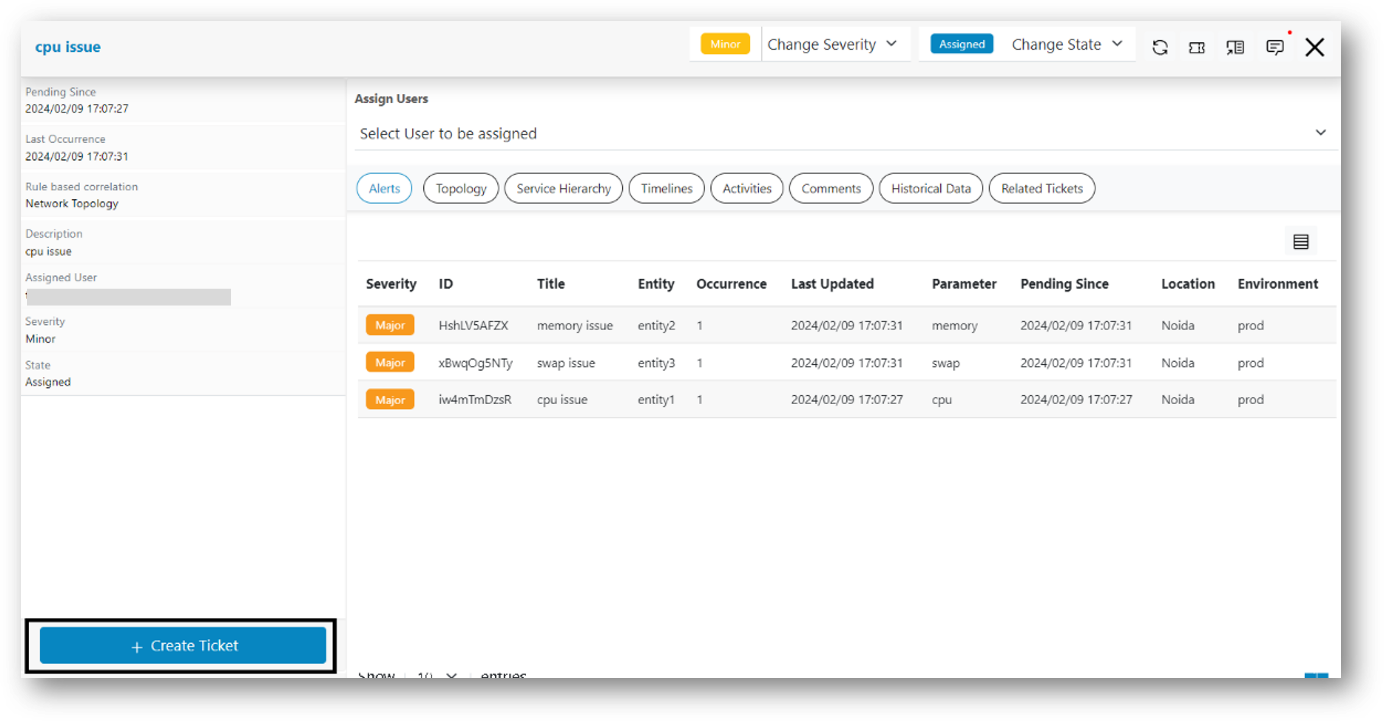
- A confirmation pop up message appears on the screen.
Figure 2. Create Ticket Confirmation 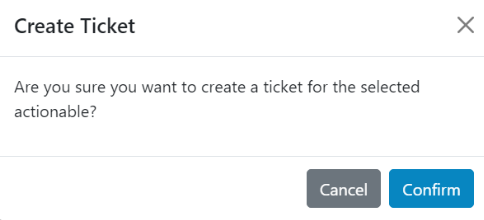
- Users can Create Ticket to an actionable by clicking on the confirm button.