Metrices
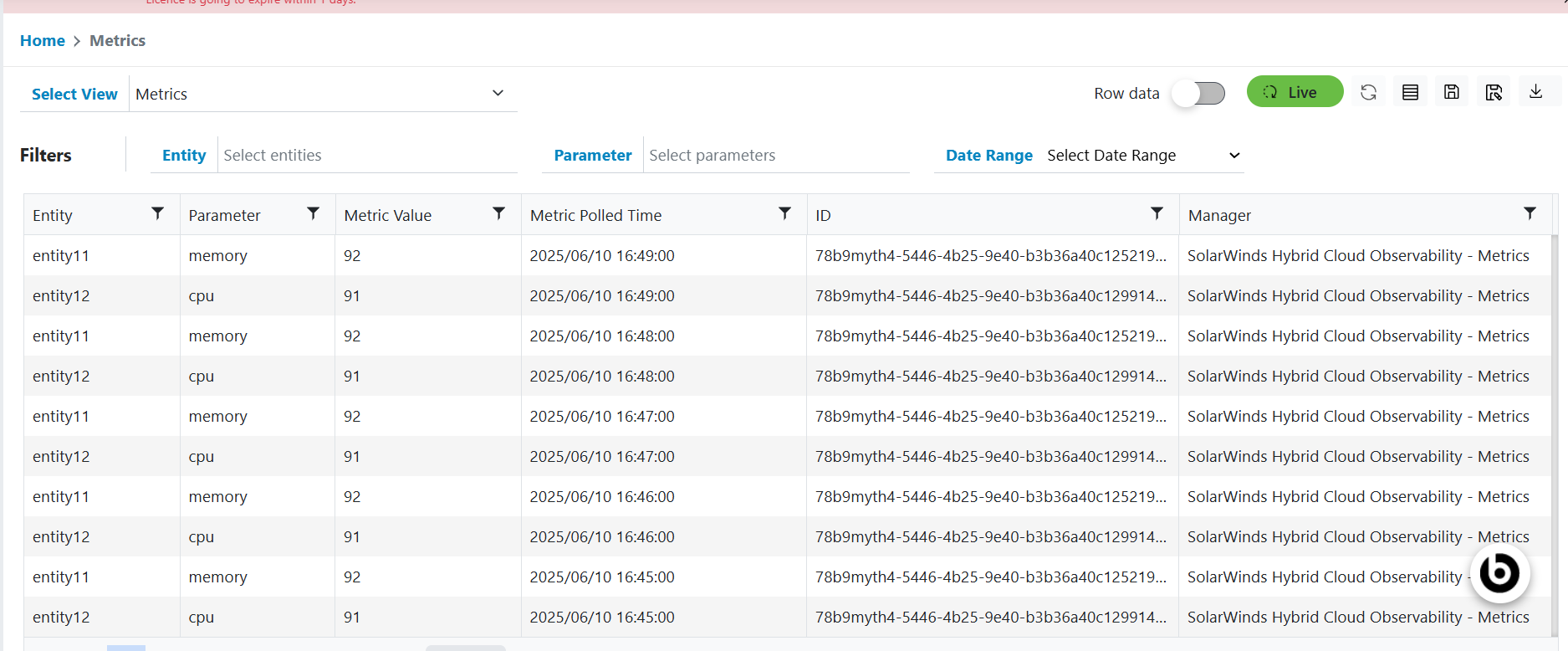
Metrics includes a grid which contains all metrics data that is coming to the system. It includes the metrics data which has specific metric value and from which the anomaly metric data, All Metric data will be displayed under Metric view only. But Anomaly metric data will be displayed under All events, events, alerts and Anomaly metric view. If any correlation rule exists and it’s satisfying the anomaly data, then it will create Actionable for the anomaly data.
Please follow the steps below to view Metrics data:
- In the top navigation bar, click on Data View and click on Metrics.
- Metrics data will be displayed for the customer to which the user is part of.
Figure 1. Metrices