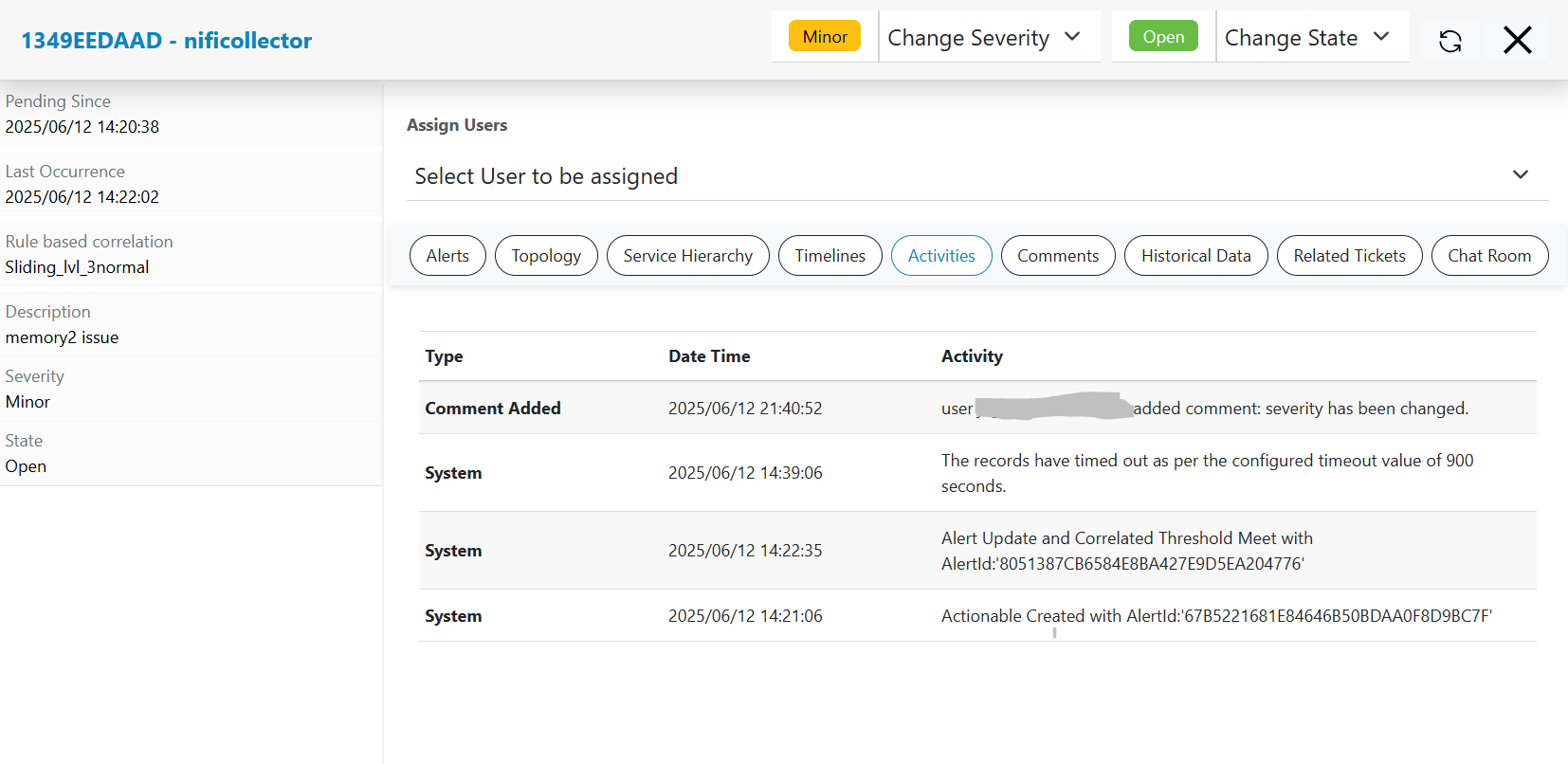
Activities
HCL IEM records list of activities systems or user has performed while analyzing events, alerts and actionable. Please follow the steps below to list out activities:
- Click on a particular actionable on Data View-Actionable screen, a pop-up window will open that will show all information like related alerts, related changes, related problems, timeline view, topology view, service topology view etc.
- Click on the Activities header present in the actionable popup.
- Detailed view of changes in the logs for that actionable and its related activities will be visible as shown.
- Search tab is present to specifically search for a log present in the activity view.
Figure 1. Activities