All Events View
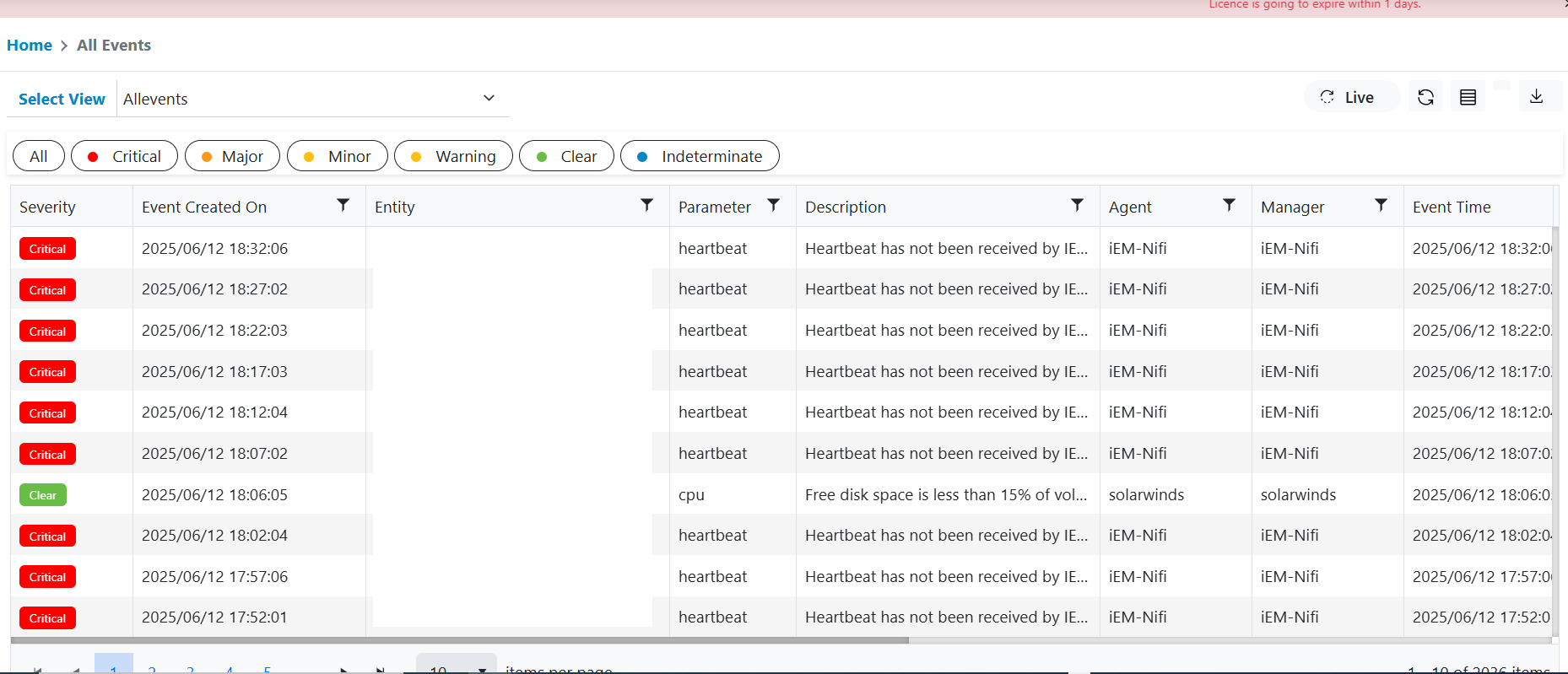
All Events View includes a grid which contains all events data that is coming to the system. It includes noise events as well as non-noise events.
Please follow below steps to view All Events data:
- In the top navigation bar, click on Data View and click on All Events.
- All Events data will be displayed for the customer to which user is part of.
Figure 1. All Events View