
Login to HCL IEM
To login to the system, perform the following steps:
- Launch a user browser and provide HCL IEM User Portal URL. The HCLIEM Login Page appears.
Figure 1. HCL IEM Login Page 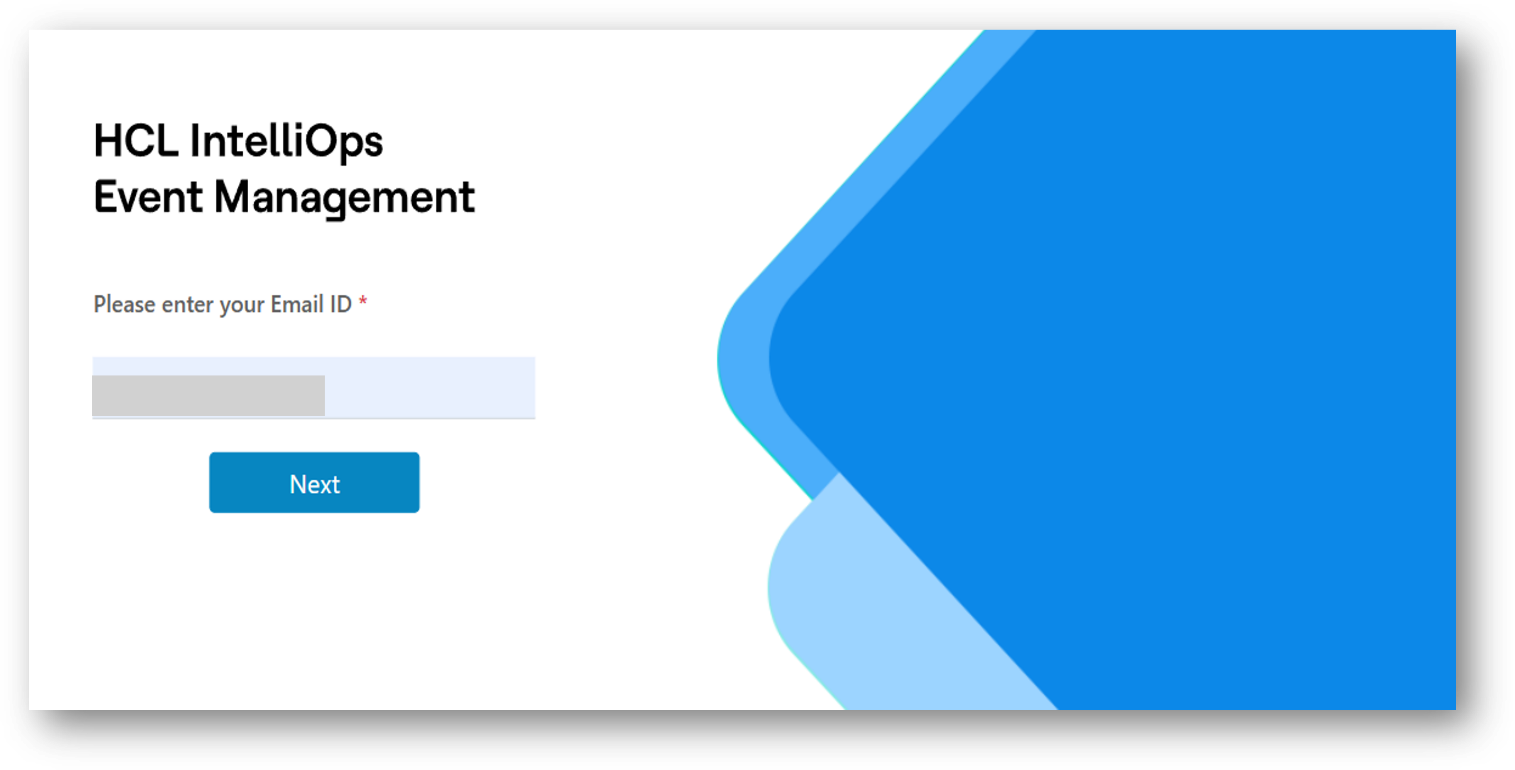
- On the HCL IEM Login Page, type the Login ID. The user is redirected to the Password page,
if user is associated with multiple customers then the user can select the customer from the
dropdown.
Figure 2. Login Authentication 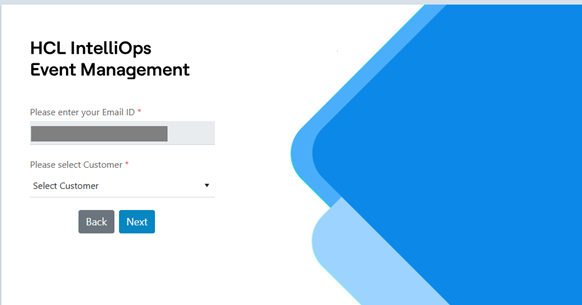
Figure 3. Login Authentication(Cont.) 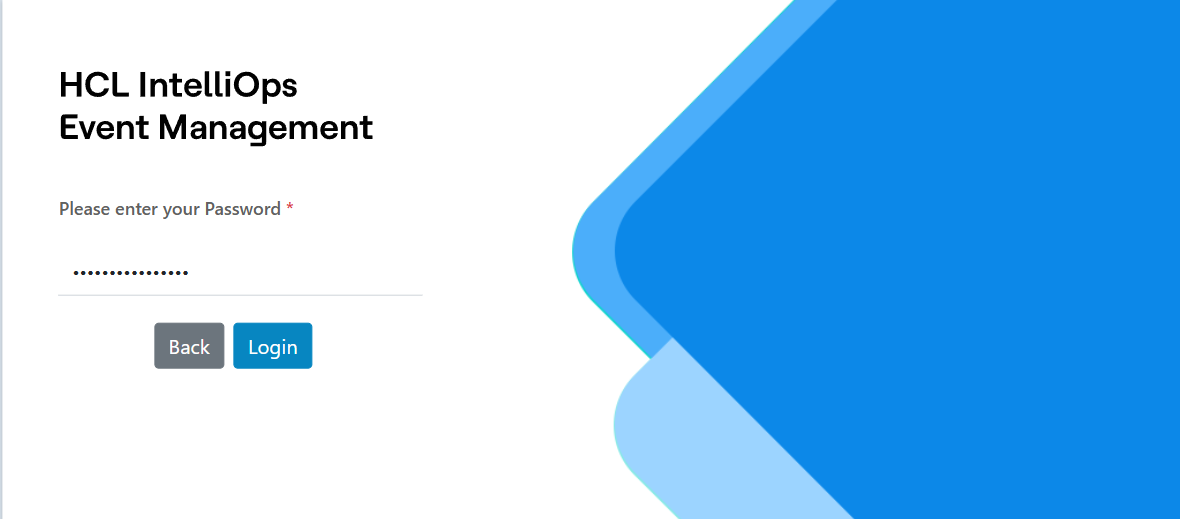
- Enter the Password and click on Login.
- The HCL IEM home page dashboard appears. This Home page is the landing page of IEM.
Figure 4. User Profile Enhancement 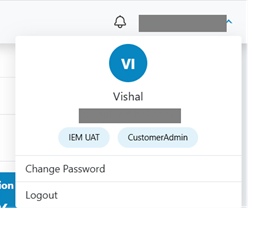 User can change the password on click Change Password
Figure 5. User Profile Enhancement Password Change 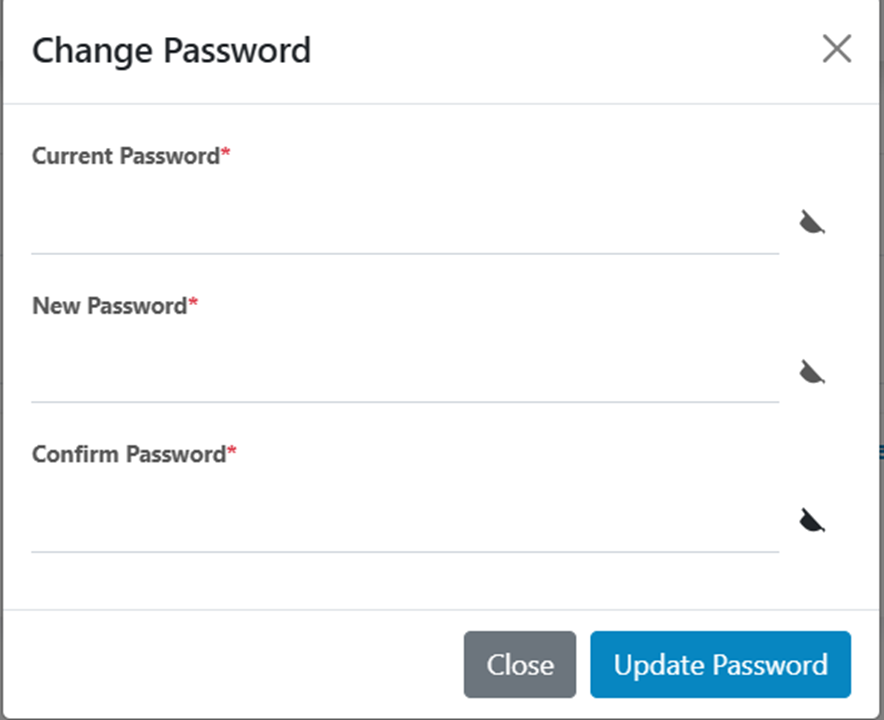
Figure 6. Home Page Dashboard 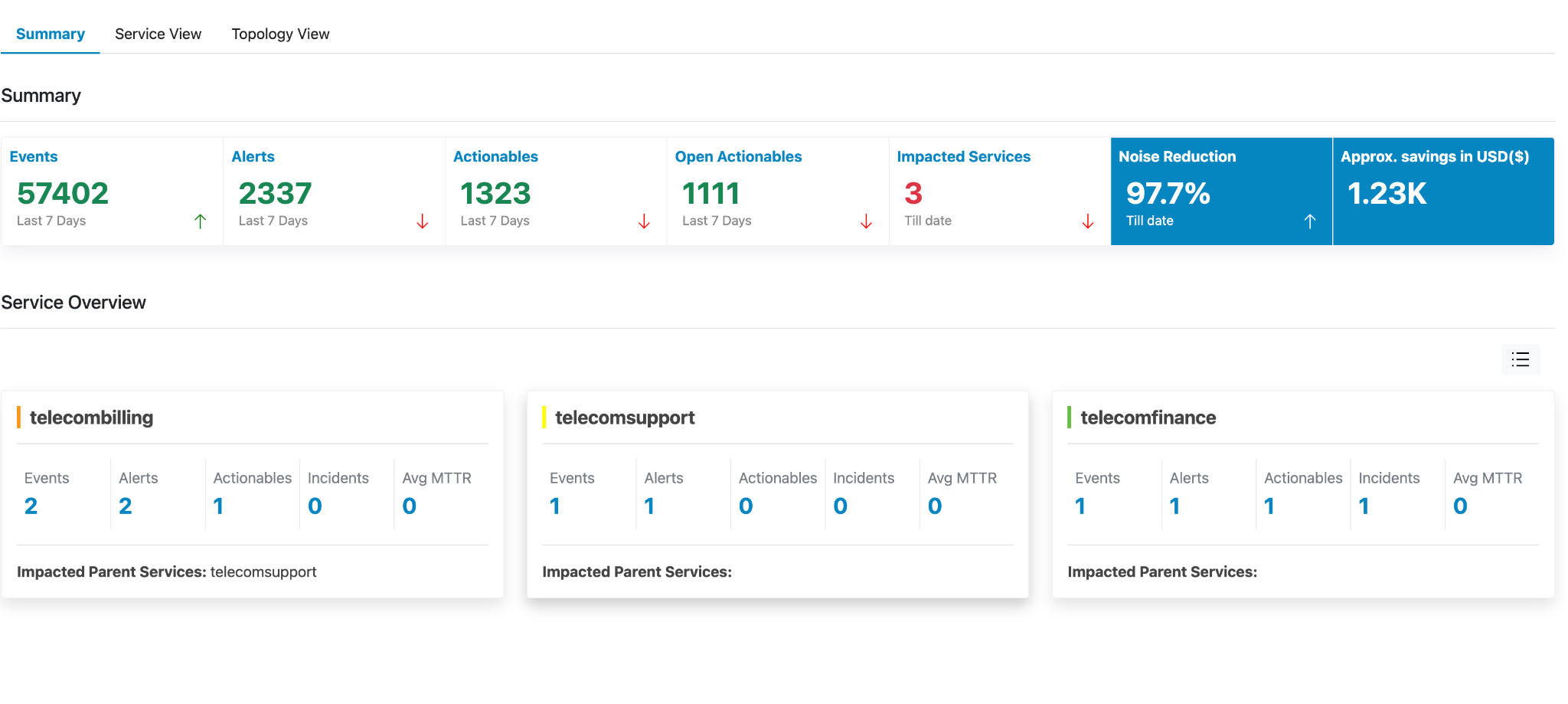
- Home Screen shows the following different views to the users:
Summary Overview and Service Overview card club to form a dashboard to show the numbers that user can view to create an overall perspective of the system configured.